Every booking has a client, and it might have contacts. They serve different roles — understanding the difference helps you set up bookings correctly and communicate with the right people.
Clients
The client is the person responsible for the booking — usually the one requesting your services and handling payment. They get a user account in Check Cherry and can log into the client portal to view booking details, sign contracts, make payments, and fill out questionnaires.
The first client listed is who the contract goes to for signing and who the invoice is made out to (though you can edit invoice details without changing the client).
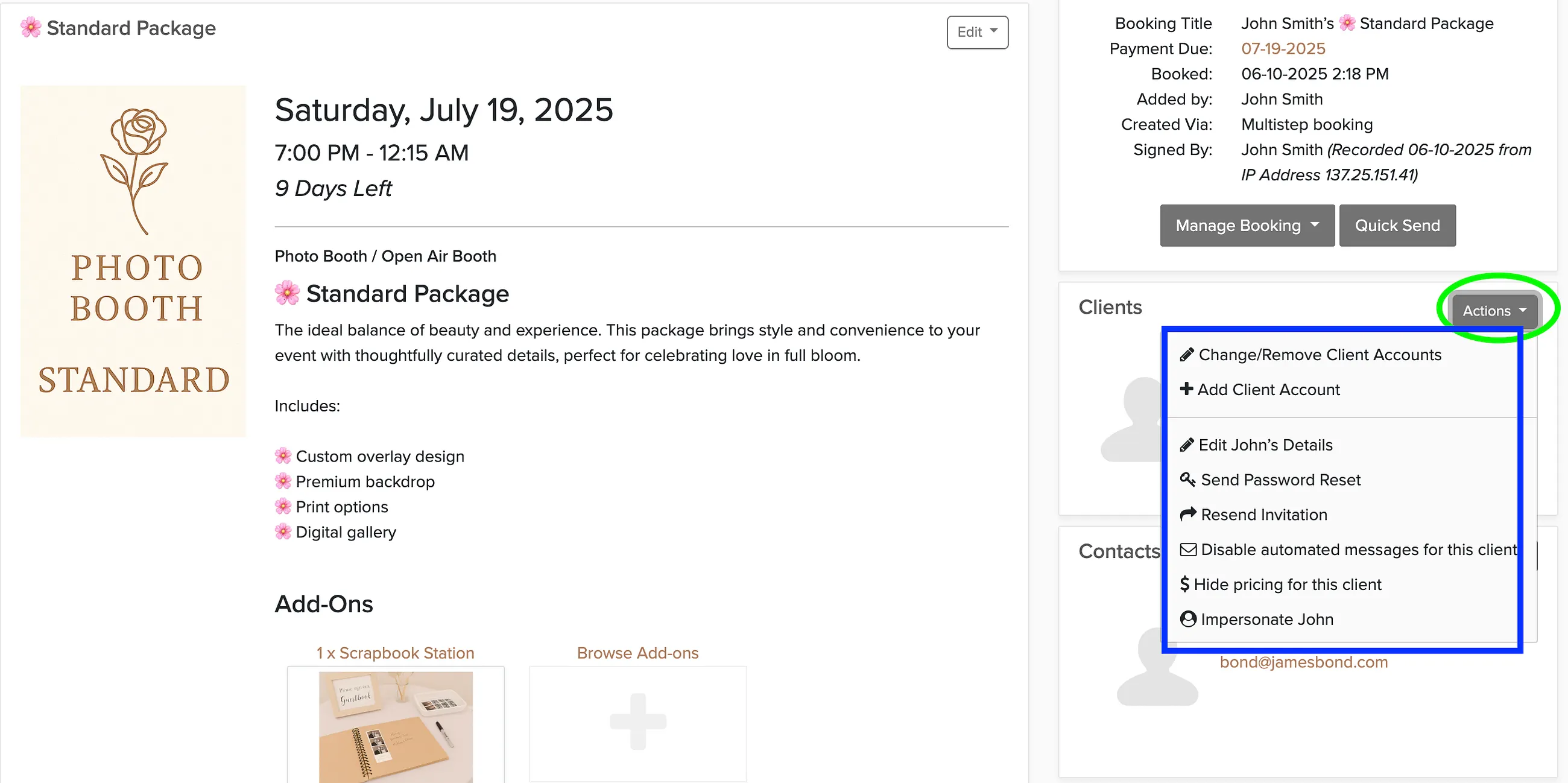
From the booking page, you have several options for managing client accounts:
- Disable automated messages for this client
- Resend invitation to customer portal
- Hide pricing for this client
- Edit client details
- Reset password
- Impersonate this client
Contacts
Contacts are additional people associated with a booking — like a wedding planner, corporate event coordinator, or family member who should be kept in the loop. They can receive emails and SMS messages through Check Cherry, but they cannot log in.
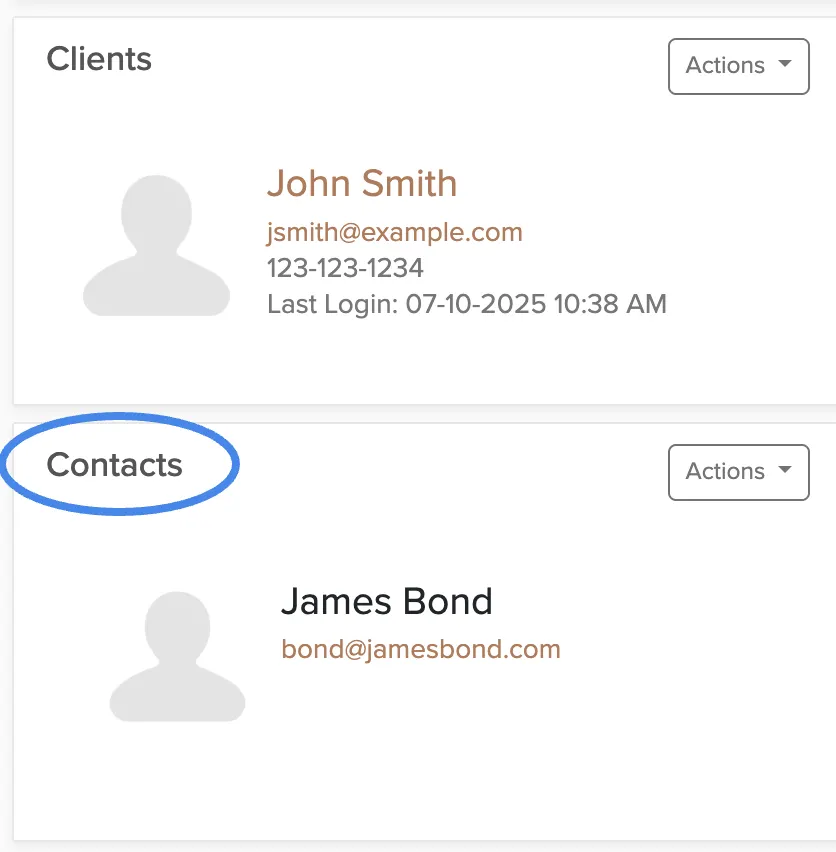
The only action you can take on a contact is to disable automated messaging if they don't want to receive updates.