If you work with staff or subcontractors, you'll need to collect documents like W-9s, insurance certificates, or signed agreements. Rather than juggling email attachments or folder systems, you can store these files directly on user accounts where they're easy to find when tax season rolls around or a client asks for proof of insurance.
Adding documents to a user account
Manage → User Accounts
Find the user and click their name.
Click Edit User.
In the Attachments section, upload your files.
Click Save.
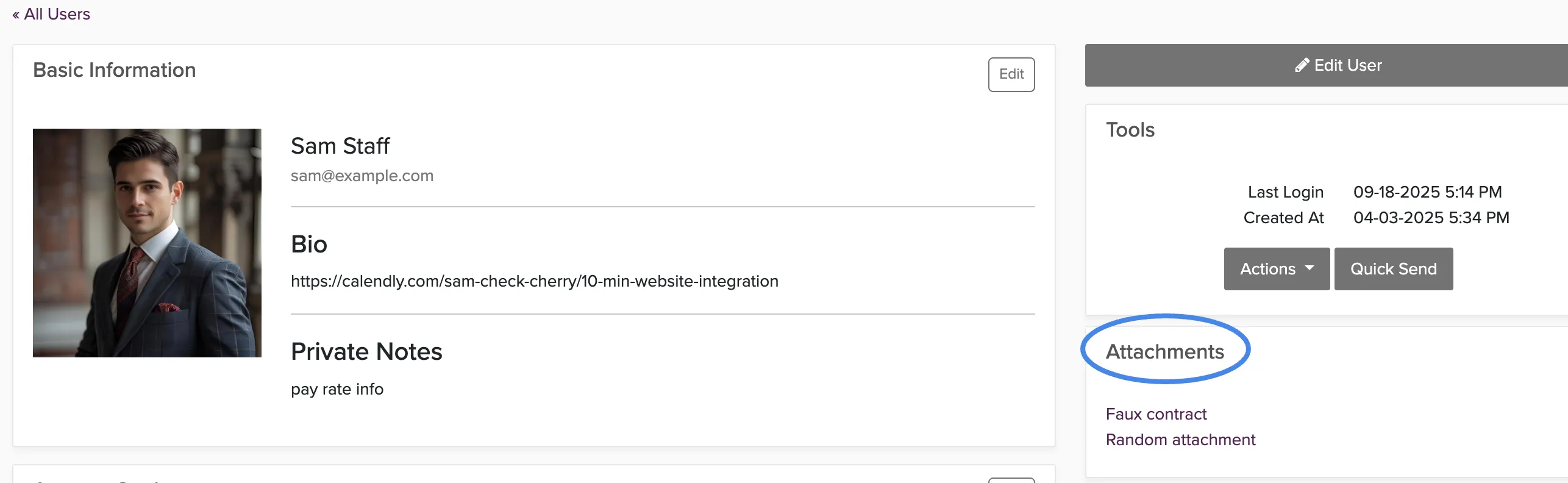
Most businesses keep W-9s for all contractors and insurance certificates for staff who work events directly. Having these attached to user accounts means you can find them instantly instead of searching through email or file folders.
How clients access their documents
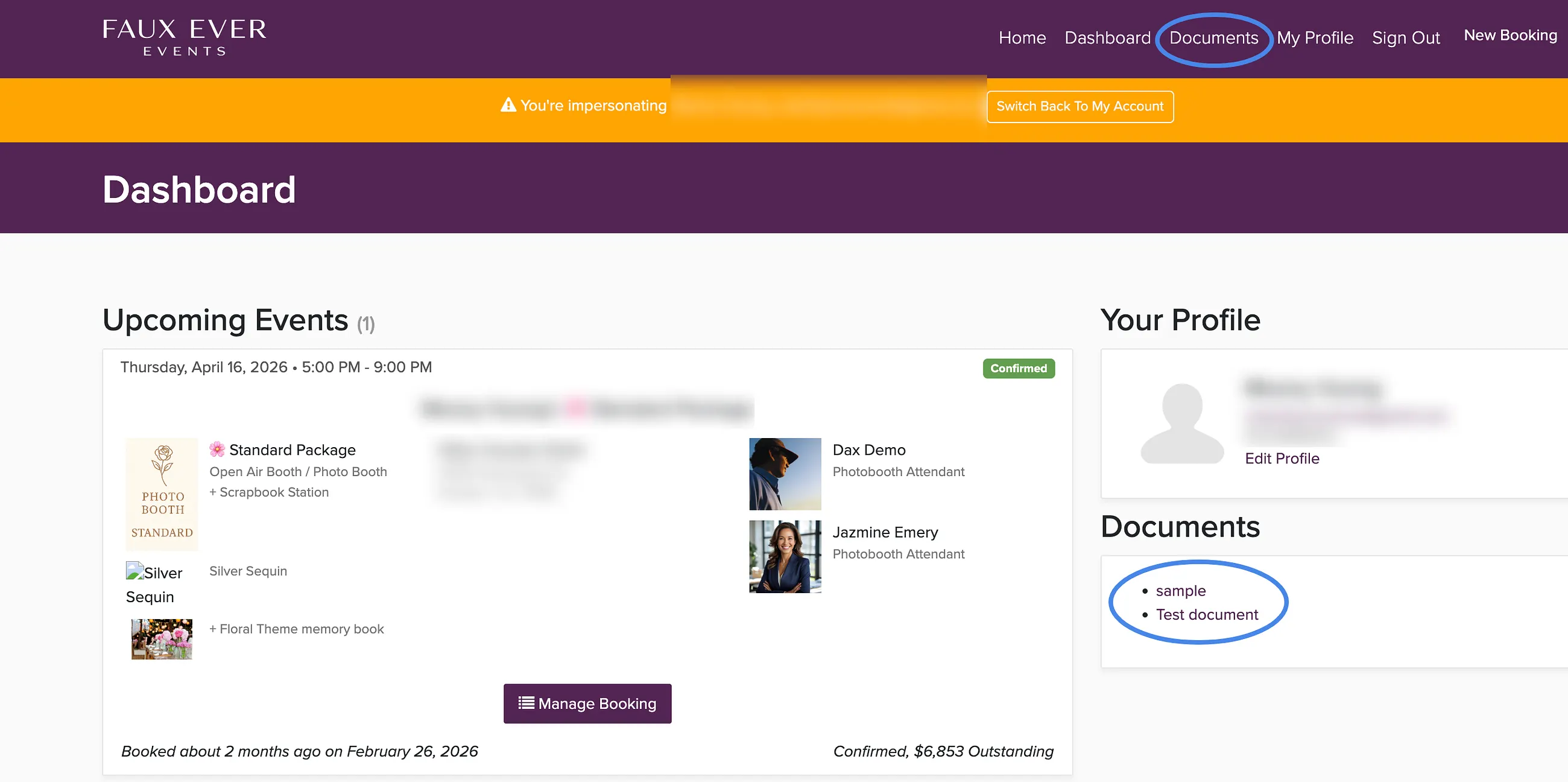
Documents you upload to user accounts aren't automatically shared with clients. If you need to provide a client with documents like insurance certificates or contracts, you can attach it to the booking and send it to the customer.:
- Upload the document to the Attachments tab of their booking and mark it as "Available to Client" so they can download it from their client portal
- Email the document to the customer.
The documents stored on user accounts are for your internal record-keeping. Think of them as your digital filing cabinet rather than a client-facing document sharing system.