Your payment history report shows every payment you've received through Check Cherry Payments — deposits, final payments, tips, and add-on charges. Export it as a spreadsheet for your bookkeeper, tax preparation, or personal records.
Downloading Your Payment History
Reporting → Payment History
Go to the Payment History report.
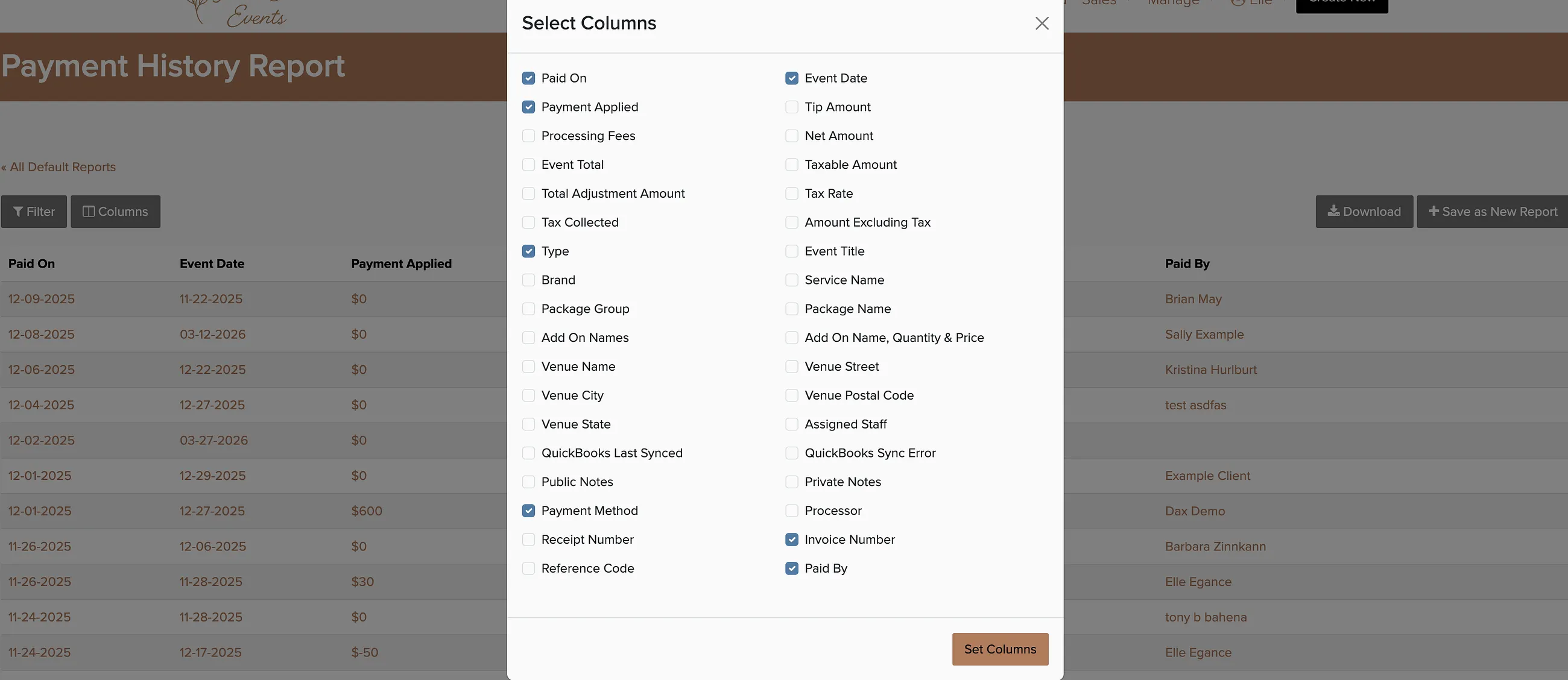
Click Columns to choose what data to include in the report.
Click Filter to narrow down to a specific time frame or other criteria.
Click Export to download the spreadsheet.
Automating Reports
Save time by scheduling reports to run automatically. You can have the same report generated daily, weekly, or monthly and even email it directly to your bookkeeper.
Click Save Report after setting your filters to schedule automatic delivery. This is especially useful for monthly financial reports or quarterly tax preparation.