After someone submits a lead form, you can control what happens next. Most businesses either show a confirmation message or redirect visitors to a specific page — like a testimonials page or booking engine.
Configuring Post-Submission Behavior
Manage → Business Settings → Leads
Go to Leads.
Click Edit on the form you want to modify.
You will see the post-submission settings in the sidebar on the right.
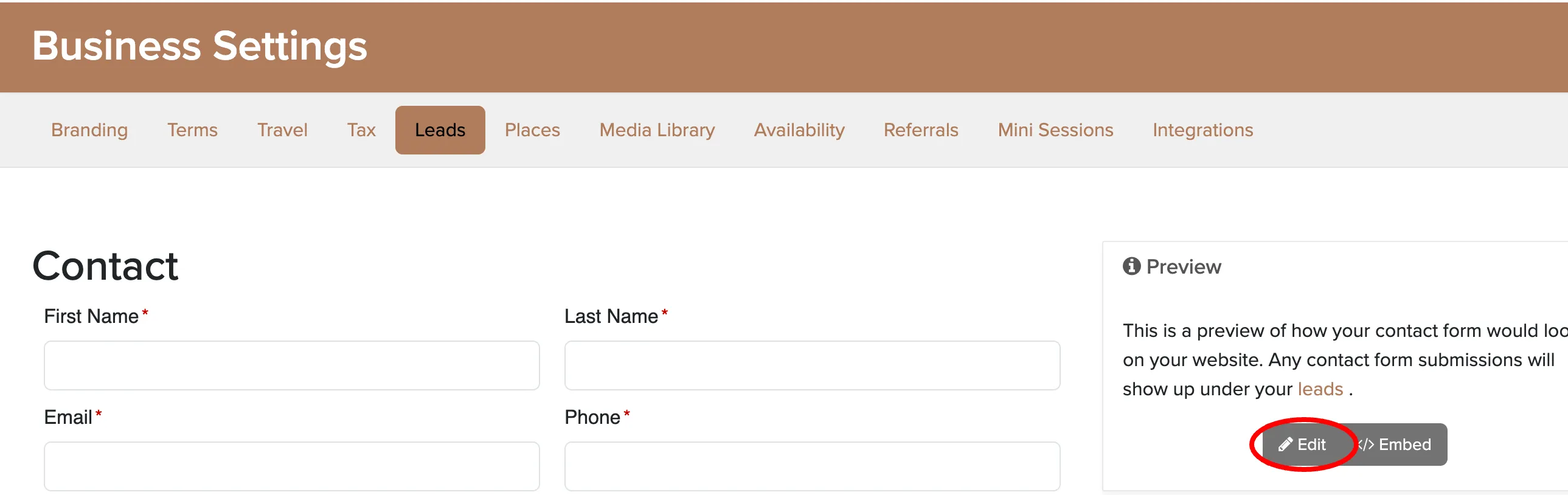
Choose from these three options:
- Save and display message — Shows a custom confirmation message on the same page
- Save and redirect to the booking page — Sends visitors directly to your online booking engine
- Save and redirect to URL — Redirects to any web address you specify
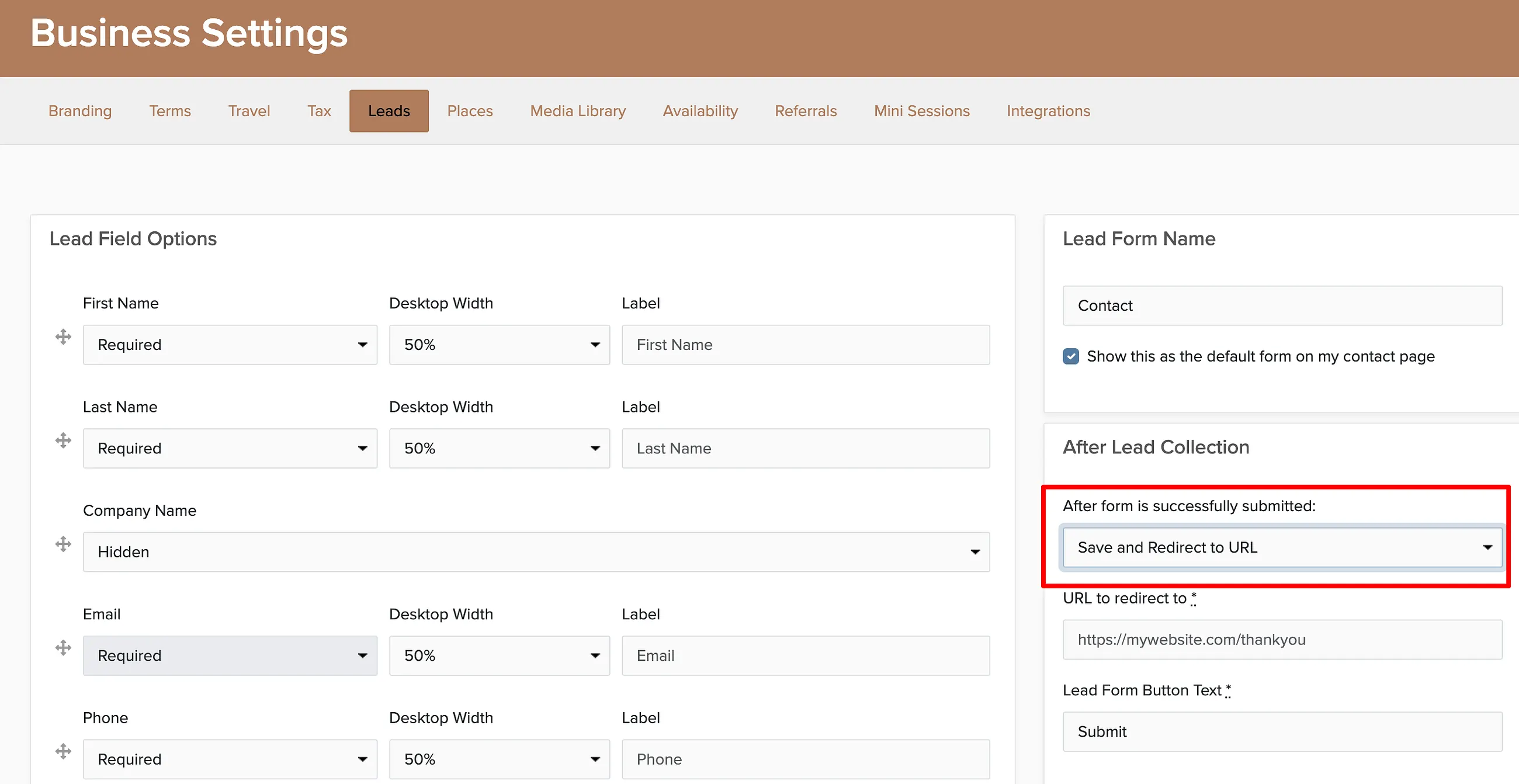
Many businesses redirect to their online booking engine to capture interest while it's hot. Others send visitors to a testimonials page to build trust before following up personally.