Google periodically revokes third-party app permissions as a security measure. When this happens to your calendar connection, Check Cherry sends you an email asking you to reconnect so your bookings can continue syncing.
Why Google Revokes Access
Google automatically disconnects apps from your account for several reasons:
- Your Google account password was changed
- You removed Check Cherry from your Google account permissions
- Extended period without sync activity
- Connecting new third-party services triggers automatic revocation of older connections
- Your workspace admin configured connection expiration policies
- Routine Google security reviews
This is normal — it happens to all Google Calendar integrations, not just Check Cherry.
How to Reconnect
You can follow the link in the email we sent, or reconnect manually:
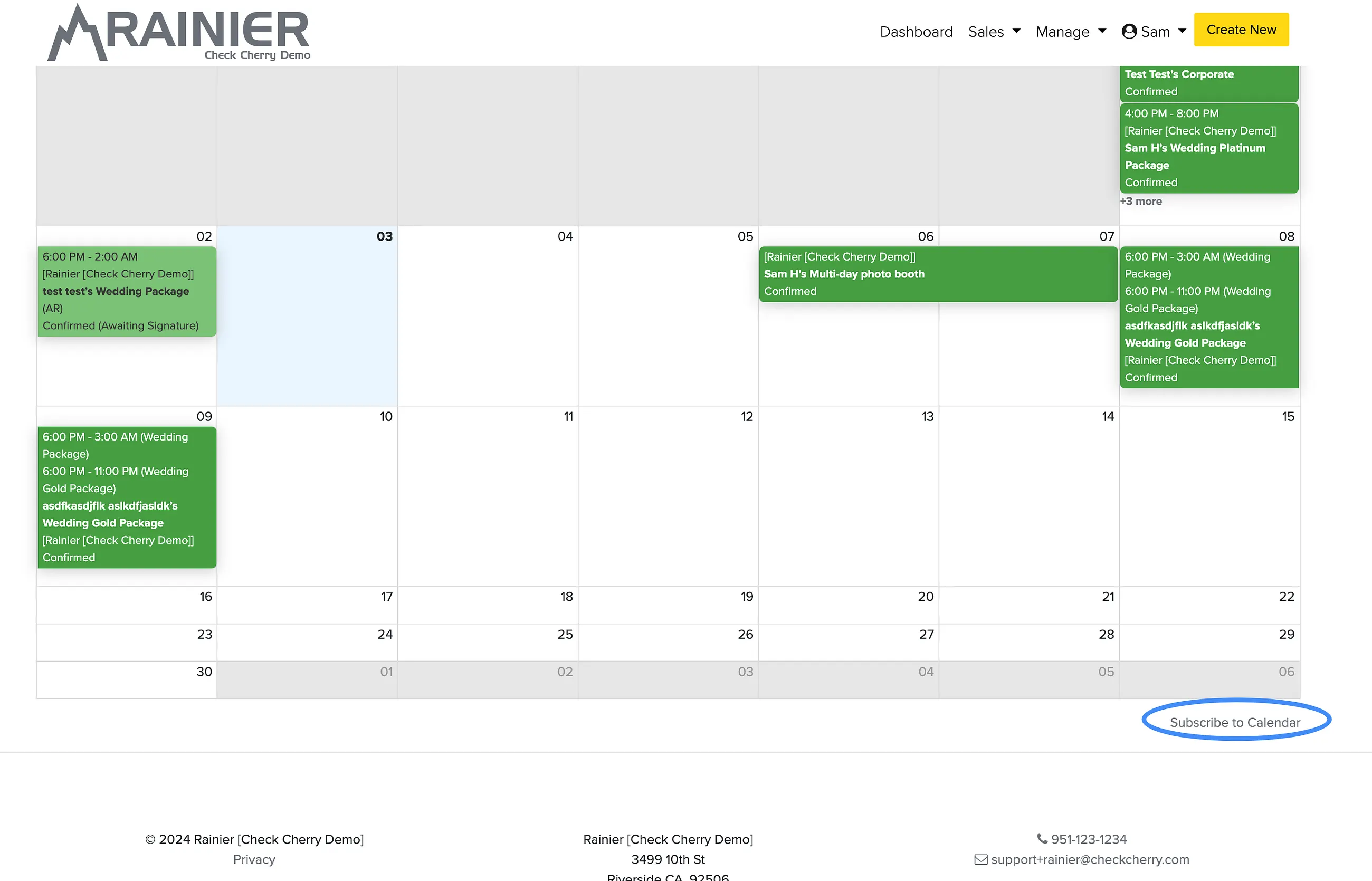
Sales → Calendar
Click Subscribe to Calendar in the bottom right.
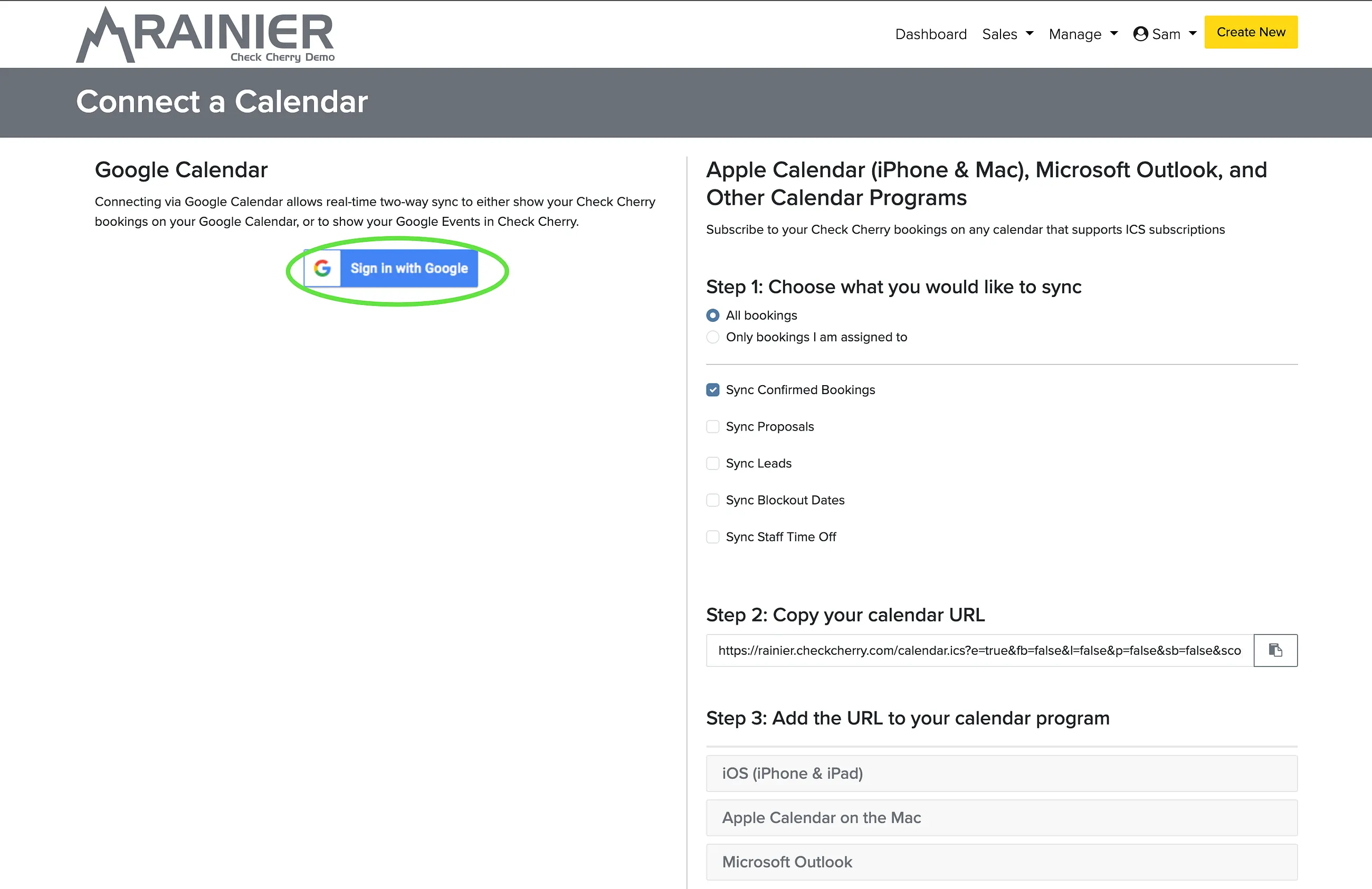
Click Sign in With Google to re-authenticate.
Until you reconnect, Check Cherry cannot read or write to your Google Calendar. New bookings won't appear on your calendar, and calendar conflicts won't be detected.