You confirmed a booking in Check Cherry but it is not showing on your Google Calendar. Calendar sync fixes that — your bookings show up alongside everything else in your day.
Google Calendar Sync
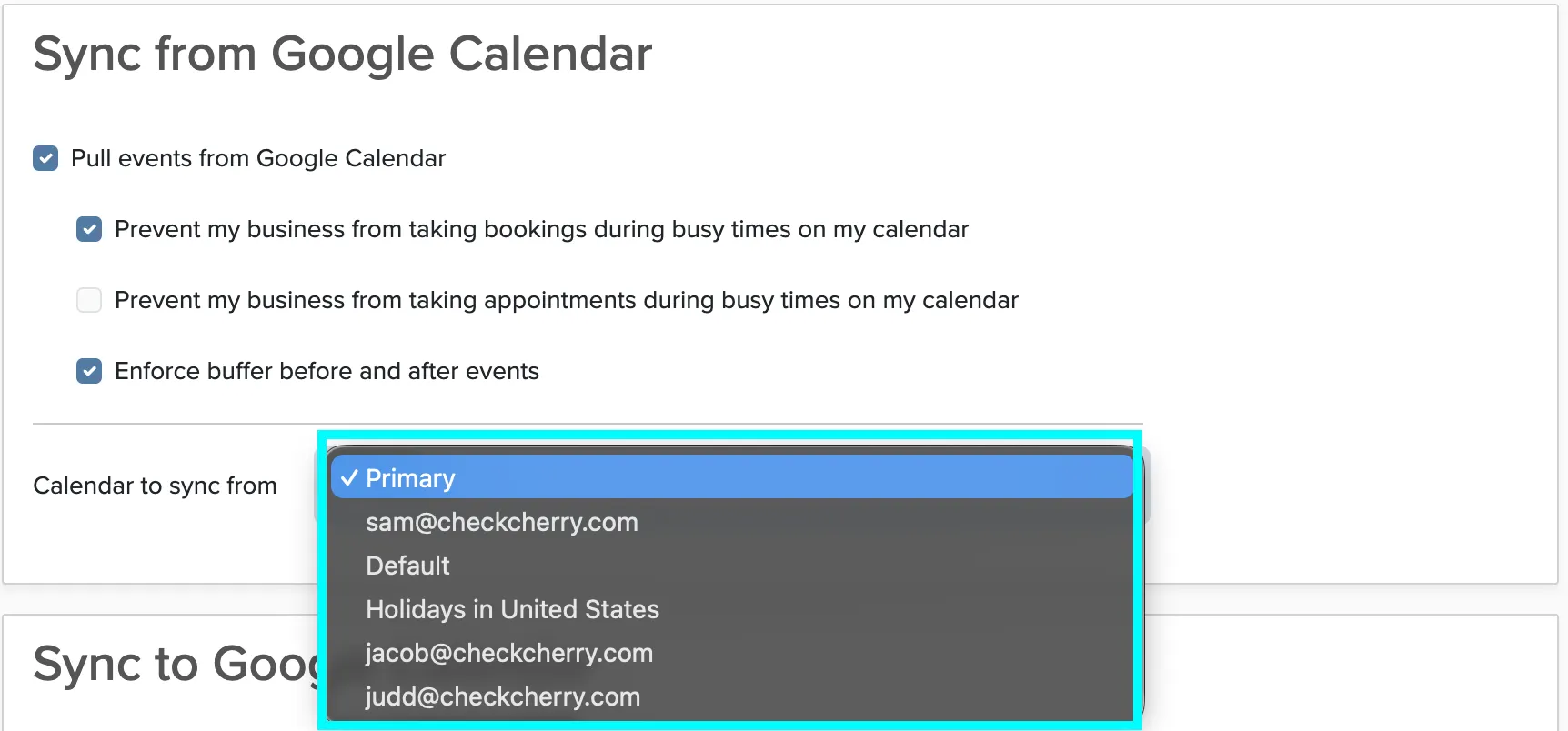
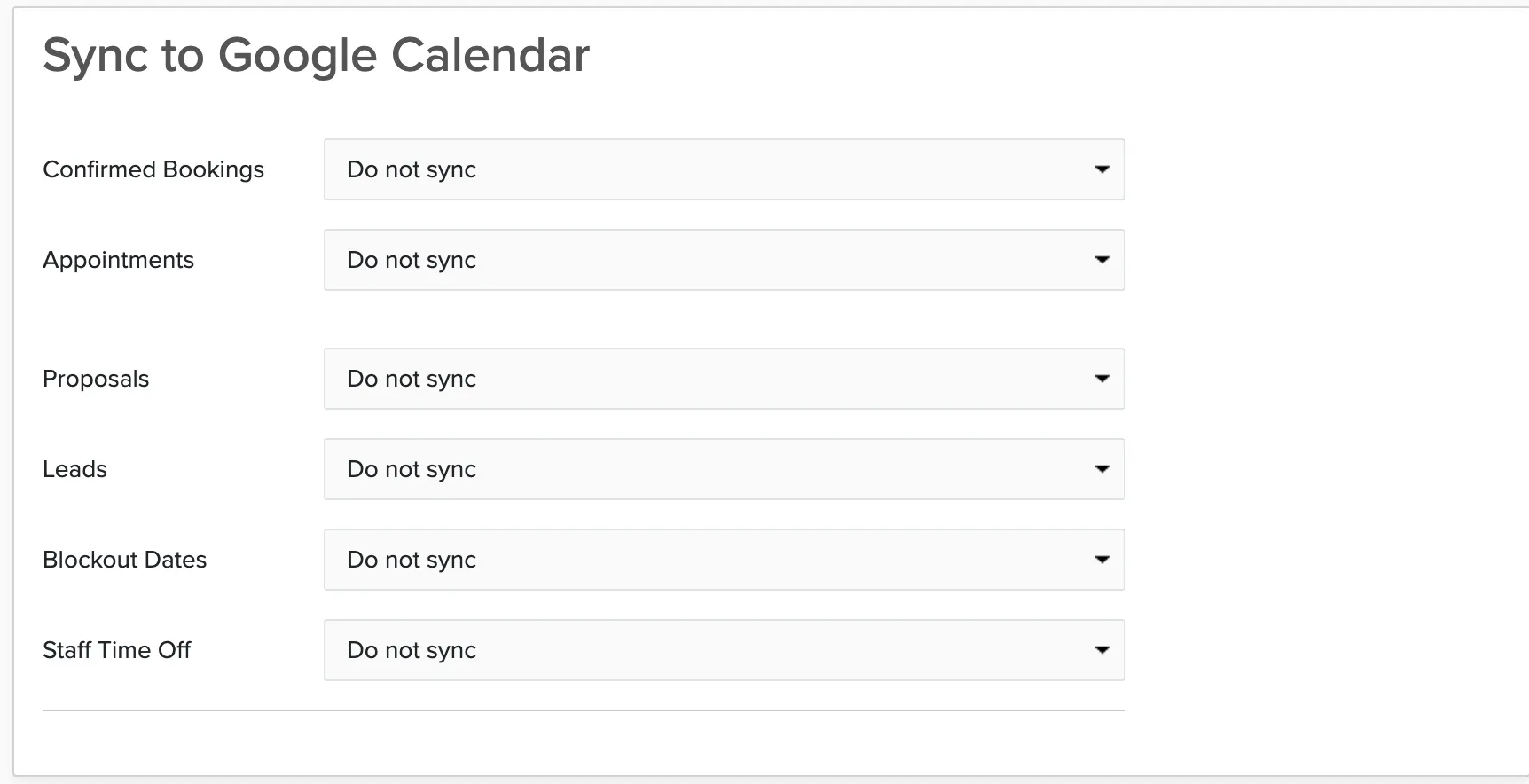
A two-way sync between your Google Calendar and Check Cherry. Confirmed bookings and appointments appear on your Google Calendar in real time, and events from Google are pulled into Check Cherry for availability checking. You can also choose to send proposals, leads, blockout dates, and staff time off, depending on your permissions.
An ICS subscription works with any calendar app: Apple Calendar, Outlook, or any app that supports calendar subscriptions. It includes bookings and, depending on your permissions, proposals, leads, blockout dates, and appointments. However, this is a one-way subscription from your Check Cherry calendar to your private calendar, and it does not sync instantly.
Company vs Personal Sync
- Personal sync (above): Each staff member sets up their own sync to see their assigned bookings.
- Company sync (admin only): Syncs the company-wide sales calendar. Set this up under Sales → Calendar. It blocks availability for the entire business.
If Google Asks You to Reconnect
Google periodically revokes app permissions as a security measure. If this happens, you'll get an email asking you to reconnect. Go to My Calendar and click Connect Google Calendar again.