Check Cherry's reporting feature lets you download a full payment history across all payment methods. You can also save the report and schedule it to run automatically on a daily, weekly, or monthly basis — useful if you want a regular copy sent to your bookkeeper.
Sales → Reporting
Select the Payment History report.
Click Columns to choose what data to include.
Click Filter to narrow results by time frame or location.
Download the report as a spreadsheet, or save it to schedule automatic delivery.
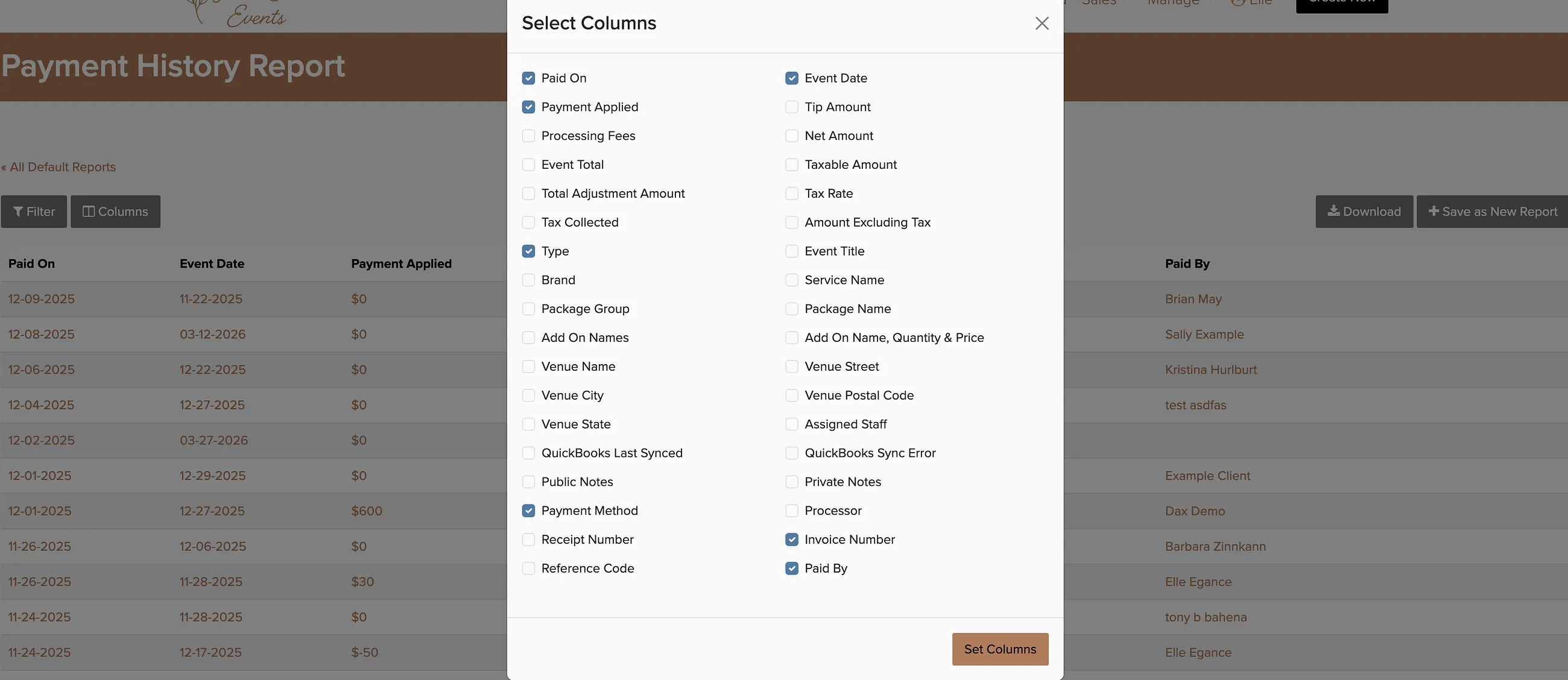
When you save a report, you can schedule it to re-run every day, week, or month and have it emailed automatically — handy for sharing with a bookkeeper.