If you offer payment plans, some clients will take you up on them — but others would rather just pay everything upfront and move on. A paid-in-full discount gives those clients a small reward for doing that, and it puts more money in your pocket sooner.
How it works
Paid-in-full discounts are set on individual payment plans. When a client selects a payment plan that has a discount attached, they'll see the savings displayed during checkout — which often nudges them toward paying in full. The discount is applied automatically when they complete payment.
Setting up a paid-in-full discount
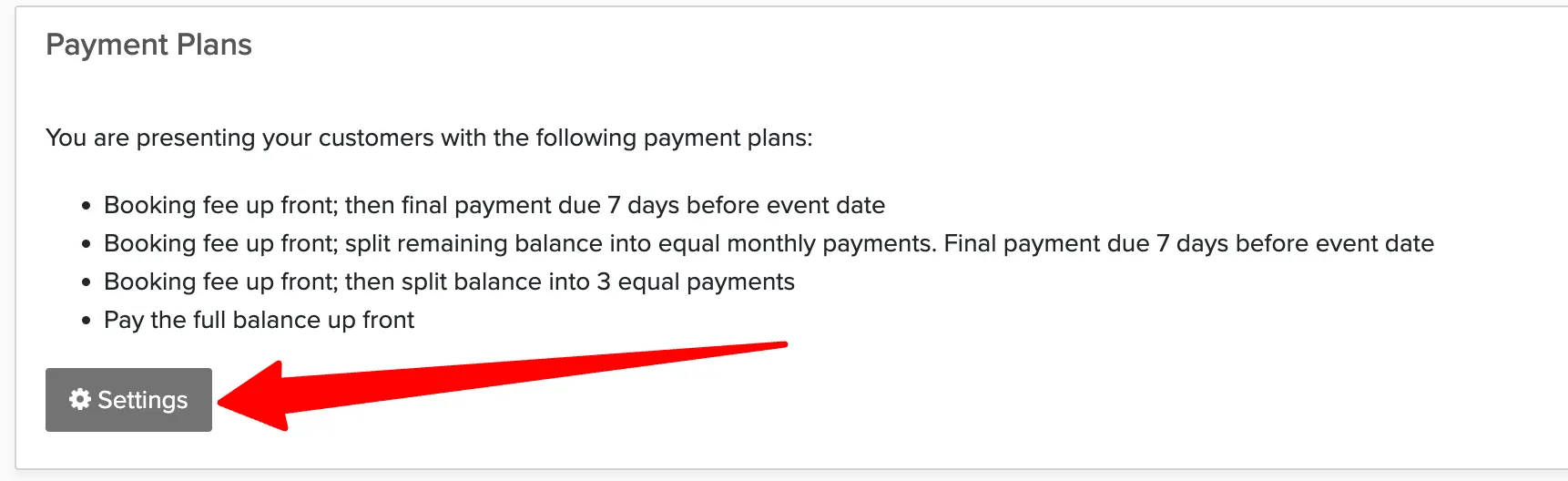
Manage → Payment Settings → Payment Plans
Go to Payment Plans.
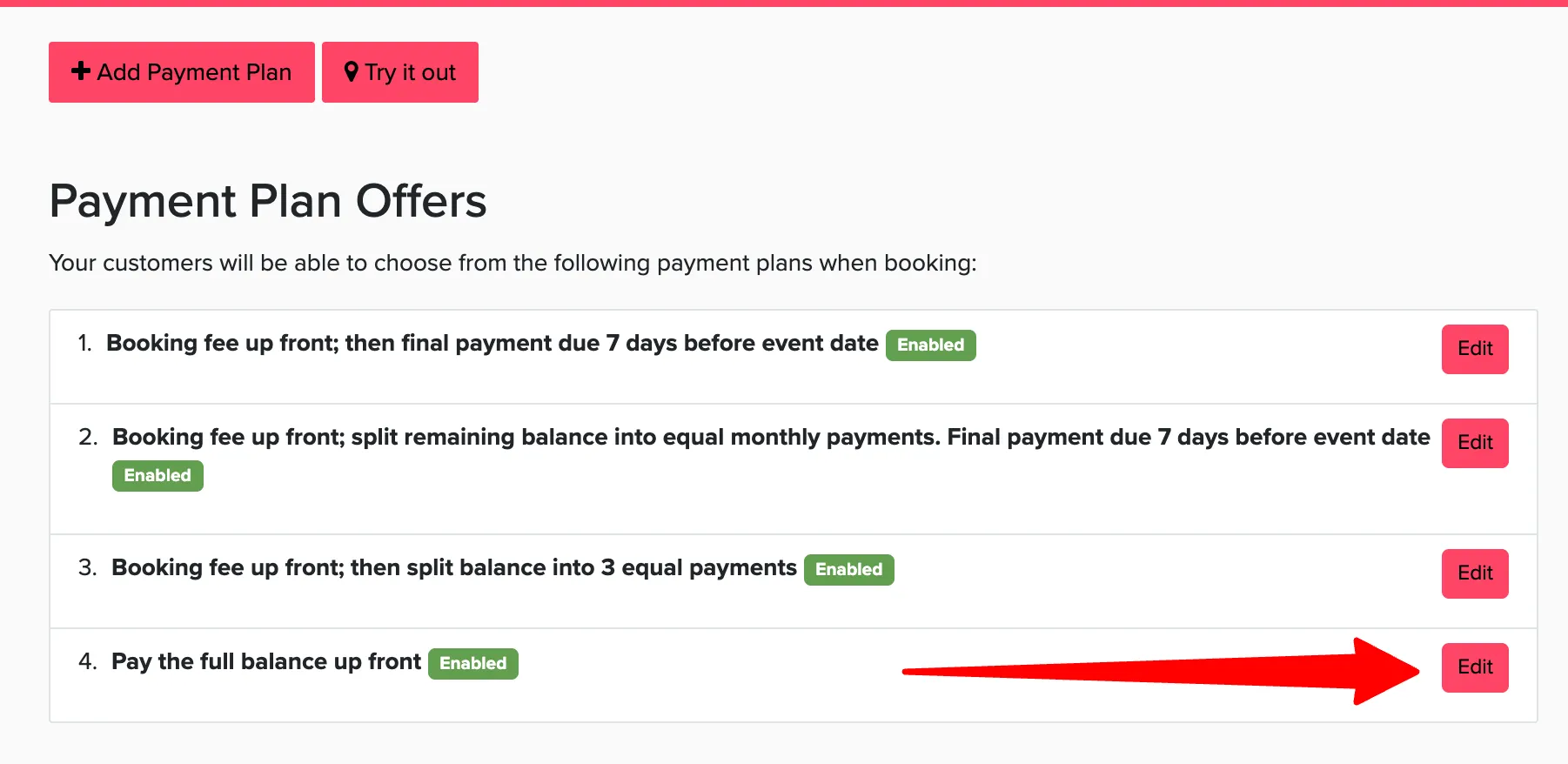
Click the payment plan you want to edit, or create a new one.
Find the Paid in Full Discount field and enter the discount amount or percentage.
Save your changes.
What it looks like to the customer
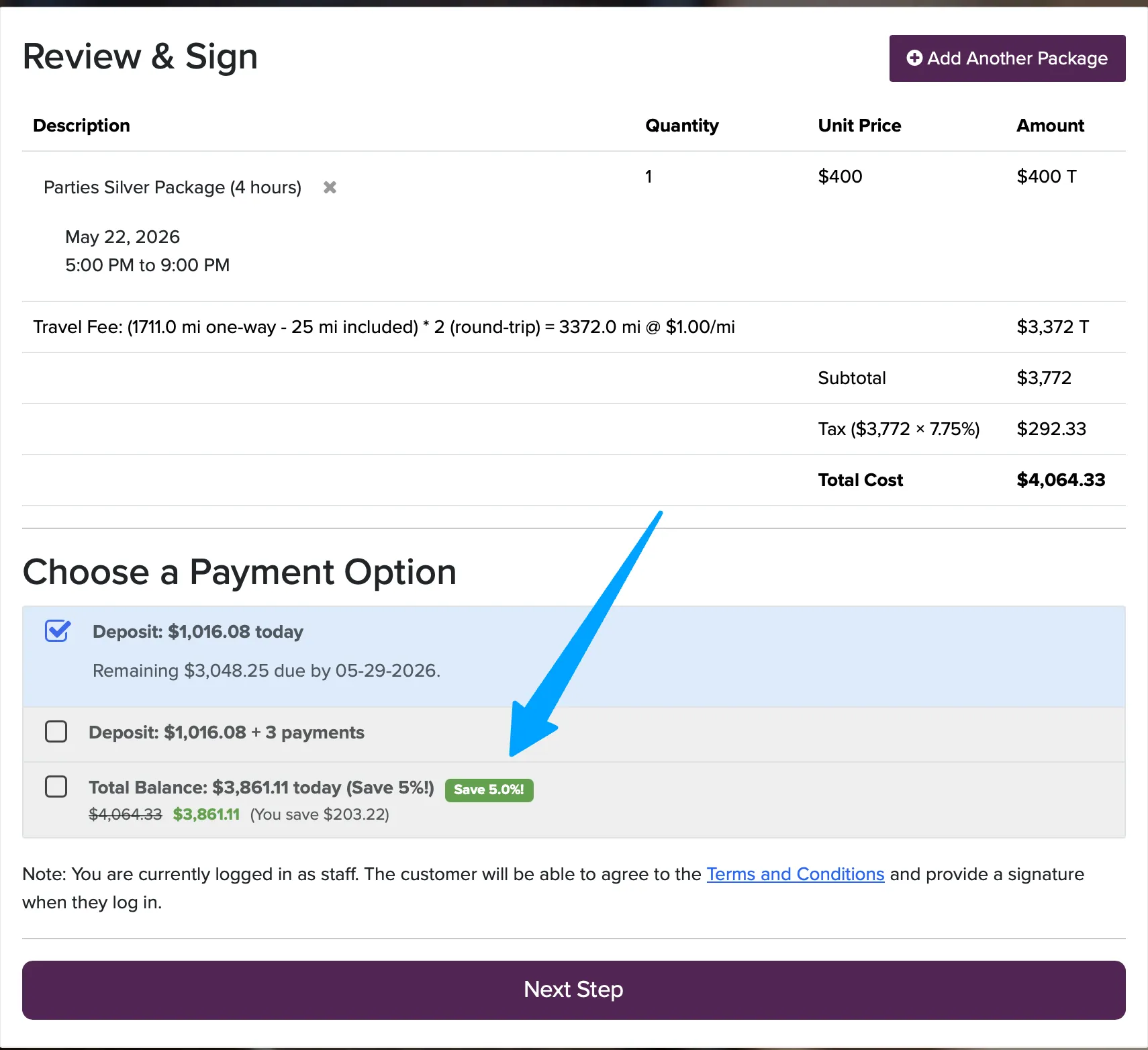
Even a small discount — 3 to 5% — can be enough to motivate a client to pay in full. It also reduces the administrative work of tracking installments and sending payment reminders.