The event went great and the client wants to leave a tip for your team. They can do this even if the booking is already paid in full.
Send a tip link
Bookings → Select booking → Make Payment
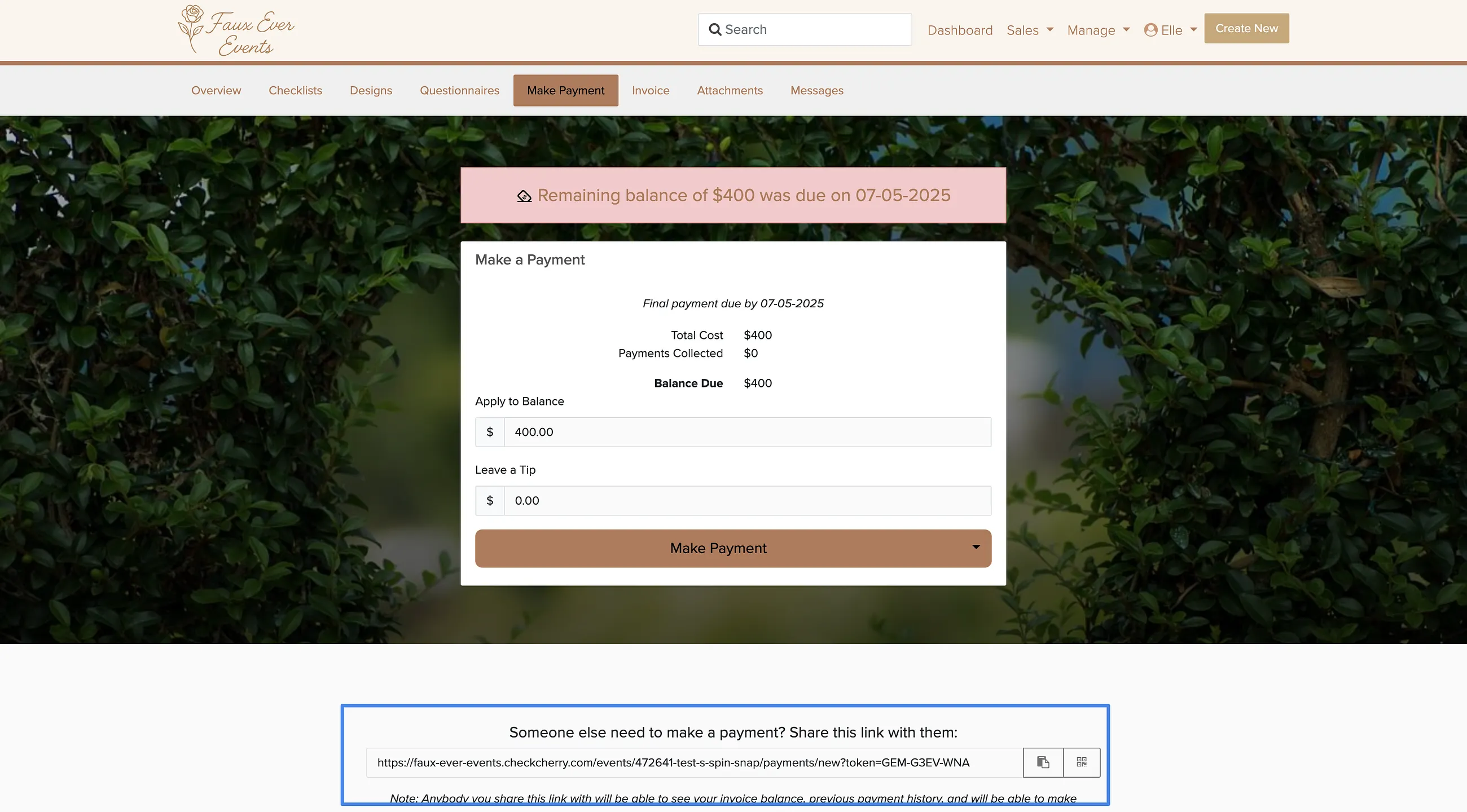
Open the booking.
Click Make Payment.
Scroll to the bottom of the page and copy the link.
Send the link to your client — they can add a tip without logging in.
Tips are tracked separately in the Tips report. You can also enable a tip prompt during online checkout so clients can add a tip at the time of booking.