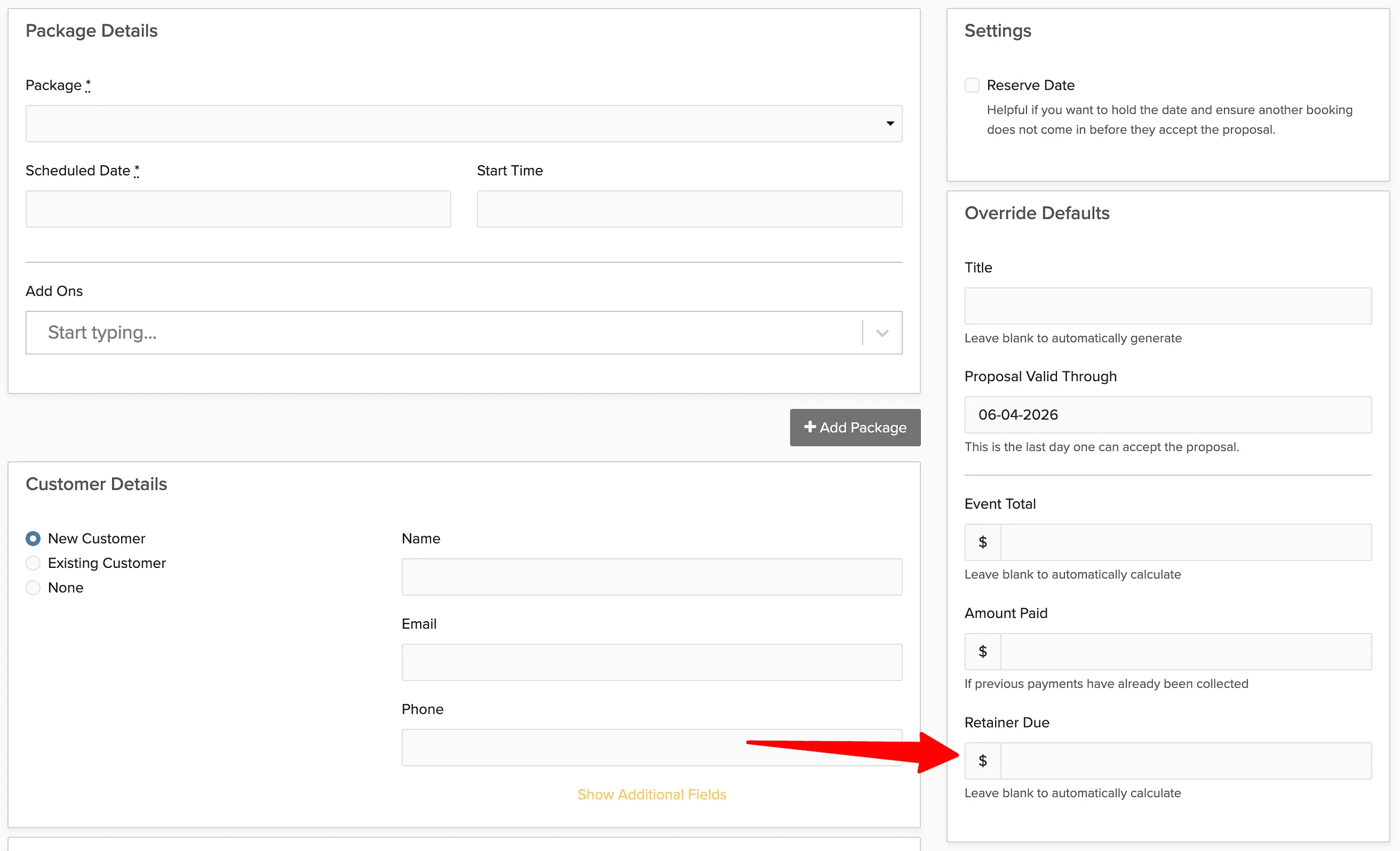
When you create a proposal or booking using a custom package — one you build on the fly rather than selecting from your saved packages — Check Cherry has no pricing or deposit rules to pull from. The deposit field starts empty, and if you leave it that way, the client can complete checkout without paying anything upfront.
Why this happens
For saved packages, the deposit amount is baked into the package settings. When you use a saved package on a proposal or booking, that deposit requirement carries over automatically. Custom packages don't have settings — they're created in the moment — so there's nothing for the system to pull from. The deposit field is left blank by default, and a blank deposit means no payment is required to confirm.
How to require a deposit on a custom package
When building a proposal or booking with a custom package, look for the deposit field in the sidebar and enter the amount before sending it to the client.