A Google Business Profile is a free listing that shows your business on Google Search and Google Maps. When someone searches for event services in your area, your profile can appear with your contact info, reviews, photos, and a link to your website.
Why It Matters
Many of your potential clients will find you by searching Google — "photo booth near me," "wedding DJ in Phoenix," etc. Without a Google Business Profile, you won't show up in those local results. With one, you're visible on both Search and Maps, and clients can see your reviews, hours, and contact info at a glance.
Setting Up Your Profile
Go to business.google.com and sign in with your Google account.
Click Add your business and enter your business name.
Choose your business category (e.g. "Event Planner," "Photo Booth Service," "Disc Jockey").
Add your location or service area — you can list a physical address or just the areas you serve.
Add your phone number, website URL, and business hours.
Verify your business — Google will typically send a postcard or call to confirm you're real.
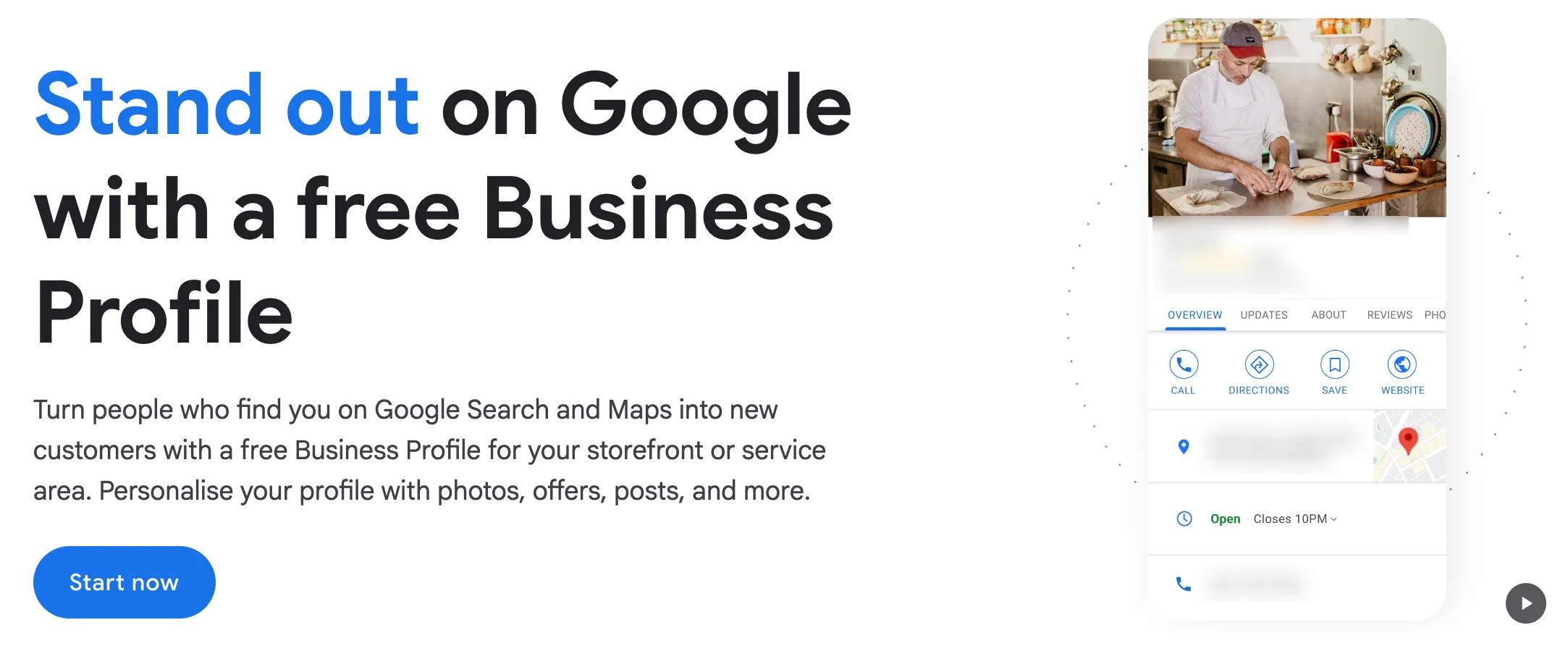
Use your Check Cherry booking page URL as your website link. This sends Google traffic straight to where they can book you.
Getting the Most Out of Your Profile
- Add photos: Profiles with photos get significantly more clicks. Upload photos from past events, your setup, your team.
- Ask for reviews: After a successful event, send clients a direct link to leave a Google review. Check Cherry can automate this with a post-event email.
- Keep it updated: Update your hours for holidays, add new photos regularly, and respond to reviews (even the good ones).
- Post updates: Google lets you post updates, offers, and events directly on your profile. Use this to promote seasonal specials.
Your Google Business Profile is separate from Check Cherry — you manage it at business.google.com. But you can link the two by using your Check Cherry booking page as your website URL and setting up an automated review request email.