If you run ads or need tracking that goes beyond basic analytics, Google Tag Manager (GTM) lets you manage all your pixels and tags from one place without touching code. Check Cherry connects to your GTM container and pushes booking and lead events to the data layer, so you can fire Google Ads conversions, retargeting pixels, and analytics off real activity on your booking pages.
If you only need Google Analytics, the direct Google Analytics integration is simpler. Reach for GTM when you're juggling multiple tags — Google Ads, Meta Pixel, analytics — and want to manage them in one container.
Setting Up the Integration
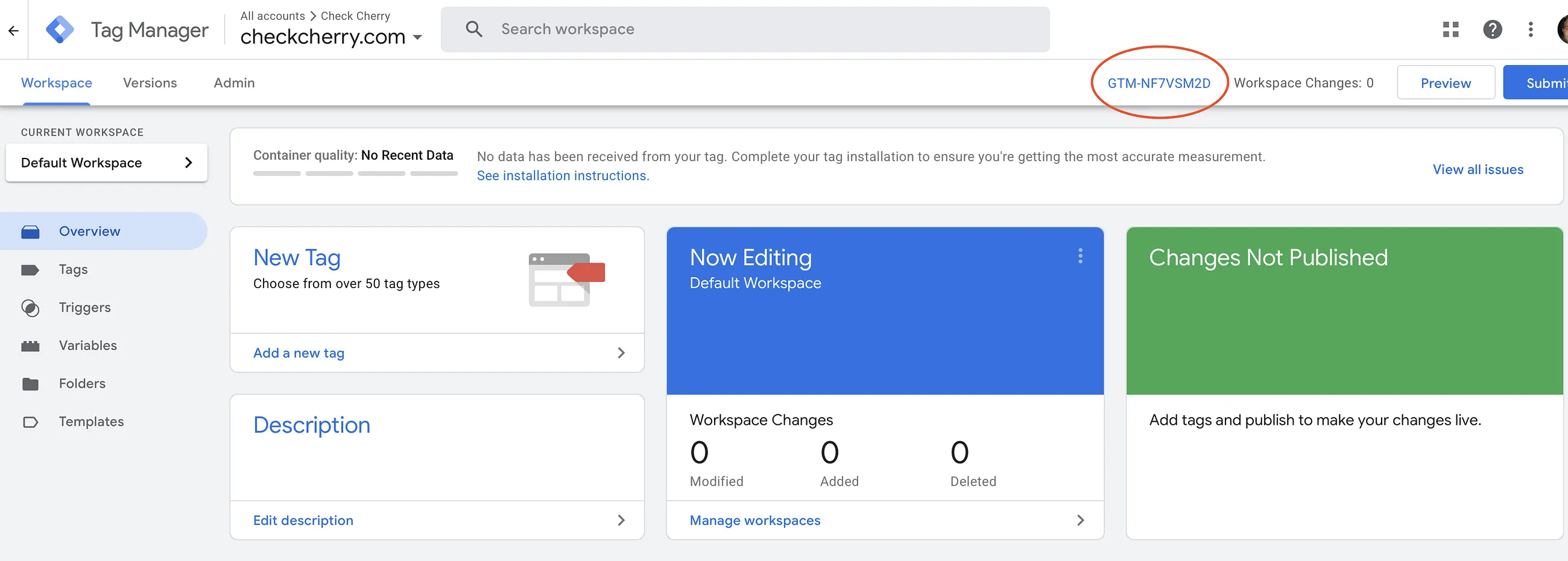
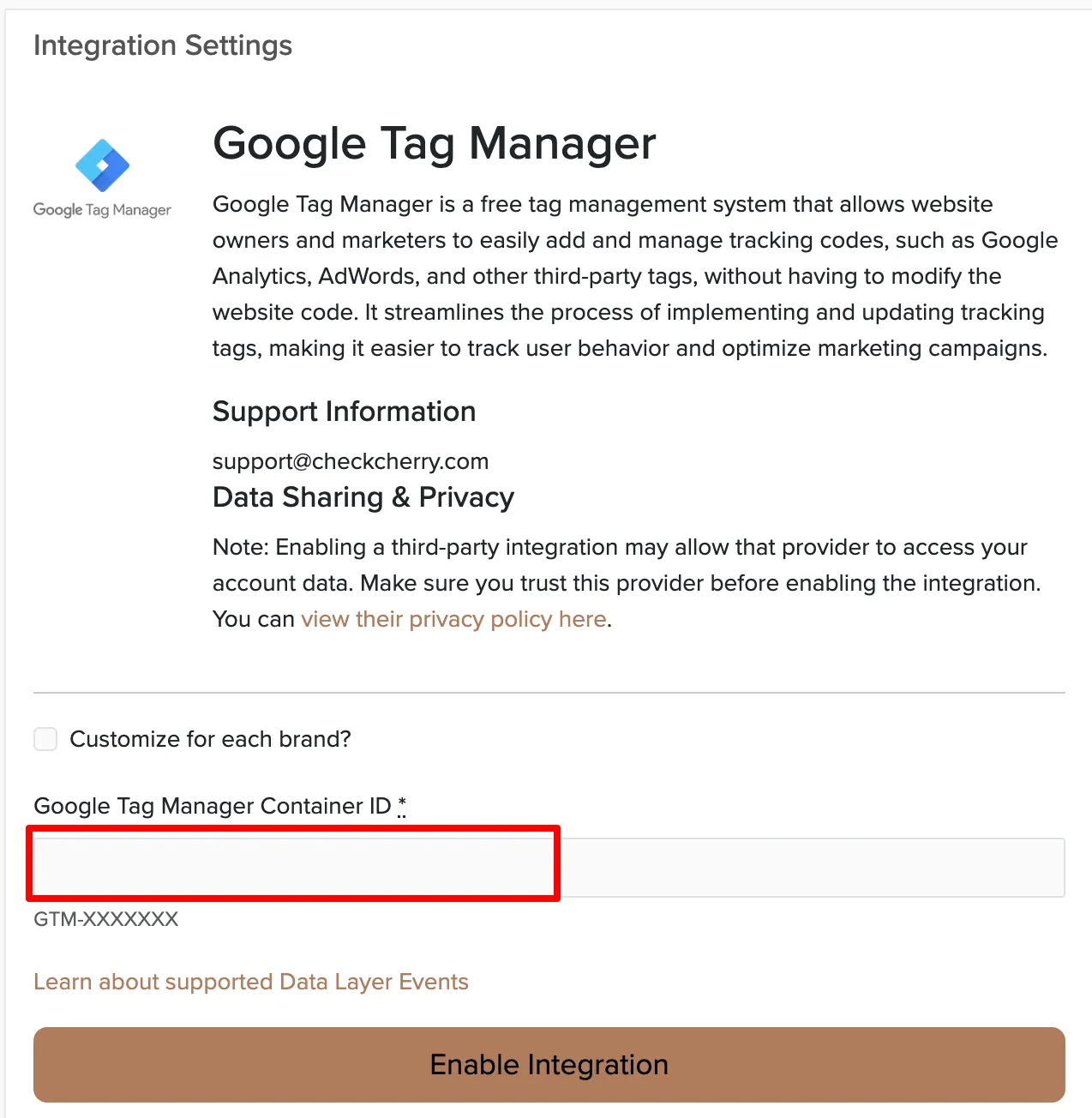
First, you'll need your Container ID from Google Tag Manager:
Data Layer Events
Check Cherry pushes events to the GTM data layer so you can trigger tags based on what happens on your booking pages.
check_cherry_new_booking
Fires when a booking is confirmed (both proposals and online bookings). This is your main conversion event for tracking purposes.
- transactionId: Unique booking ID generated by Check Cherry
- transactionTotal: Total sale amount (includes tax, travel, and add-ons)
- check_cherry_booking_title: The booking title
- check_cherry_booking_id: The booking ID (same as transactionId)
- md5_hashed_email: MD5 hash of the client email
- sha256_hashed_email: SHA256 hash of the client email
The two hashed email fields let you send enhanced conversions to Google Ads or build Customer Match audiences without ever exposing a client's raw email — Google matches on the hash.
check_cherry_new_lead
Fires when contact information is collected during online booking (before payment). Use this to track how many people start the booking process.
- md5_hashed_email: MD5 hash of the lead email
- sha256_hashed_email: SHA256 hash of the lead email
Confirming it's working
After saving, open GTM's Preview mode and complete a test booking. You should see check_cherry_new_booking fire in the data layer. Once your tags and triggers are set up, the conversion registers in Google Ads or Analytics within a few minutes.