When multiple people need to pay on the same booking — like parents covering half the cost while the couple pays the rest — you can share the payment link with everyone involved.
Bookings → Select a booking → Make a Payment
Open the booking.
Click the Make a Payment tab.
Copy the payment link at the bottom of the page.
Send that link to everyone who needs to make a payment.
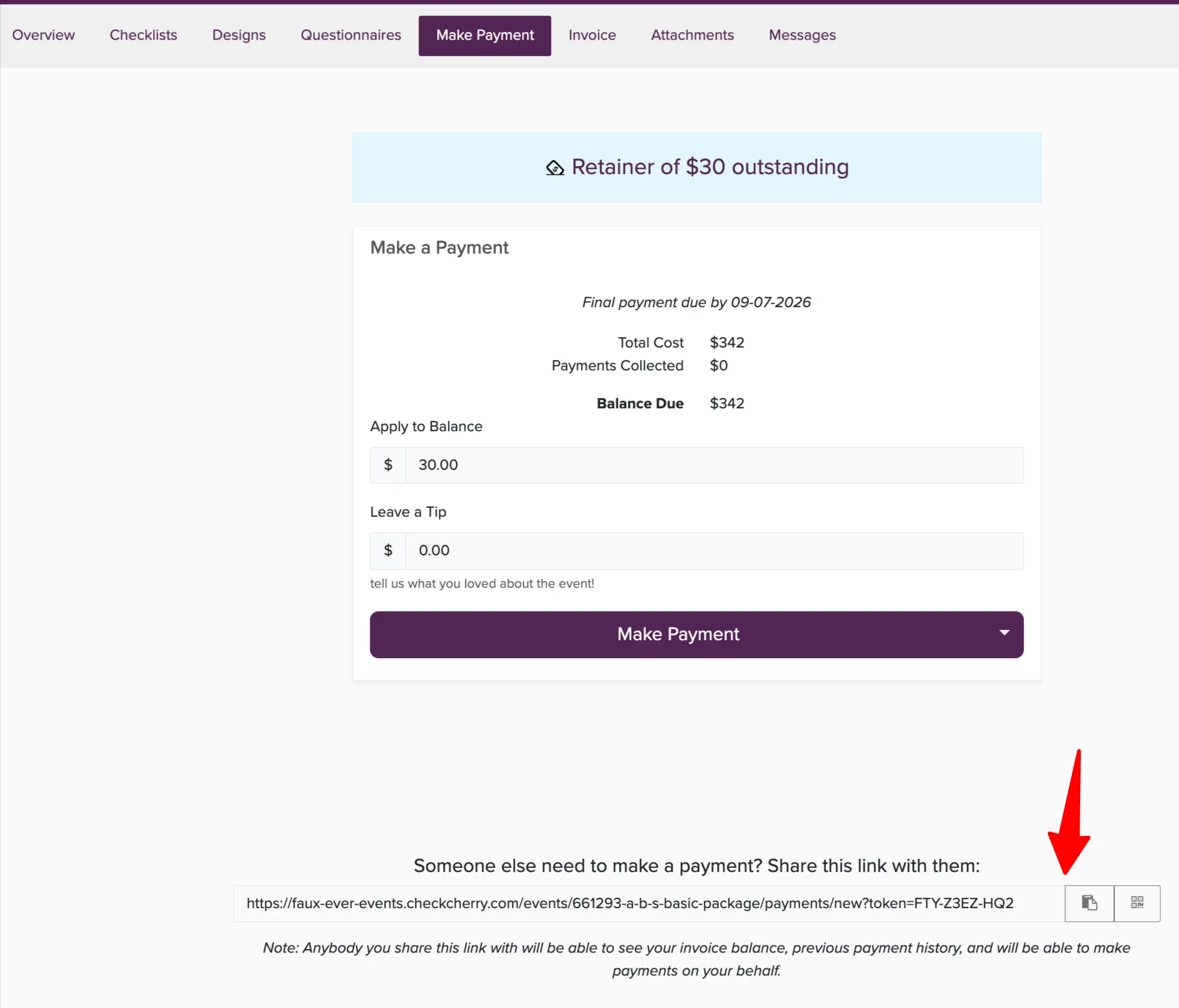
Each person can use the same link to pay their portion. They'll see the total balance and can enter whatever amount they want to contribute.
Anyone with the payment link can see the invoice balance, previous payment history, and make payments. The booking automatically tracks the total received regardless of who paid what amount.