The event is in three days and you do not want the client changing their song list or timeline at the last minute. Set a deadline for questionnaire changes so clients can only edit their responses up to a certain point before their event.
Setting the Deadline
Manage → Business Settings → Availability → Change Policy
Go to Business Settings.
Click Availability, then Change Policy.
Scroll to the Confirmed Bookings section at the bottom.
Select your time frame — for example, selecting 7 days means clients can edit questionnaires up to 7 days before their event, then it locks.
Save your changes.
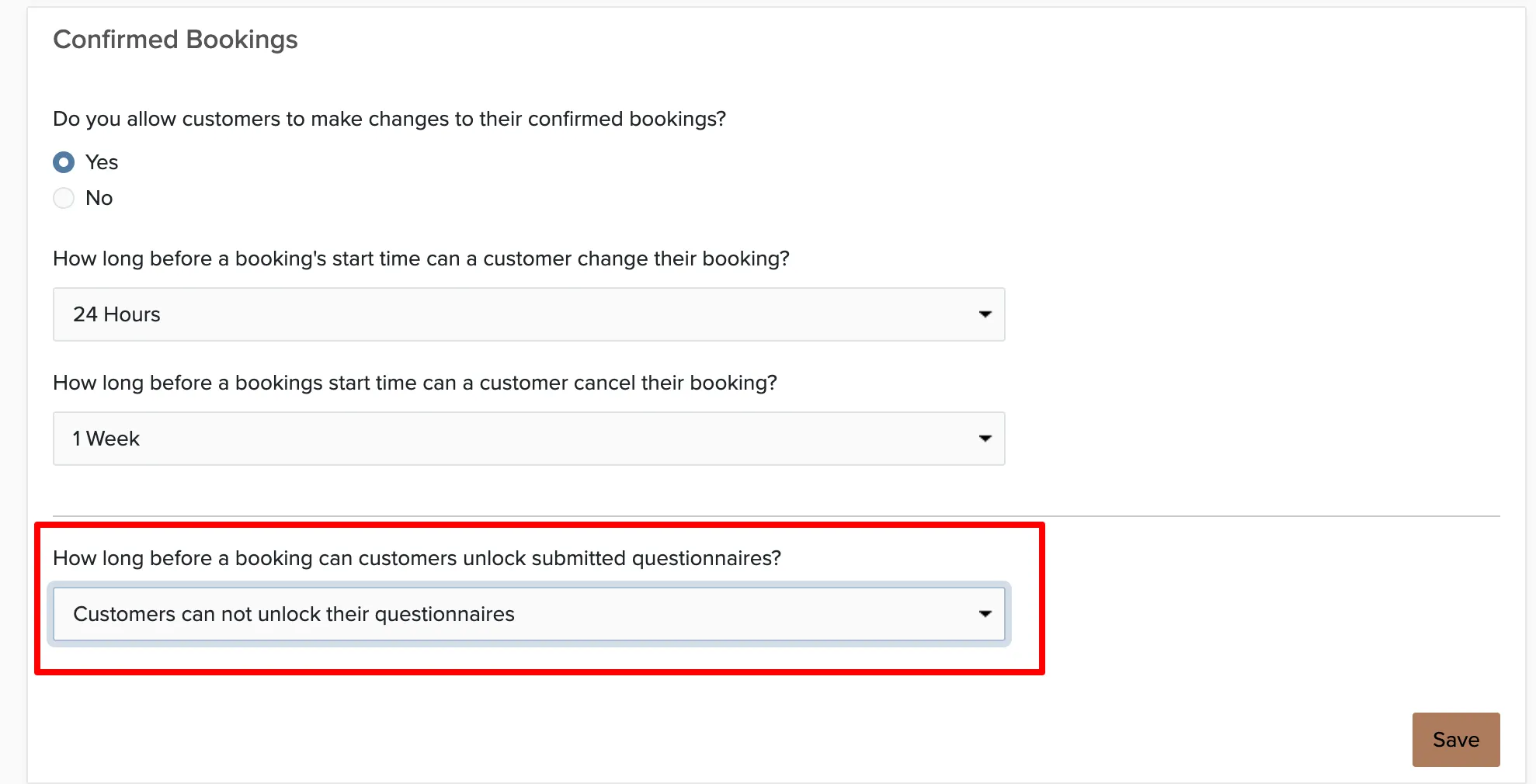
This setting applies to all questionnaires on confirmed bookings. You cannot set different deadlines per questionnaire type.