Before you can collect payments from clients, you need to set up your payment methods. Check Cherry supports credit card processing, ACH bank transfers, and manual payment methods like cash and Venmo.
Getting Started
From Payment Settings, you can enable different payment methods for your clients to use. Most businesses start with credit cards and add other options based on client preferences.
Credit Card Processing
Check Cherry Payments processes credit cards with fees of 2.9% + 30¢ per successful transaction. There are no setup fees, monthly fees, or hidden costs. Your first transaction takes 7 days to process, but subsequent payments typically arrive in 2-3 business days.
The system accepts Visa, Mastercard, American Express, and Discover. Depending on their device, clients may also see Apple Pay or Google Pay options during checkout.
ACH Bank Transfers
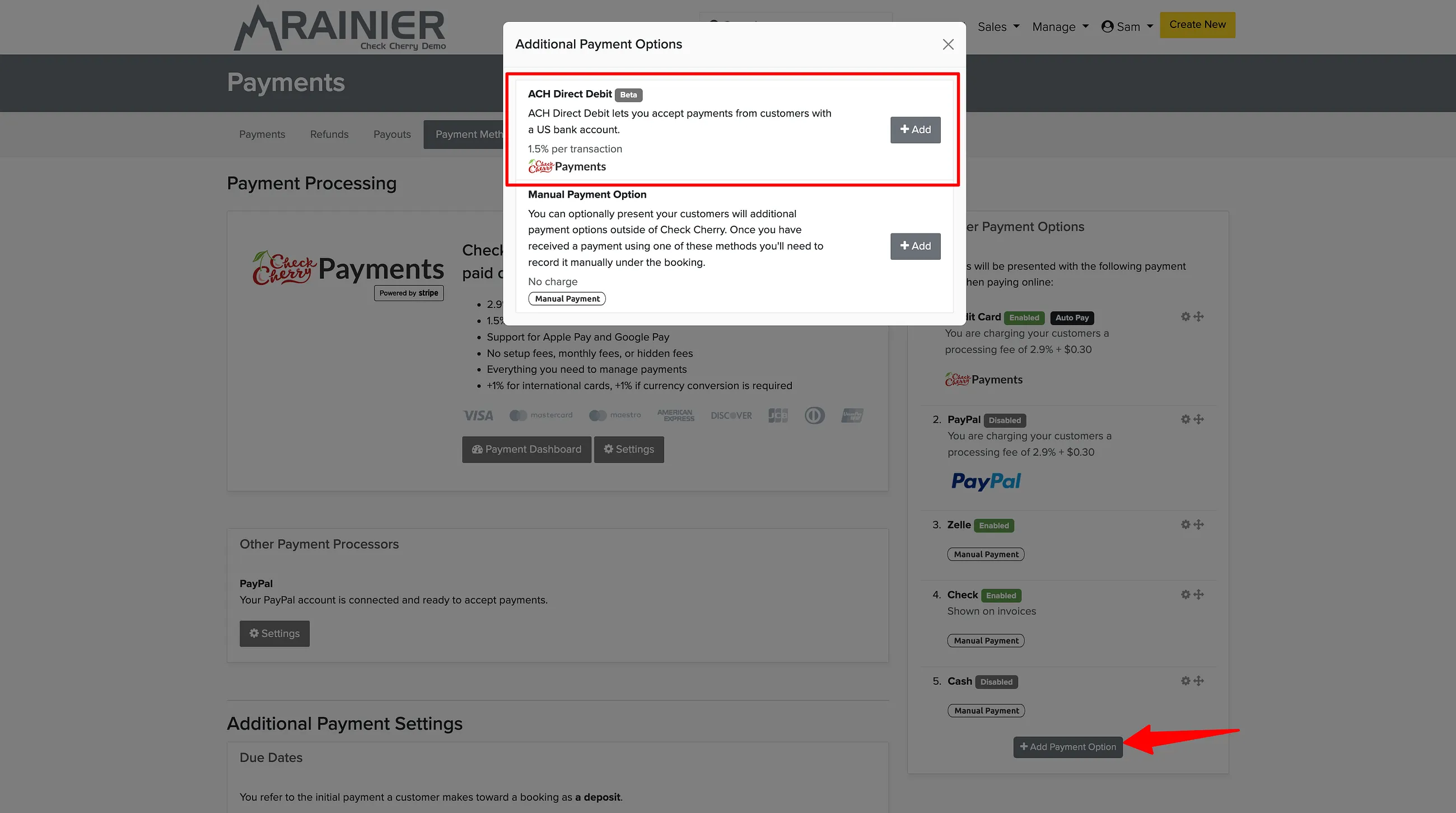
ACH lets clients pay directly from their checking account with lower fees — just 1.5% per transaction. ACH payments take longer to process (up to 6 business days) but work well for larger amounts where the fee savings matter.
Manual Payment Methods
Click New Payment Option to add manual payment methods like cash, check, Venmo, Zelle, or Cash App. You'll enter the payment method name, instructions for clients, and choose a button color.
When clients choose a manual payment method, you'll need to record the payment yourself once you receive it. This keeps your booking records accurate even for offline payments.
Payment Settings
At the bottom of Payment Settings, you can configure:
- When final payment is due (days before event)
- What to call the initial payment (Deposit, Booking Fee, Initial Payment, or Retainer)
- Default proposal expiration time
- Whether clients can add tips when paying
What Clients See
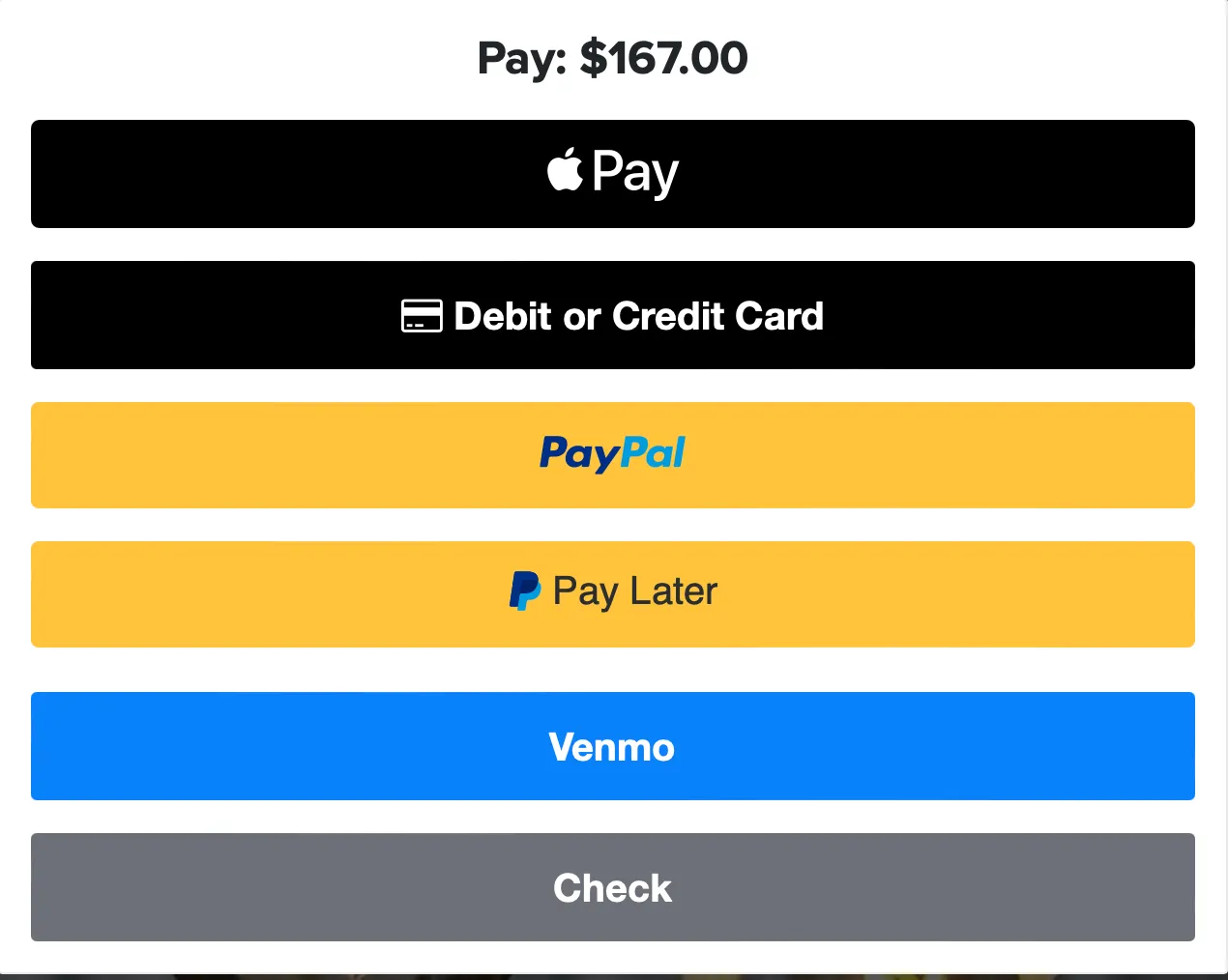
When clients make a payment, they'll see all the payment options you've enabled. The interface adapts to their device — iPhone users might see Apple Pay, Android users might see Google Pay.
Instant Payouts
Instant Payout sends your available funds to your bank in minutes instead of waiting 2-3 business days. It becomes available once your account has at least a 90-day payout history (measured from your first payout), so newer accounts won't see it right away. Once you're eligible, click the Instant Payout button in your Payments Dashboard. An additional fee applies for this service. See When will I receive my credit card payout? for more on payout timing.