Ready to start accepting credit card payments through Check Cherry? The built-in payment processing means everything lives in one place — booking, contract, and payment. Clients sign and pay in a single flow without bouncing between platforms.
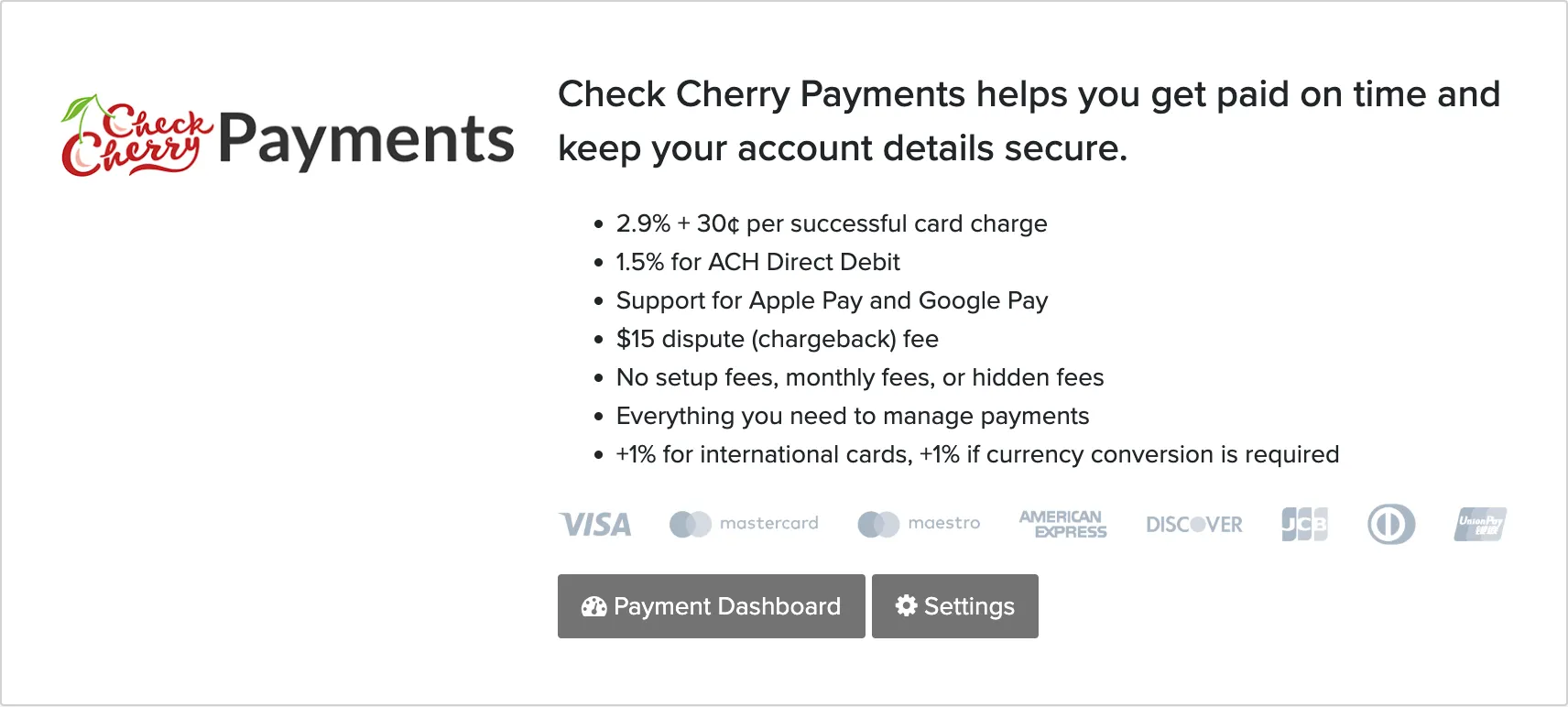
Why Use Check Cherry Payments?
If you're currently using a separate payment processor or collecting payments manually, Check Cherry Payments eliminates the back-and-forth. No more copying payment info between systems or chasing down clients who didn't complete checkout on an external site.
- Accept all major credit cards, Apple Pay, Google Pay
- ACH bank transfers for lower fees on large payments
- Klarna buy-now-pay-later option
- Automatic payment tracking — no manual entry
- Built-in payment plans with auto-pay
- Processing fee: 2.9% + 30¢ per transaction
- Tap to Pay on iPhone and Tap to Pay on Android
Getting Started
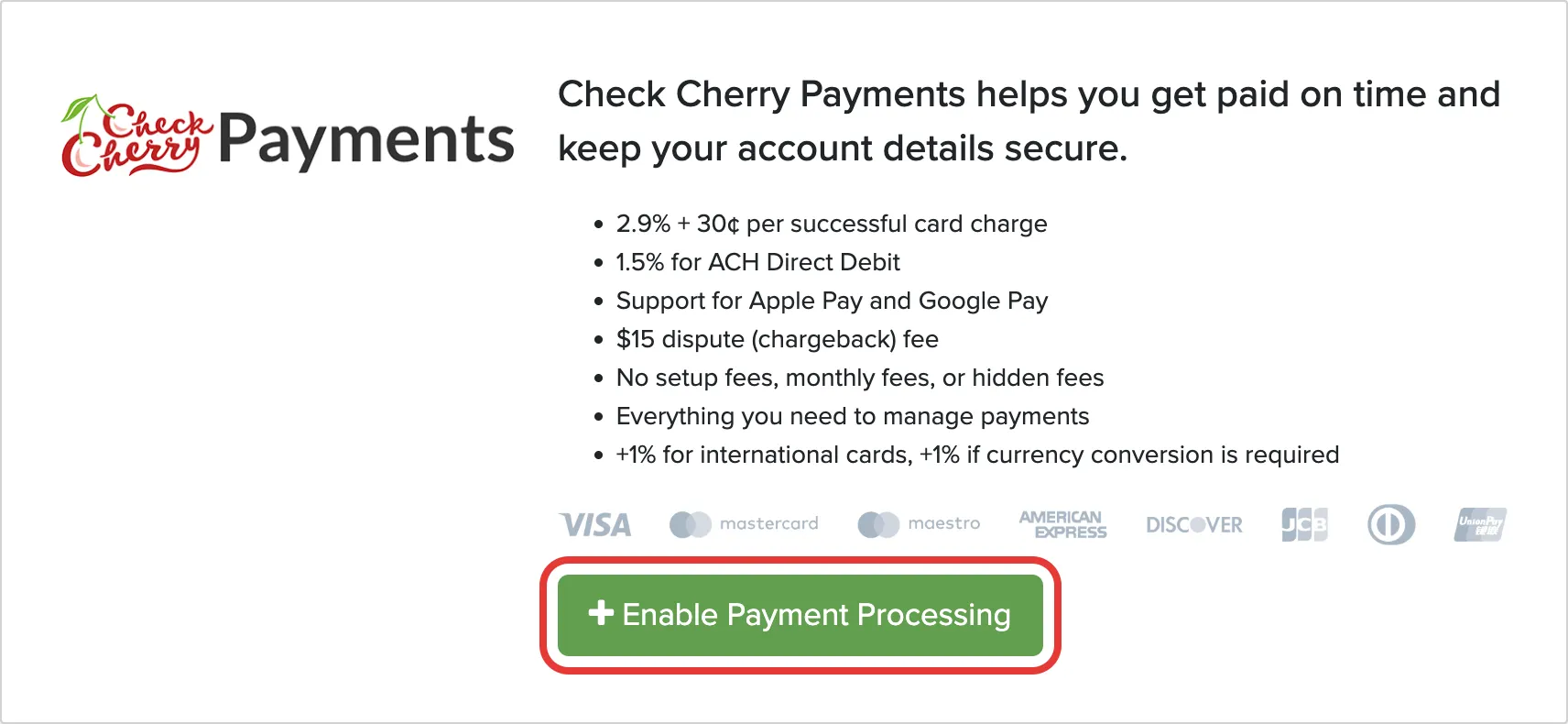
If You're Switching from Another Processor
Check Cherry uses one card processor at a time, so you disconnect your current one first. Go to Payment Settings, open your current processor, and choose Disconnect. Check Cherry Payments becomes available as soon as you do.

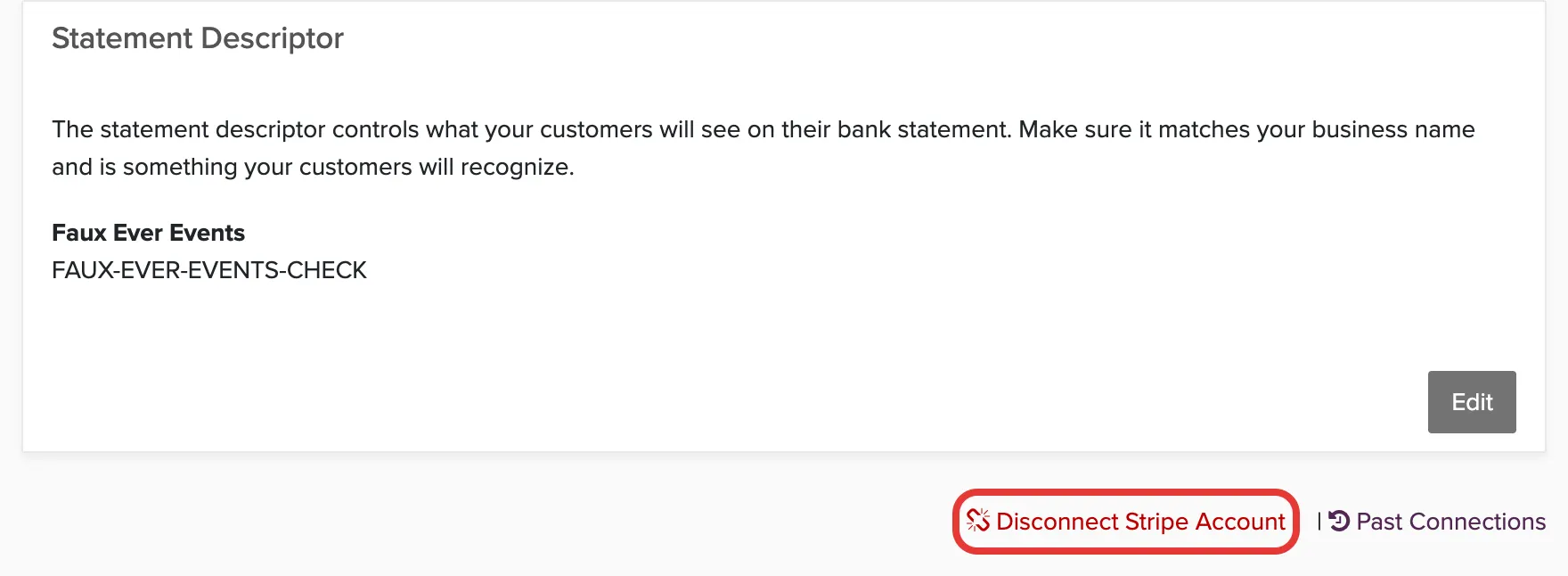
We keep the old connection so your history keeps working:
- Refunds on payments are sent back through the processor that was connected at the time of original payment
- Payment plans on auto pay keep collecting using the old processor until the customer updates their card
- New payments all use Check Cherry Payments from the moment you connect it.
Every processor you have disconnected is listed under Past Connections.