At the event and the client wants to pay the remaining balance? Collect a credit card payment right from the Check Cherry app for iOS and Android.
Taking a Payment
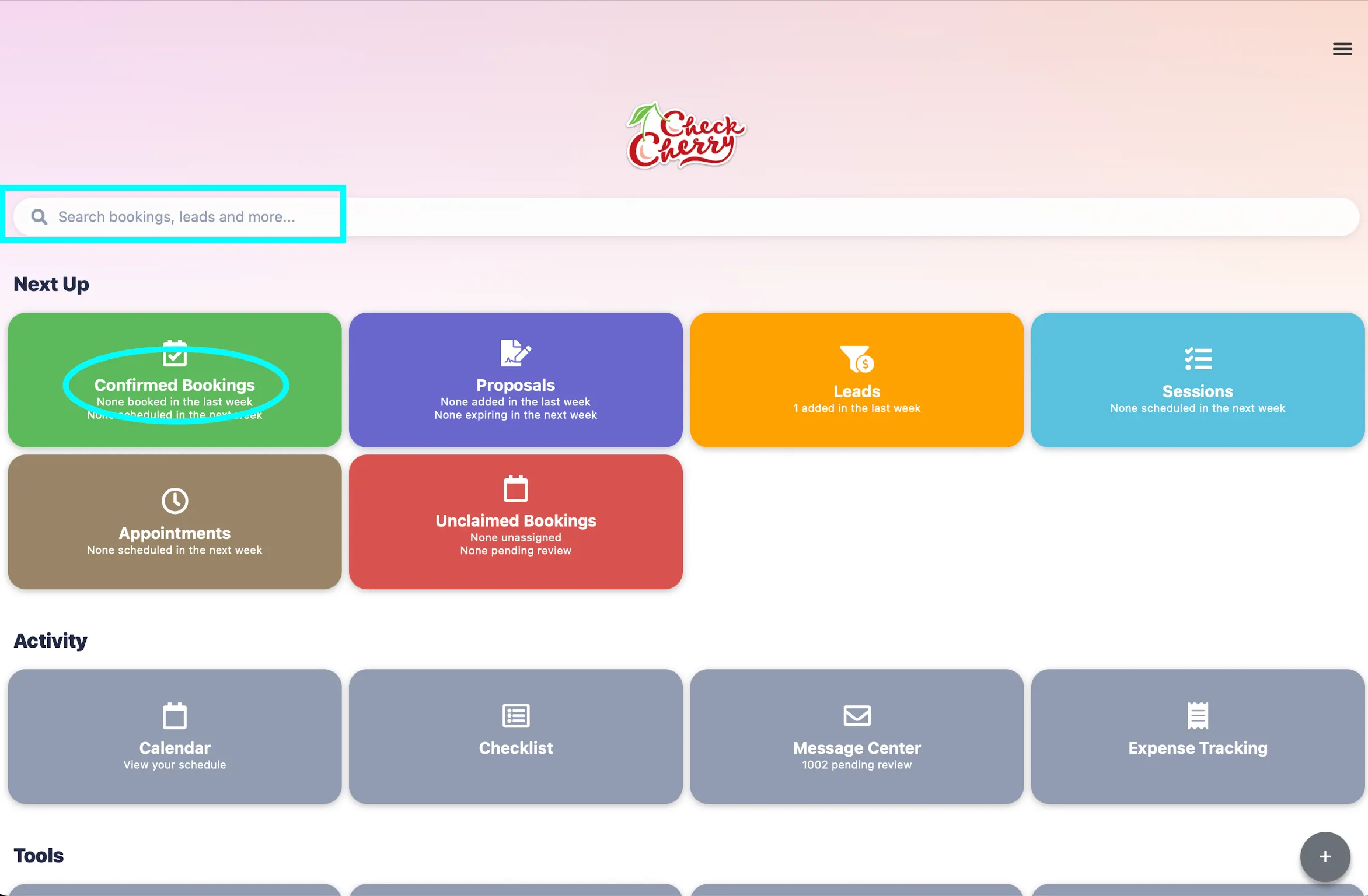
Open the booking (use search or find it in your bookings list).
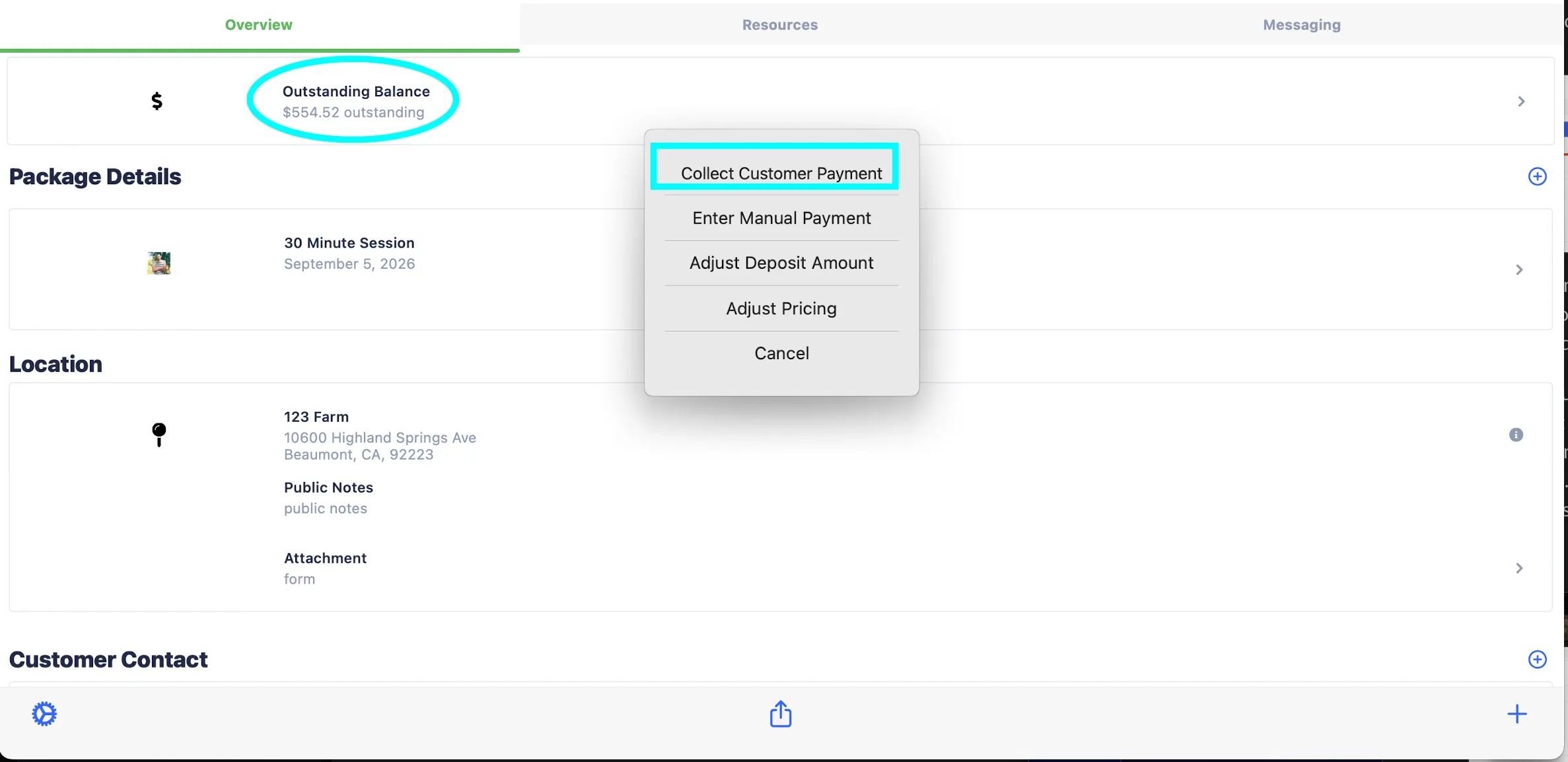
Tap the Outstanding Balance and select Collect Customer Payment.
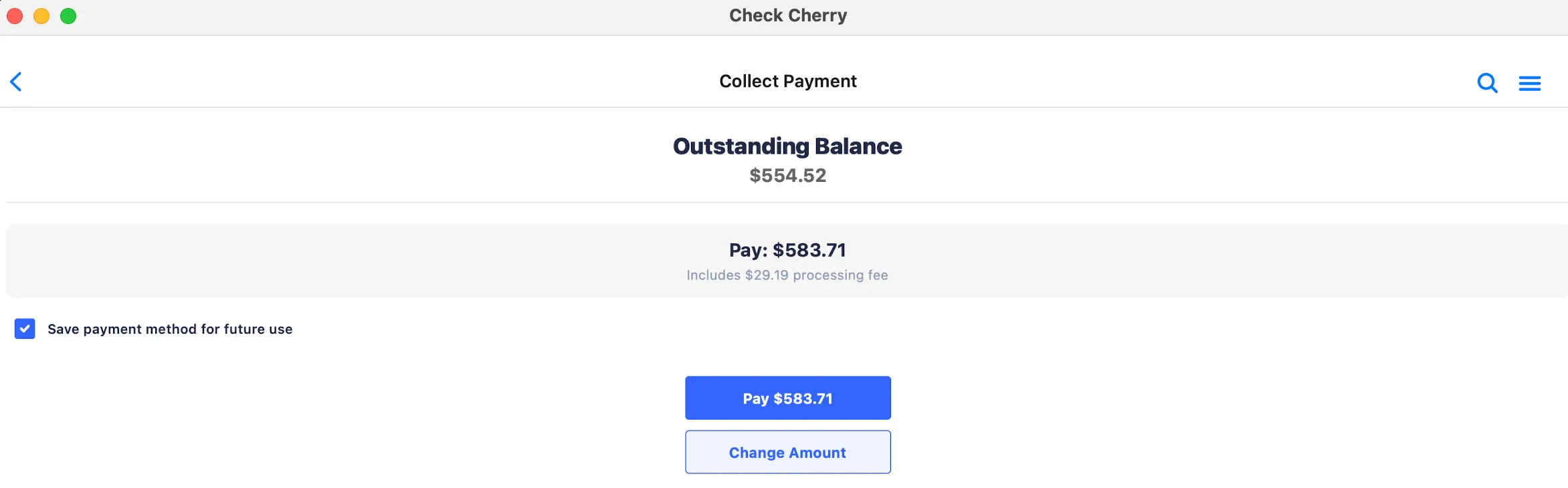
Enter the payment amount and tap Continue.
Enter the card details manually or tap Scan Card to use the camera.
Tap Continue to process the payment.
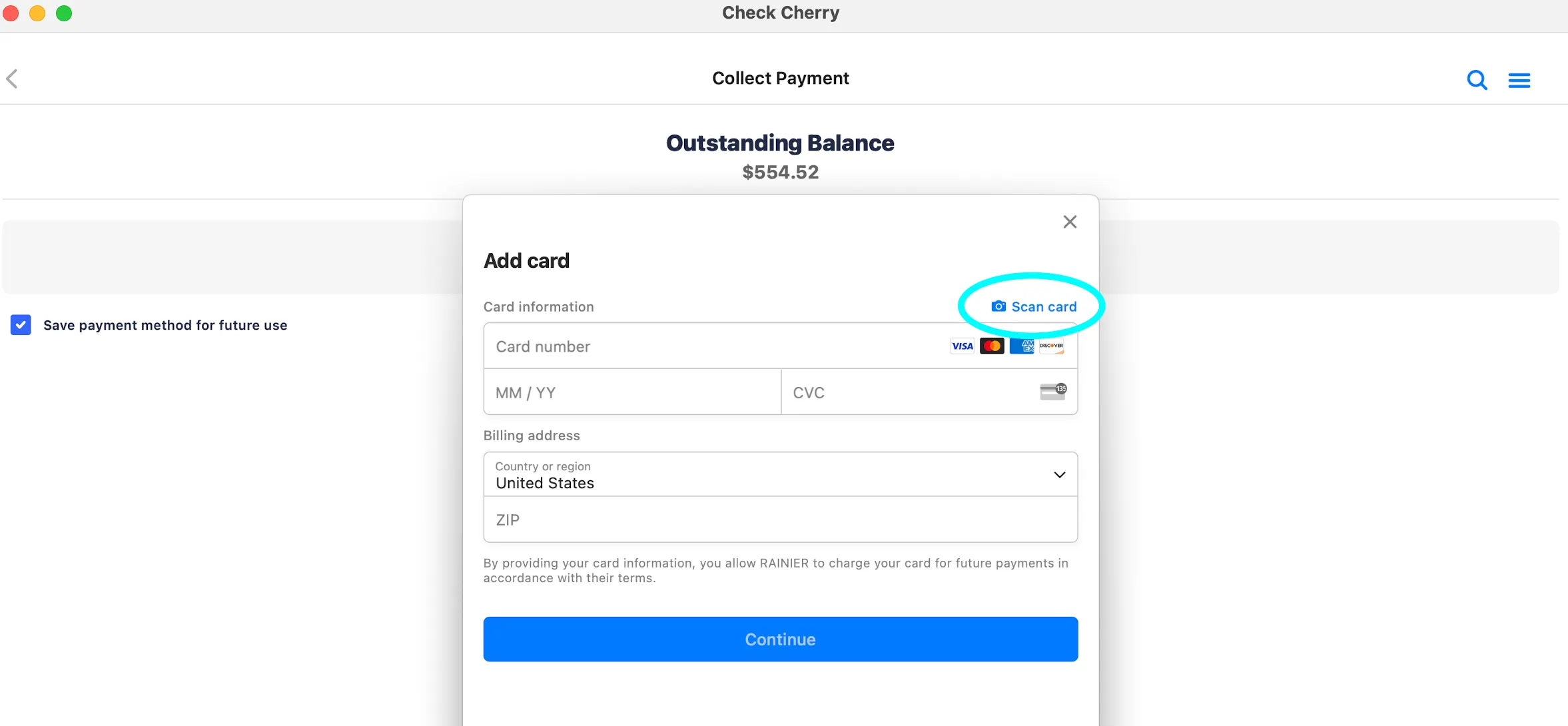
The scan card feature uses your phone's camera to automatically fill in the card details, making it faster for both you and your client.