Discount codes let clients enter a code during booking or on a proposal to receive a percentage or flat-rate discount. They're useful for promotions, referral incentives, returning client offers, or seasonal deals.
Creating a Discount Code
How the Discount Applies
You have three options for how the discount is calculated:
- Each specific item — Applies the discount to every matching package, add-on, and backdrop individually. If there are multiple matching items, the discount is repeated for each one.
- Entire package & add-ons/backdrops — Applies the discount to each matching package including all its associated add-ons and backdrops as a group. Only applied once per package.
- Complete booking — Applies a single discount to the entire booking regardless of how many packages, add-ons, or backdrops are present.
Setting Validity Rules
You can control when and how a code can be used:
- First and last day valid — Set the date range when the code can be redeemed
- Valid dates based on — Choose whether dates refer to when the booking is made (booked date) or when the event takes place (event date)
- Valid days of the week — Limit the code to specific weekdays
- Proposal redemption — Allow or disable code usage on proposals
- Maximum redemptions — Set usage limit (leave blank for unlimited)
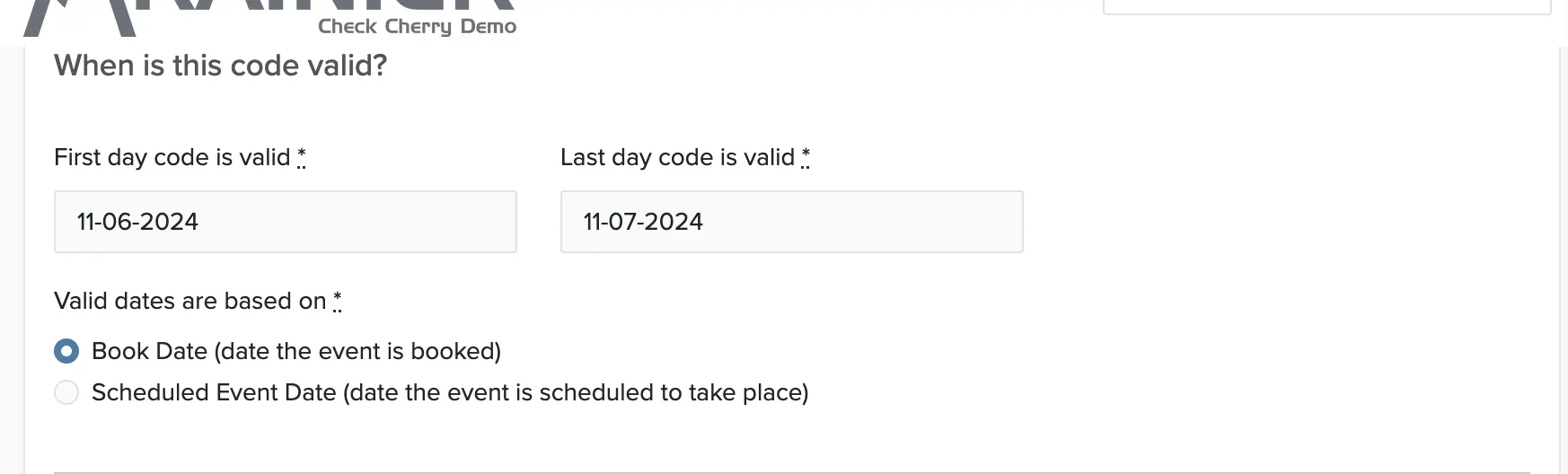
For example, to offer a discount for events held in January, you would set the valid dates as Jan 1 to Jan 31 and base it on "Event date". The code can be used any time but will only work for events scheduled in January.
Where Clients Enter the Code
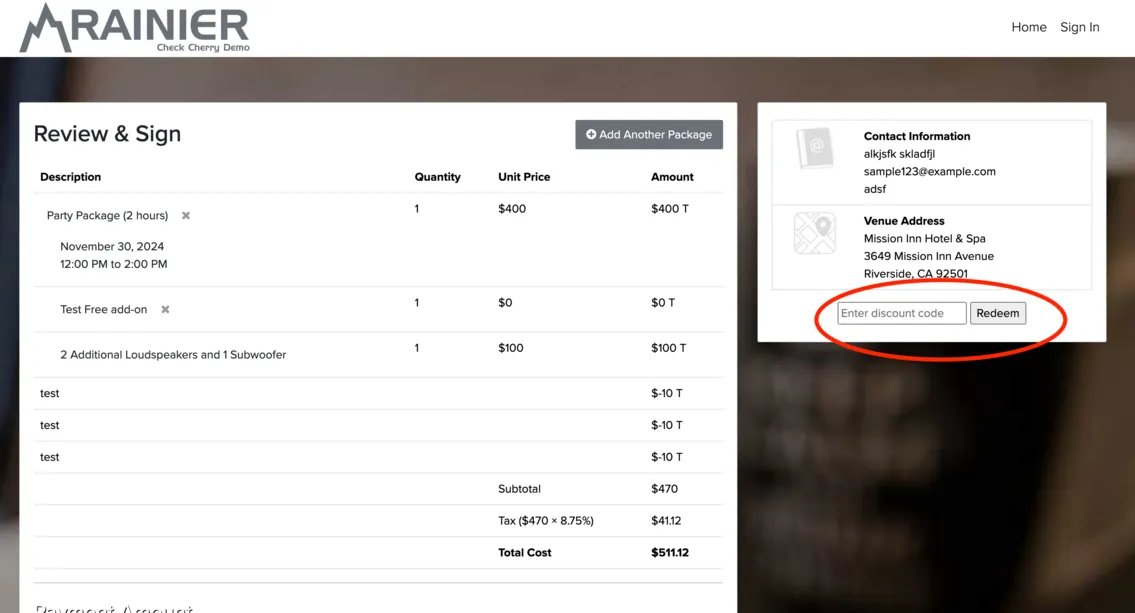
During online booking, clients enter the code on the final step before signing and paying:
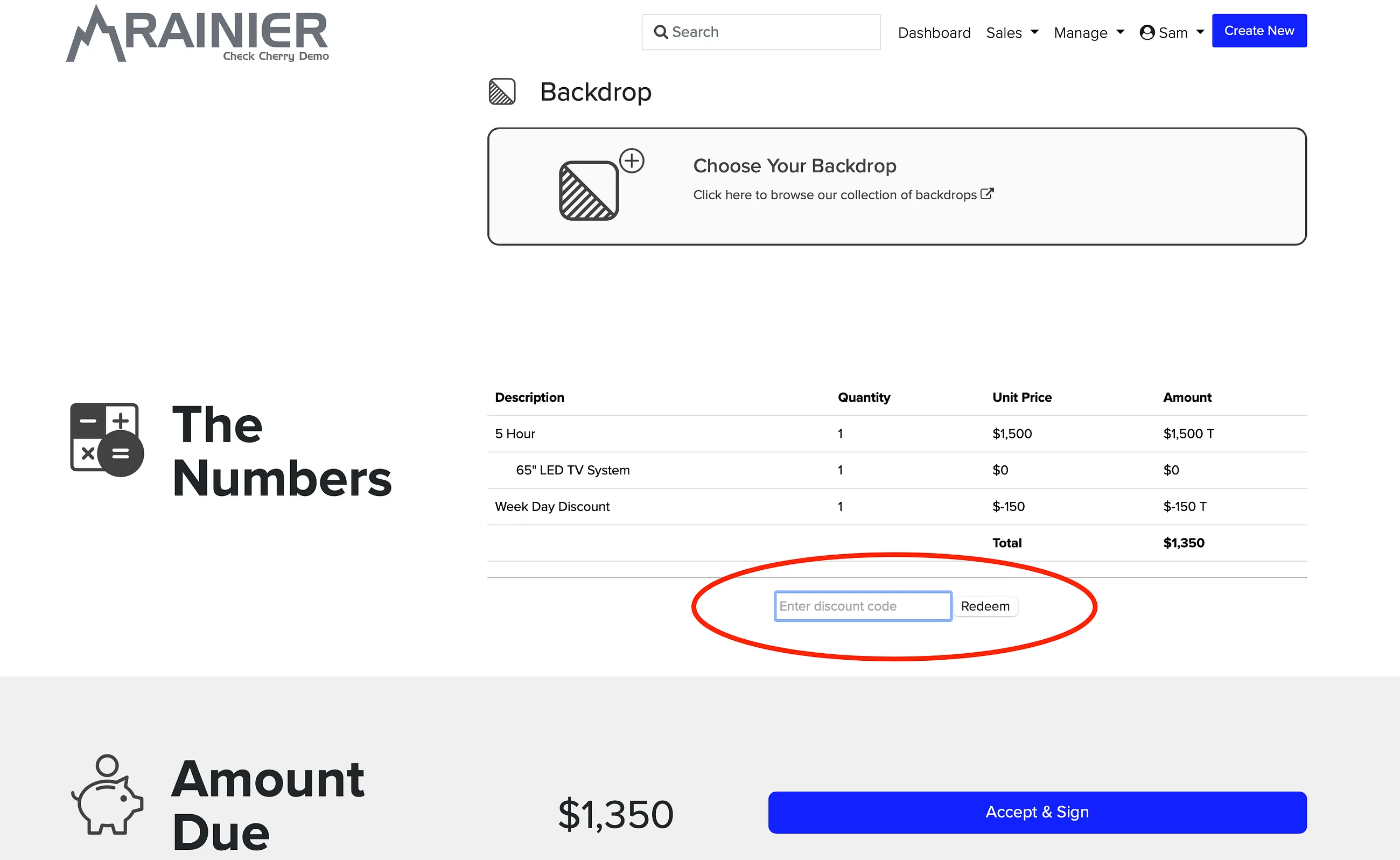
When accepting a proposal, the client enters the code in the Numbers section:
Applying a Code to a Proposal Before Sending
You can apply a discount to a proposal before the client sees it — useful when you've already agreed on a discounted price.
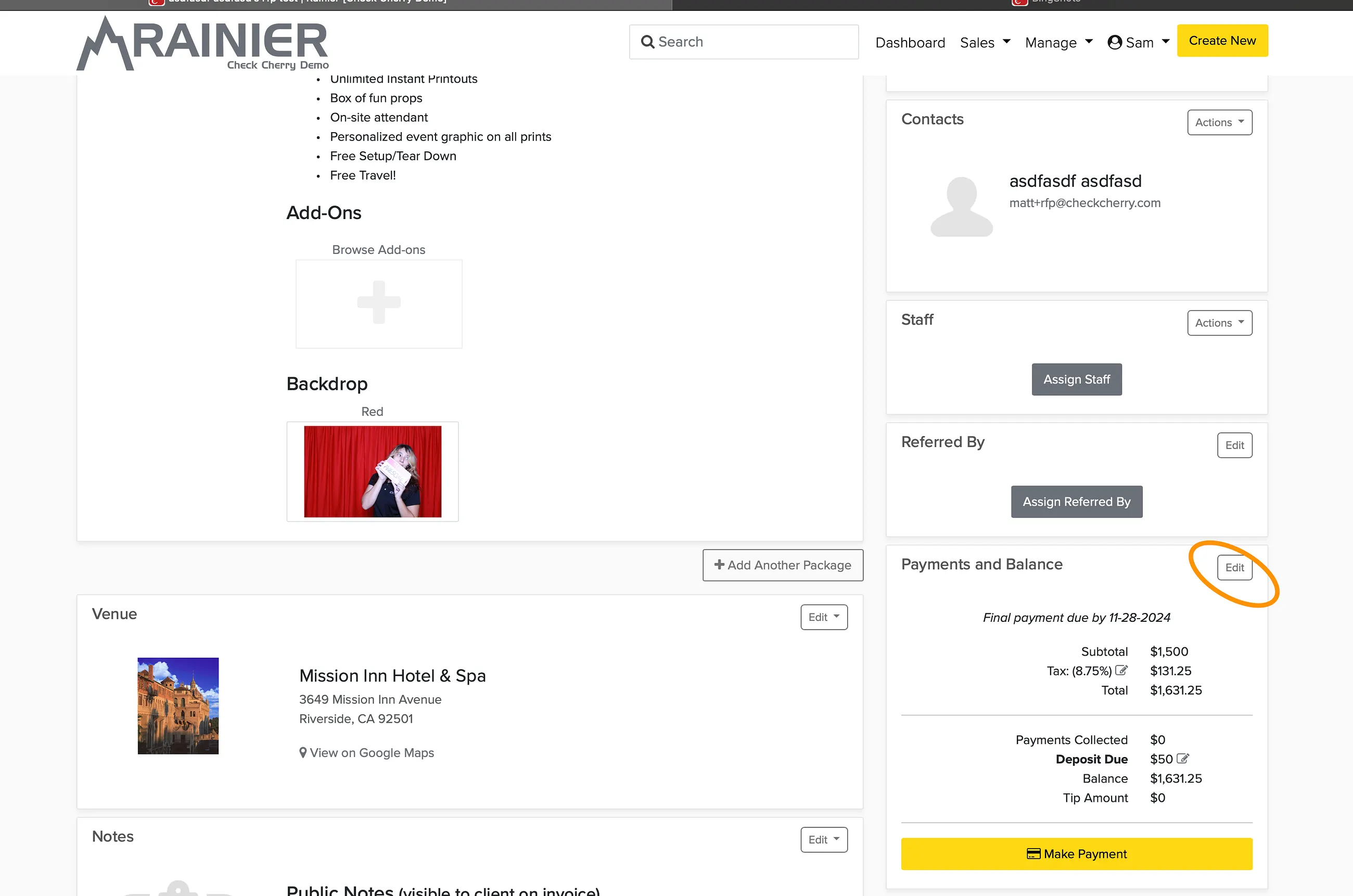
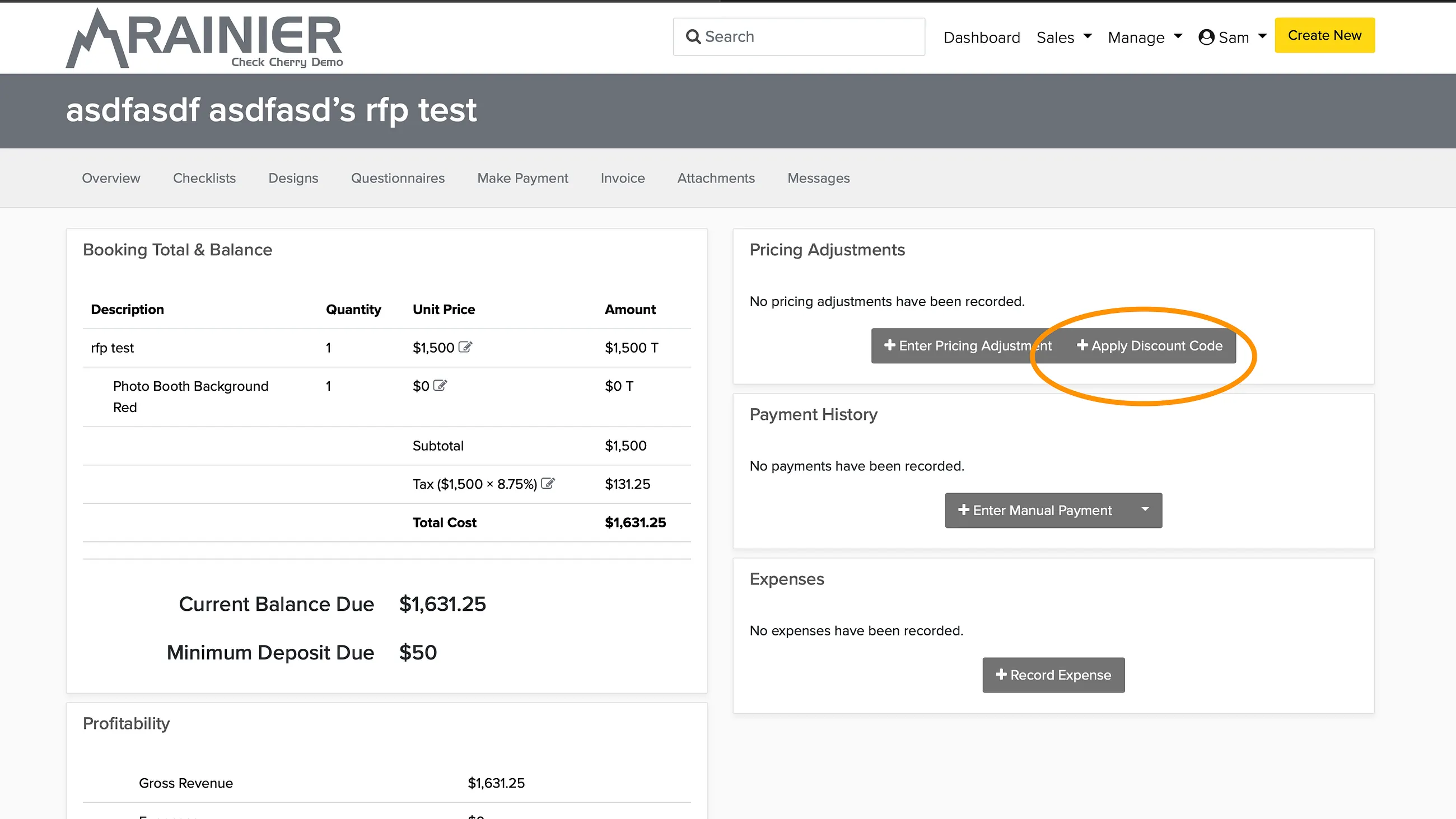
The discount will appear on the client's invoice when they view the proposal.