Appointments are designed for meetings — consultations, discovery calls, or other conversations that happen before or after a booking. Clients pick from your available time slots, and meetings can happen in person, over the phone, or via video call.
When to Use Appointments
Appointments work well for meetings with fixed durations where you want to control your schedule:
- Initial consultations with potential clients
- Discovery calls to discuss event details
- Venue or menu tastings
- Planning meetings with existing clients
- Lead qualification calls
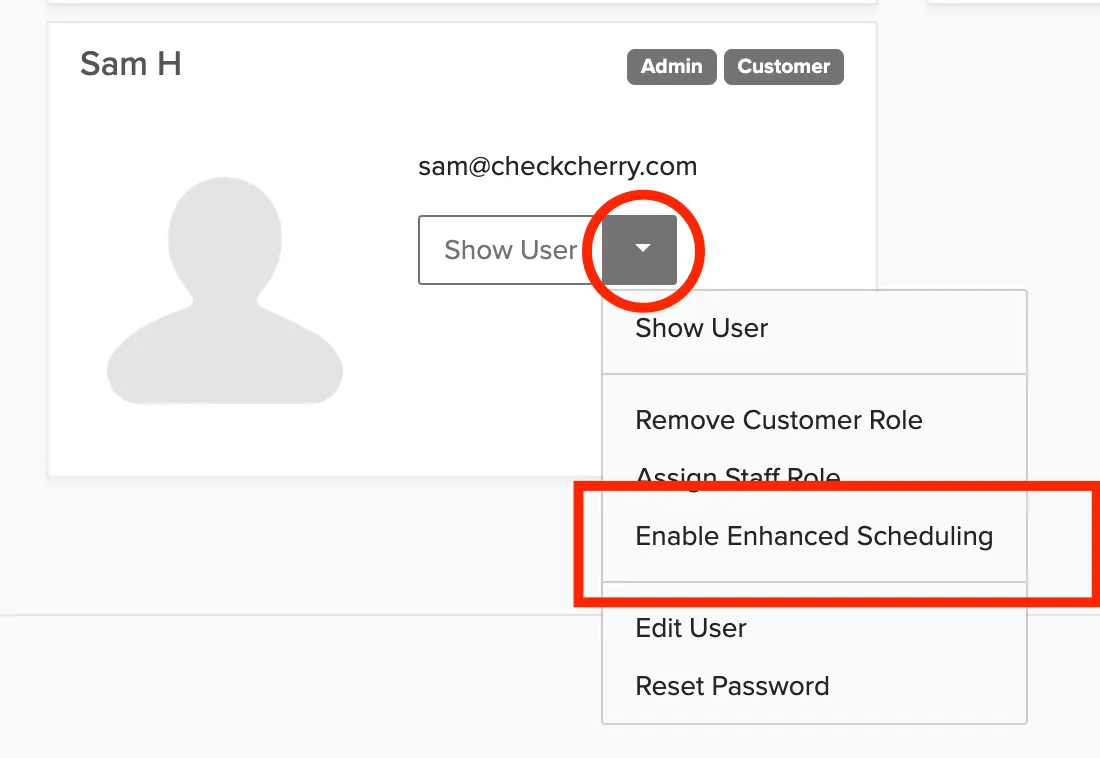
Enable Appointments for a User
Appointments are a scheduling permission that must be enabled for all users except the account owner.
Set Your Availability
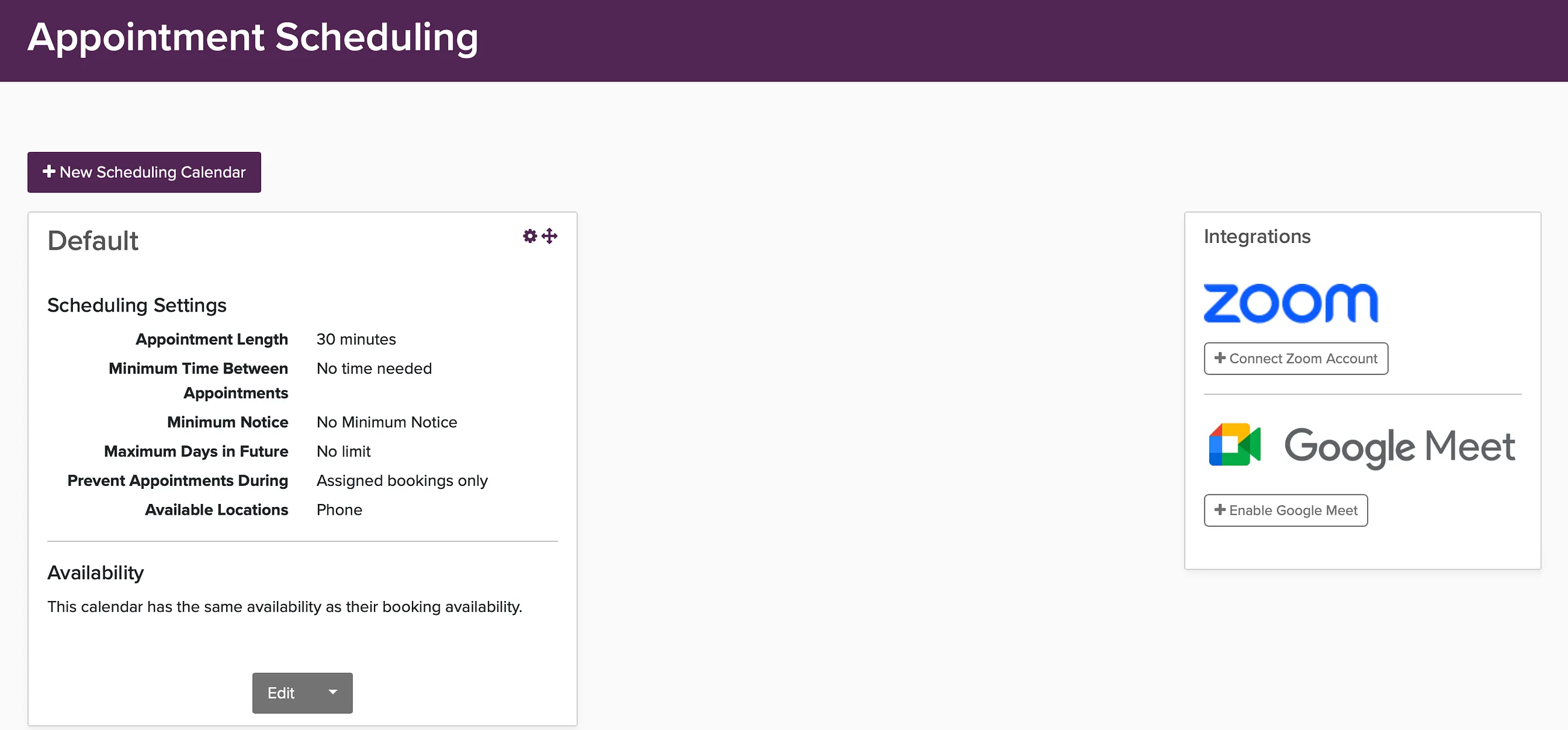
Click your name -> Appointment Scheduling to define which days and times you offer appointment slots. Clients will only see times that fall within your availability.
Video Call Integration
For virtual appointments, connect your Zoom or Google Meet account. When enabled, a Zoom or Google Meet meeting link is automatically created for each appointment and included in the confirmation email.
Creating Appointments
There are three ways to create an appointment:
- Client self-books: You send the client a link to your appointment calendar, client picks a slot, and creates an appointment.
- You create it: Click Create New in the top nav and select Schedule a Meeting.
- From a lead: Convert a lead to an appointment by clicking the Actions button and select Create Appointment.
Viewing Appointments
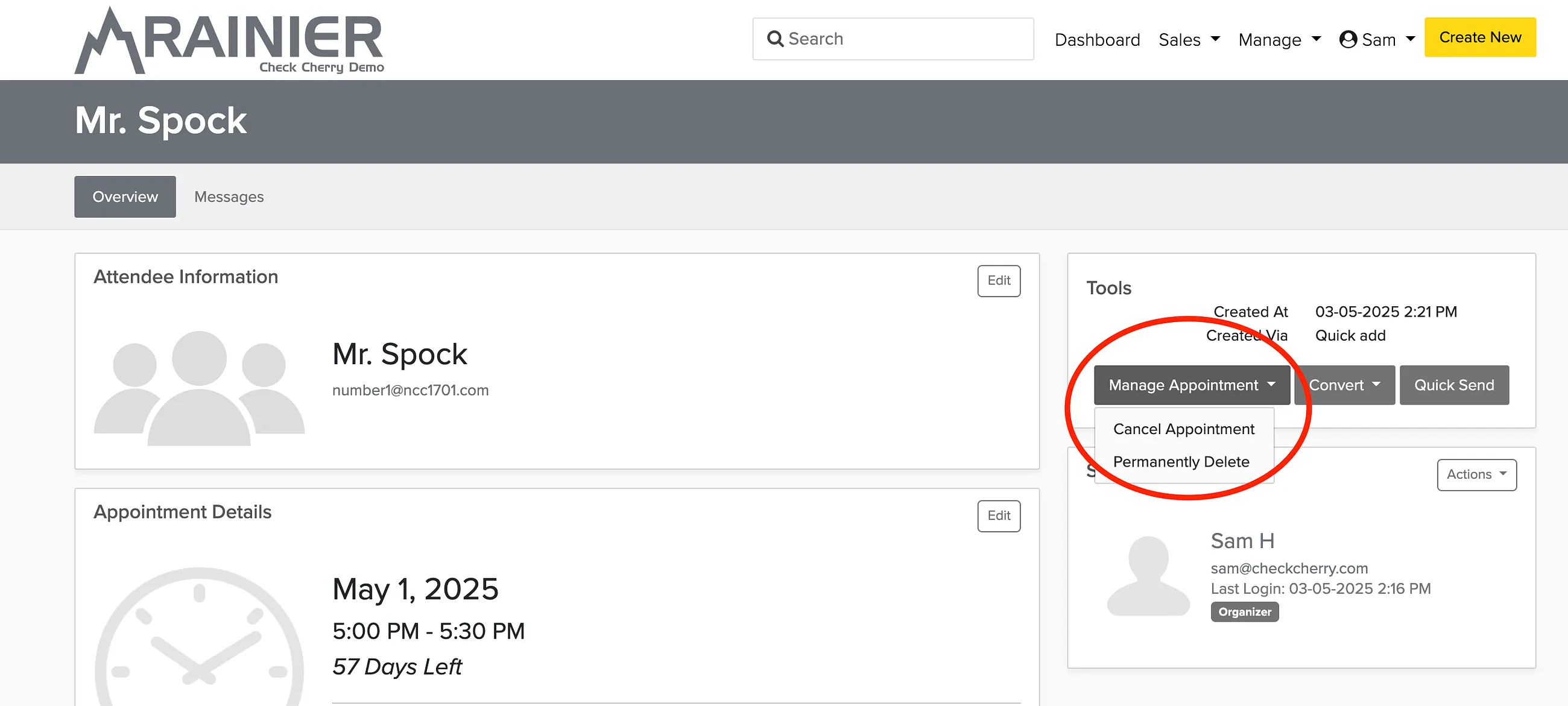
View your appointments under Sales > Appointments. You can filter by date, status, and brand.
Your Appointment Scheduling Link
Your appointment scheduling link is tied to the brand you currently have selected. If you run more than one brand, make sure you have the correct brand active before copying and sharing the link — otherwise clients may land on the wrong brand's booking page.