Your DJ just got assigned to a wedding next Saturday but has no idea. Automated staff notifications fix this — they get an email the moment they are assigned.
Finding the Template
Manage → Automated Messages
Go to Automated Messages.
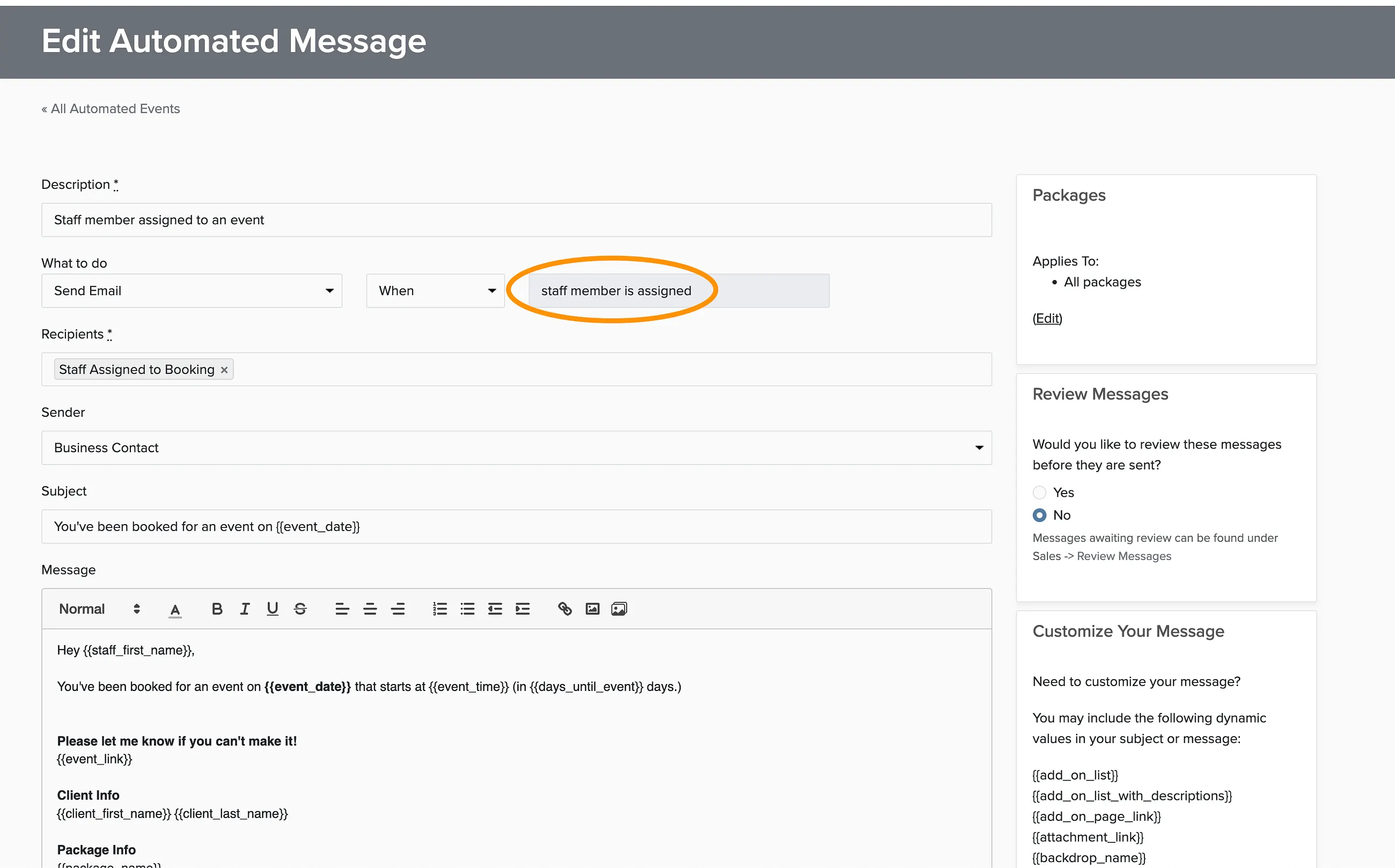
Look for the Staff Assignment template on the Automated Messages tab.
Click Edit to customize the email content.

Assigning Staff to Proposals
You can assign staff to proposals before the client accepts. The notification email will be sent when the proposal is accepted and becomes a booking, not when you assign the staff.