A booking comes in at midnight and your team doesn't know until morning. Set up an automated notification so staff get an email or text the moment a new booking is confirmed.
Manage → Automated Messages
Go to Automated Messages.
Click New Automated Message.
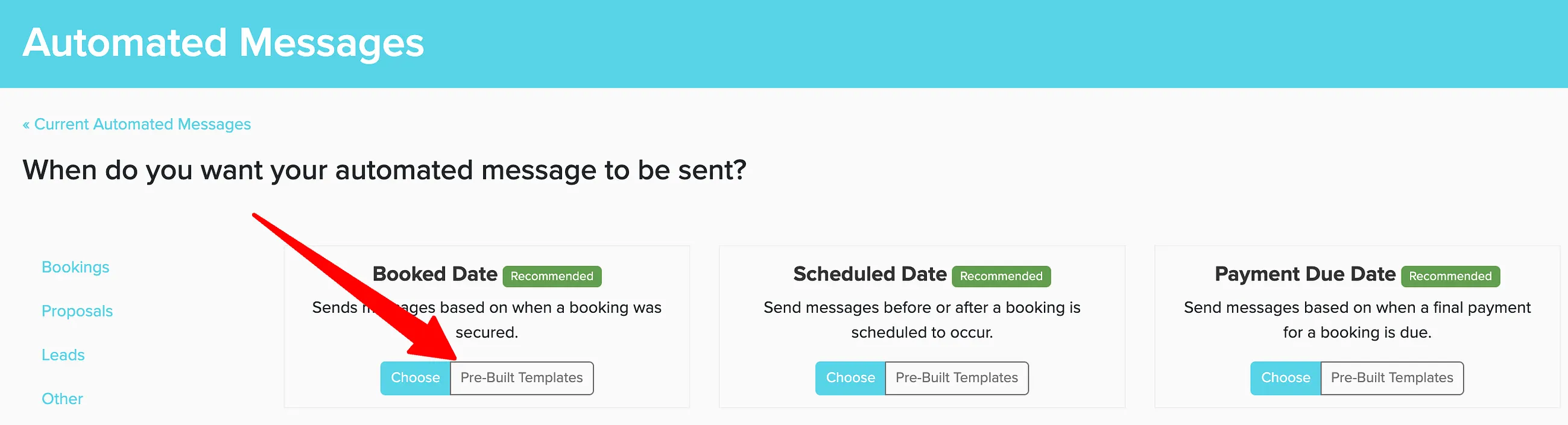
Select the Booked Date template group.
Select Send Staff Email to Request/Claim Booking.
Click View Template to customize the message content.
By default, the recipient is set to include all staff members.
Click Save to enable the automated notification.
If you assign a staff member to a lead or proposal before it becomes a booking, the assignment notification won't go out until the booking is confirmed. Staff will receive the email or SMS at that point, not at the time of assignment.
You can set up both email and SMS notifications for different scenarios. For urgent bookings, SMS ensures staff see the notification immediately even when away from email. Each template can only be either email or SMS, so if you want to send both, you will need to create separate templates for each.