You sent a proposal two weeks ago and never heard back. Is the client still interested? Should you follow up again or release the date? Proposal expiration dates solve this by automatically expiring proposals after a set number of days, so you're not left guessing.
By default, proposals do not have an expiration date.
Setting a Default Expiration
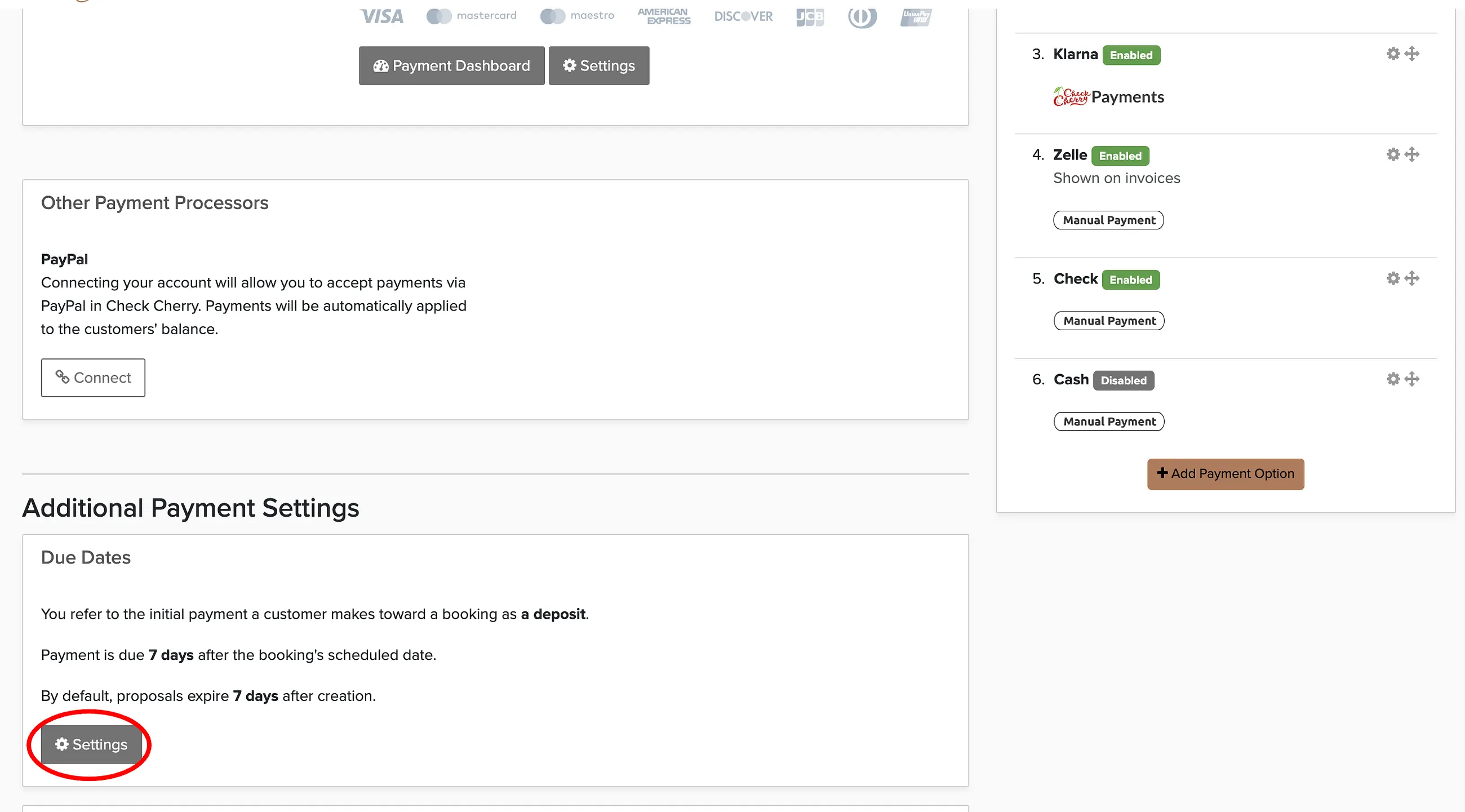
Once you set an expiration, it applies to all new proposals going forward. A typical time to expiration for a proposal is between 7 and 14 days.
Should You Use Expiration Dates?
It depends on your business. Here's the tradeoff:
- With expiration: Creates urgency. Clients who are interested are more likely to act. You get a clear signal when a proposal expires without a response, so you know to move on or follow up one more time. If the proposal has a reserved date, that date is released for other clients.
- Without expiration: More relaxed. Works if your clients tend to take a long time to decide (like corporate event planners) or if you don't want to pressure anyone.
Most businesses set expiration between 7 and 14 days. Some pair it with an incentive to create urgency, like a small discount that only applies if the client accepts before the proposal expires, or reserving the date for them during that window. The combination of a held date and a ticking clock is often enough to get a decision.