A client needs more time to pay, or you agreed on a different payment schedule after sending the proposal. You can update the due date in a few clicks — the same payment link still works, so no need to resend anything.
Manage → Proposals
Select the proposal from your list.
Click Manage Booking.
Select Change Due Date and enter the new date.
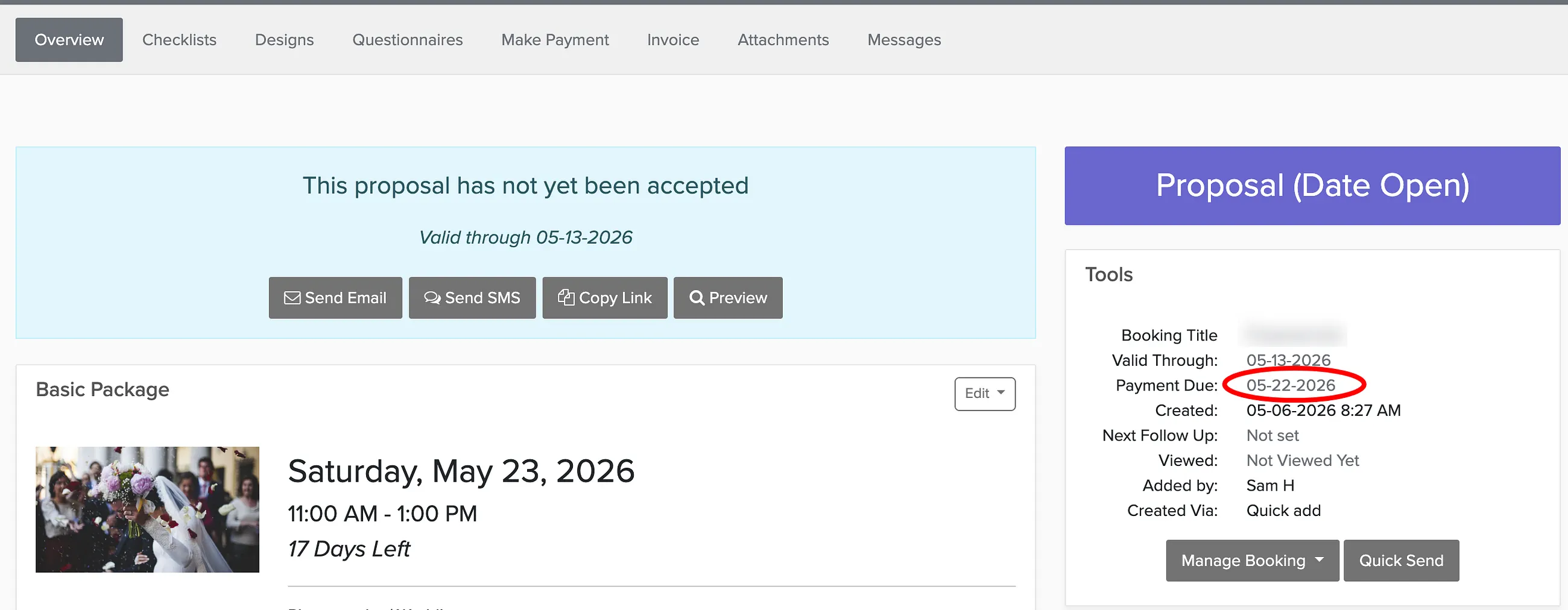
Changing the due date also affects when automated payment reminders go out. They'll be rescheduled based on the new date.