Running two businesses on separate Check Cherry accounts? You can switch between them in the Check Cherry app for iOS and Android without logging out and back in.
Don't have the app yet? Download Check Cherry for iOS and Android.
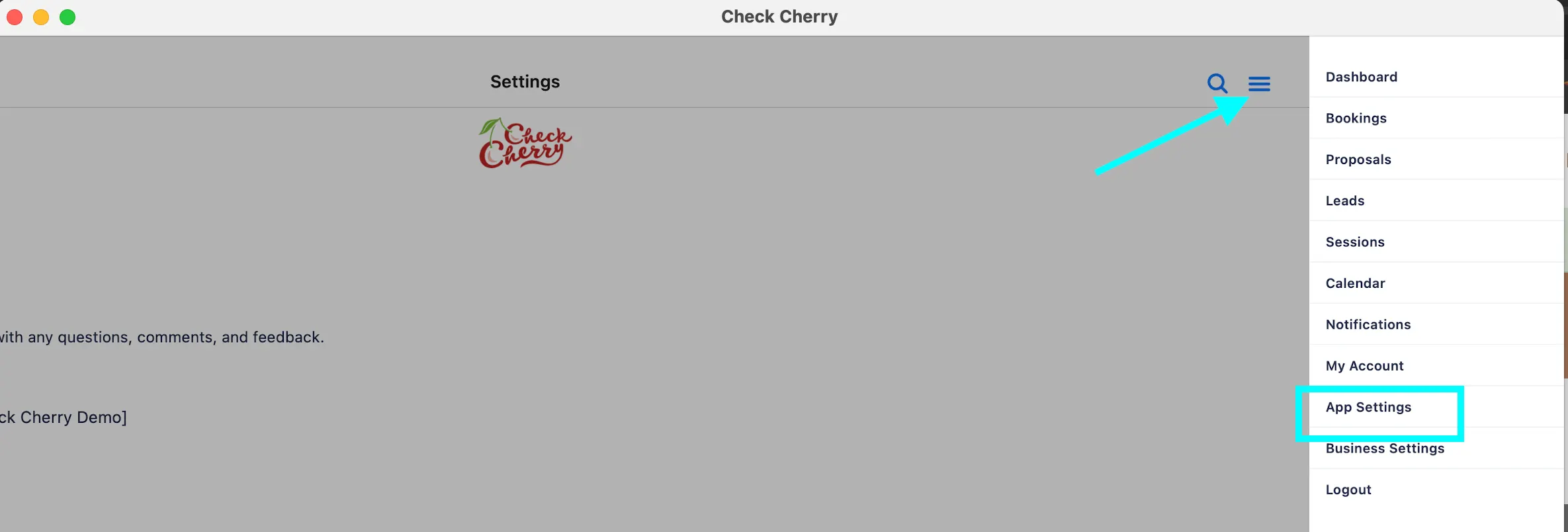
Tap the menu button in the upper right.
Tap Switch Account.
Enter the email address for the other Check Cherry account.
A verification code is sent to your email with the subject "Your <business name> Login Code." Enter that code to access the other account.
The verification email comes from notifications@businessname.checkcherry-mail.com and may take a few minutes to arrive.