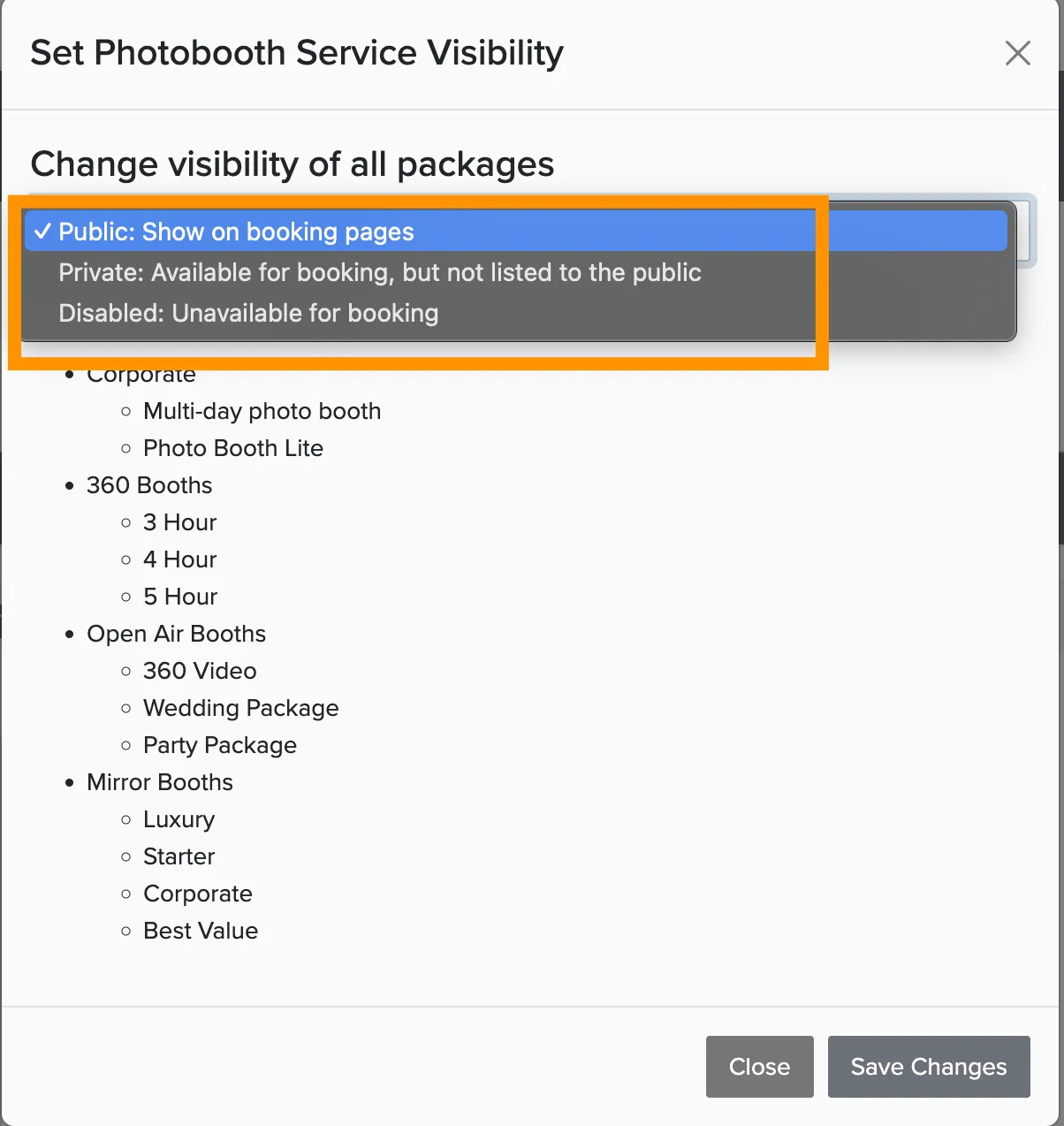
Turning off packages for the off-season, or launching a new service line all at once? Use the bulk edit feature to toggle visibility for every package in that service with one click.
Manage → Packages
Go to Packages.
Click the Bulk Edit button at the top of the page.
Select Bulk Edit Package Settings.
Select the packages you want to change, or check Select All to include all packages in the service.
Click Edit Selected Packages.
Choose Make Visible or Make Private from the actions menu.

You can also edit individual packages using the 3-dot menu in the upper right corner of each package card. The bulk edit feature is perfect when you need to make the same change to multiple packages at once.