Multiple brands let you run separate booking experiences under one Check Cherry account — think a wedding brand and a corporate events brand, or different service tiers with their own pricing and presentation. Each brand gets its own URL, packages, and booking page, but you manage everything from one dashboard.
Why Use Multiple Brands
Most businesses that use multiple brands fall into one of these situations:
- Different service lines (weddings vs corporate events)
- Premium and budget tiers with different positioning
- Partner/franchise locations under one business
- Testing new pricing or packages without affecting the main brand
How Brand Separation Works
Each brand has its own unique URL and booking page. When clients visit a brand's URL, they only see that brand's packages, pricing, and design. You assign packages to specific brands when you create or edit the Brand. Each brand can have completely different packages, pricing, contract terms, and branding while sharing the same bank account and payout schedule.
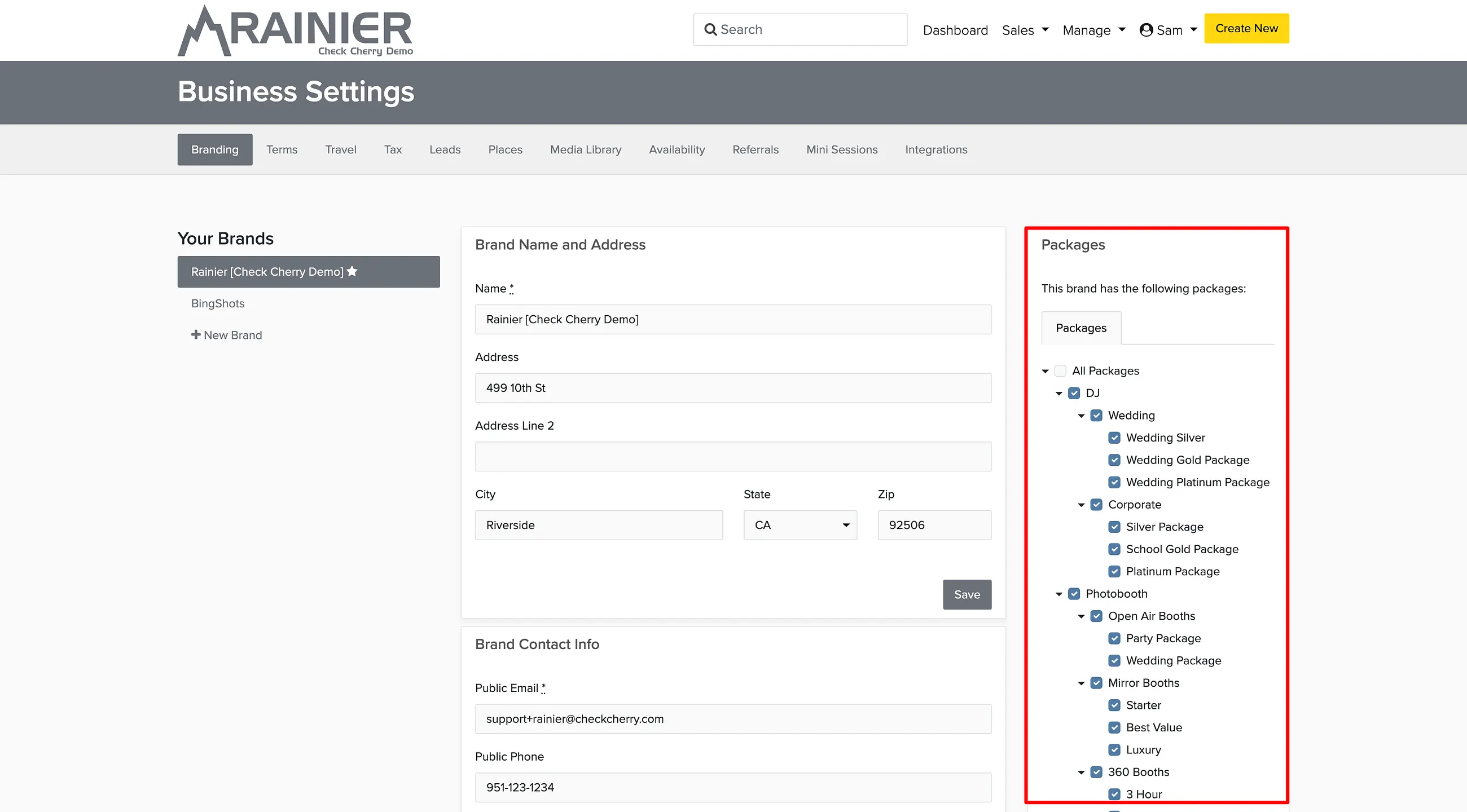
Managing Package Assignments
You can change which brand a package belongs to or make it available to multiple brands through the Brand settings.
