Some clients want you to sign the contract too. Check Cherry supports counter-signing after the client has signed.
The client must sign first. Counter-signing is only available after the client's signature is on the contract.
How to Counter-Sign
Open the booking.
Click the Manage Booking button.
Select Edit Contract Terms
Click on Counter-sign Contract.
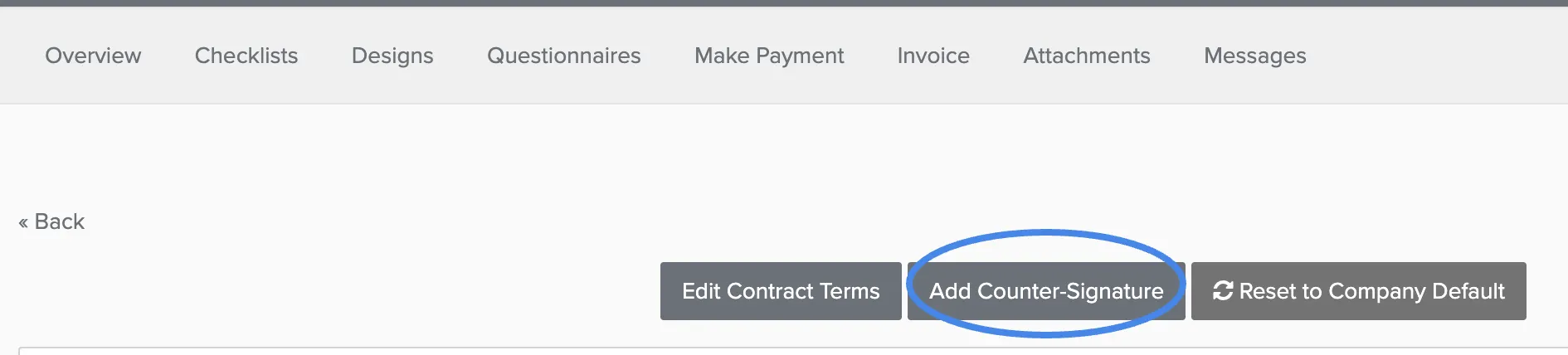
5. Type your signature.
6. Save.
After counter-signing, both signatures appear on the contract. The client can see your signature when they view their contract in the client portal.