When a client books online, the default form collects the basics — name, date, location, package. Extra questions let you go further: find out how they heard about you, collect details specific to the event type, or capture anything else you need before the job. You can also show these questions on lead forms so you have more context before you even respond to an inquiry.
Pre-Built vs. Custom Questions
When you create a new question, you can choose from a library of pre-built questions or write your own. Pre-built questions cover common needs and are ready to use without any configuration.
- Customer address
- Event type
- How they heard about you
- Number of guests
- And more
Custom questions let you write your own prompt and choose the input type — short text, long text, dropdown, checkbox, and so on.
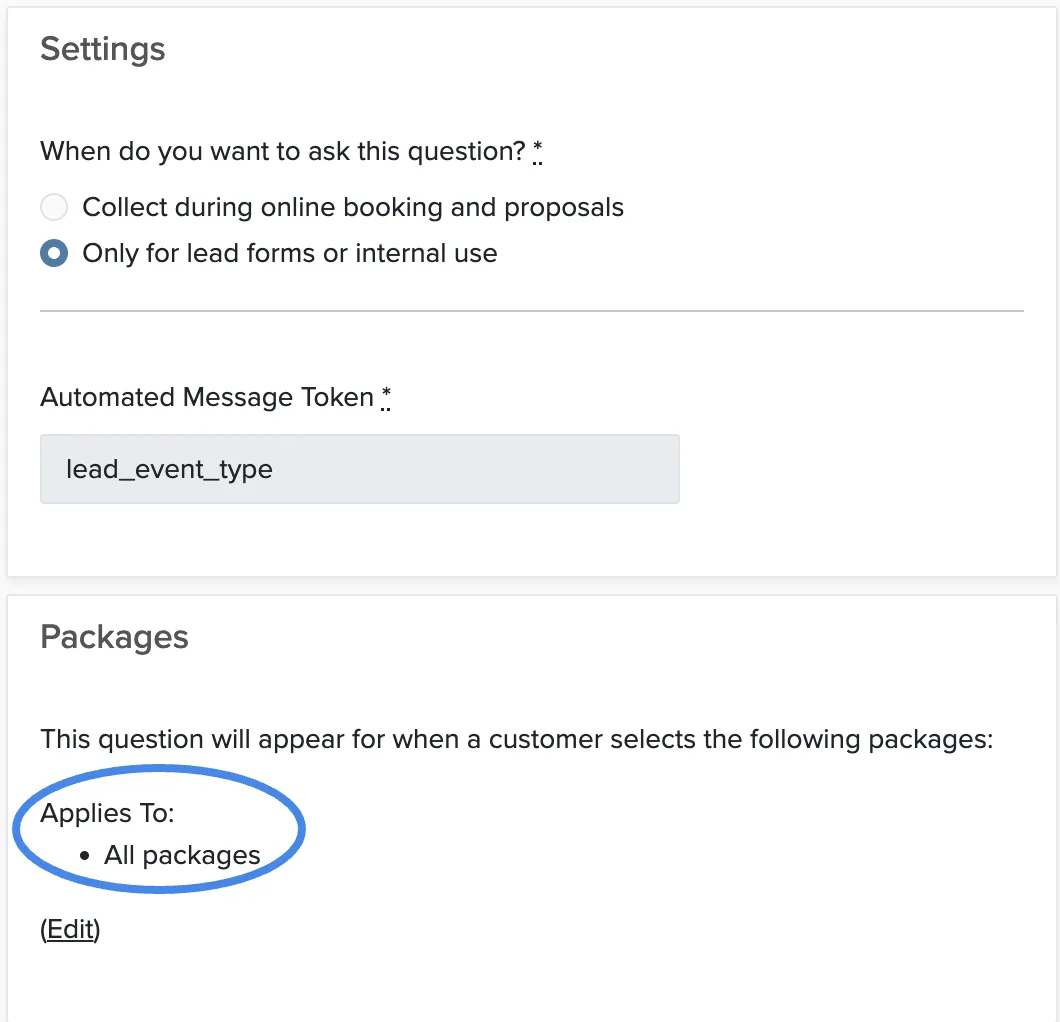
Adding Extra Questions
Where to Find the Answers
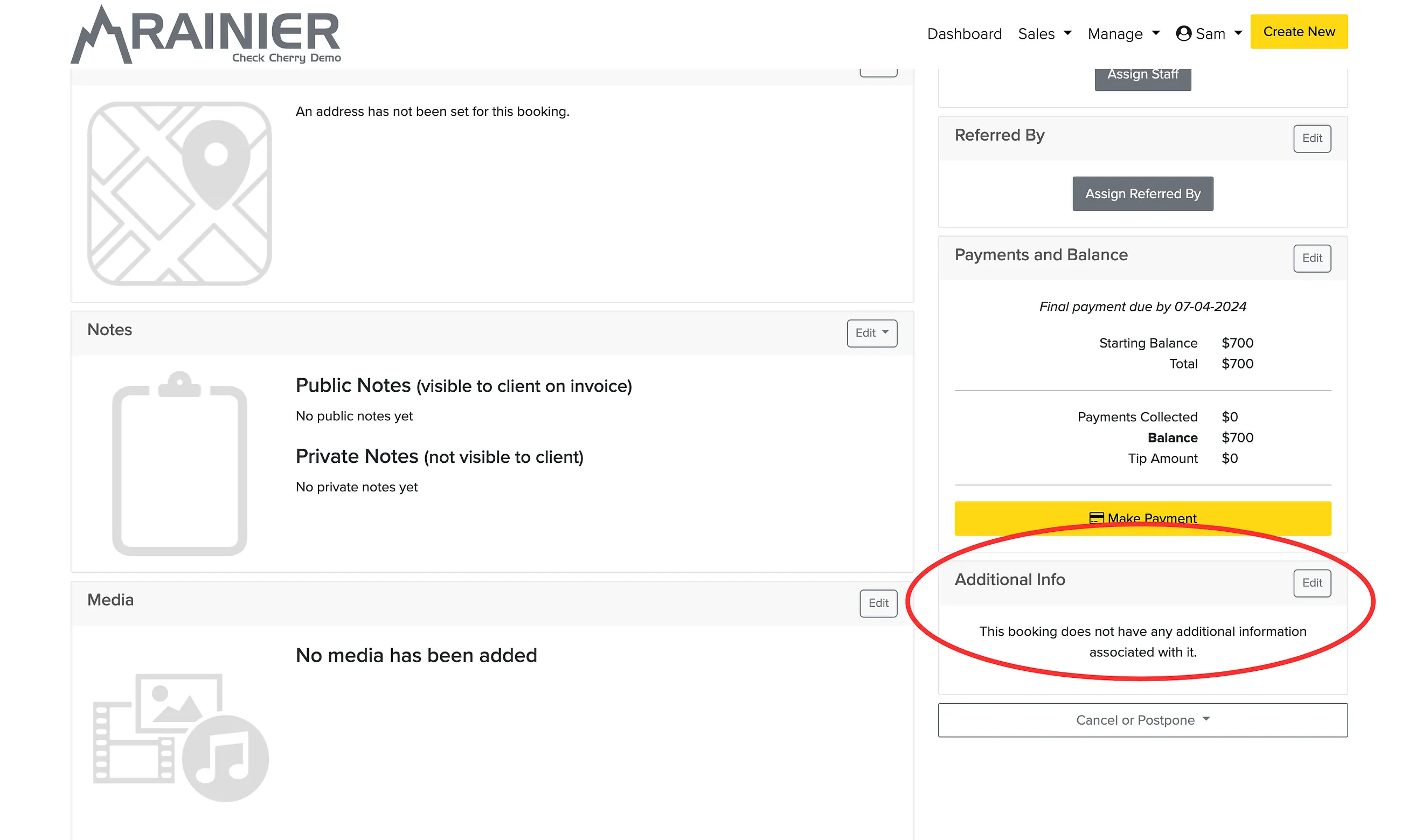
Once a client completes a booking, their answers appear on the booking record. Open any booking and look for the Additional Info section — you'll see each question alongside the client's response. If you're collecting answers on a lead form, they'll appear on the lead record the same way.