A song list is a reusable library of tracks your clients can pick from when you ask them for music selections. Build a curated list once, then attach it to questionnaire fields or to design template questions across every booking. Most operators end up with several lists for different moments of a wedding or event: first dances, parent dances, ceremony processionals, popular reception songs, party closers.
Lists live in the song library, separate from any individual questionnaire. That means you can update a list in one place and every questionnaire field pointing at it sees the change.
Where song lists live
Song Lists sits as a tab inside Questionnaire Templates because that is where it was first used. The lists themselves are usable anywhere we ask a client to pick a song, including design template extra questions for 360 photo booths.
Start from a Check Cherry sample
The fastest way to get going is to start from one of the sample lists Check Cherry provides. They cover common categories like first dance, father-daughter, mother-son, and reception favorites. The samples are generic on purpose. Most people import one as a starting point and then customize it to match what they actually play.
Import from Spotify, Apple Music, or YouTube Music
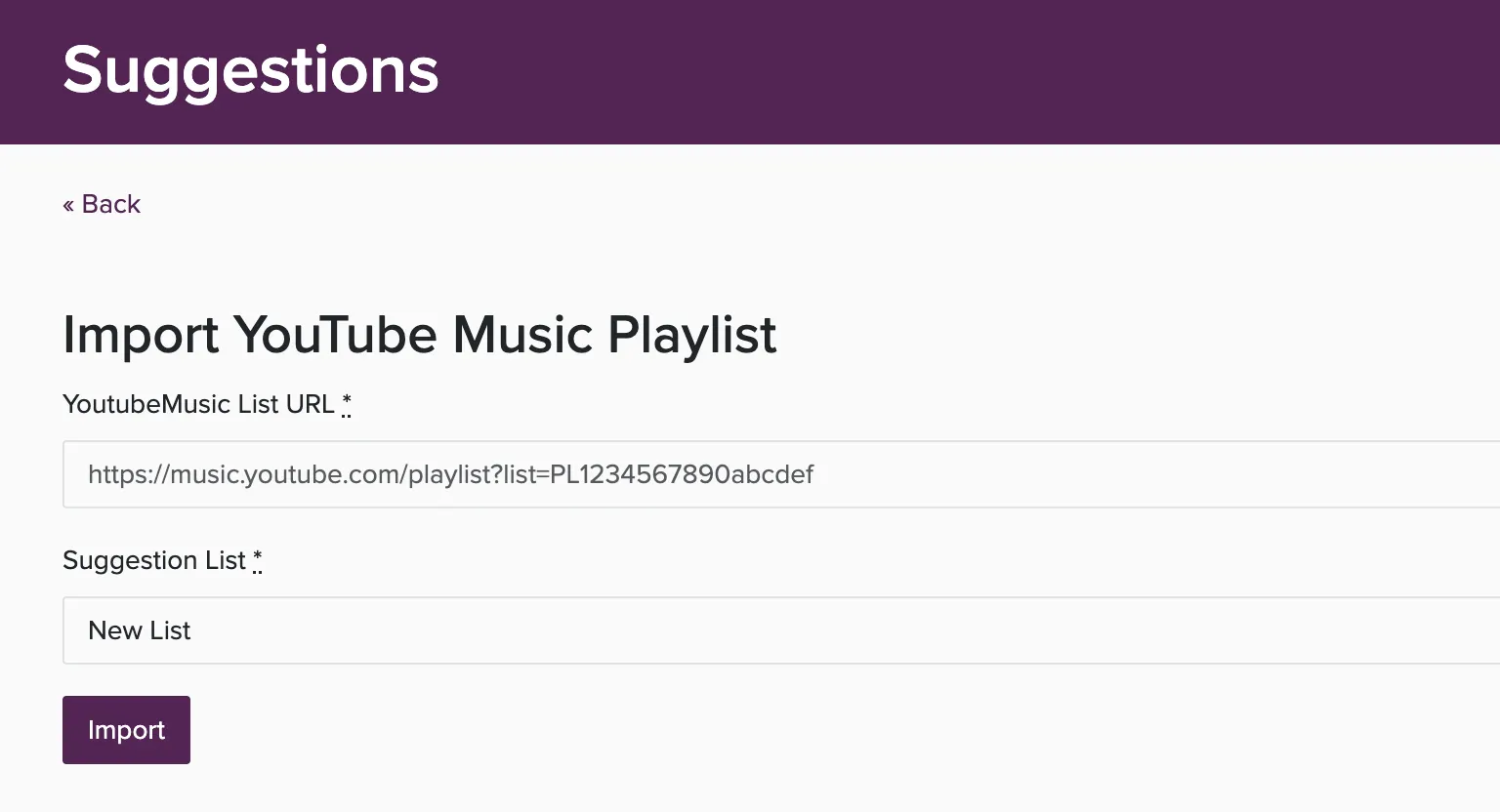
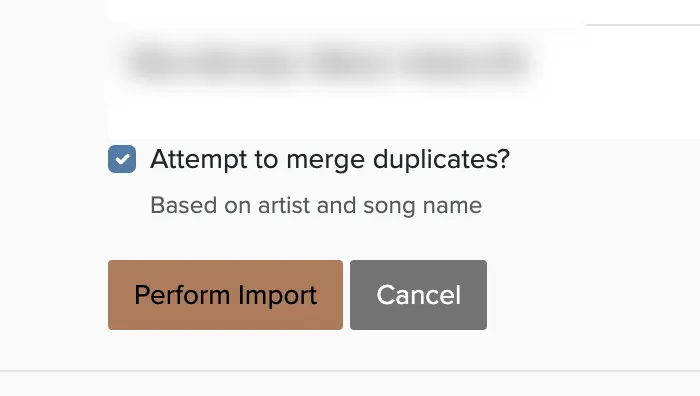
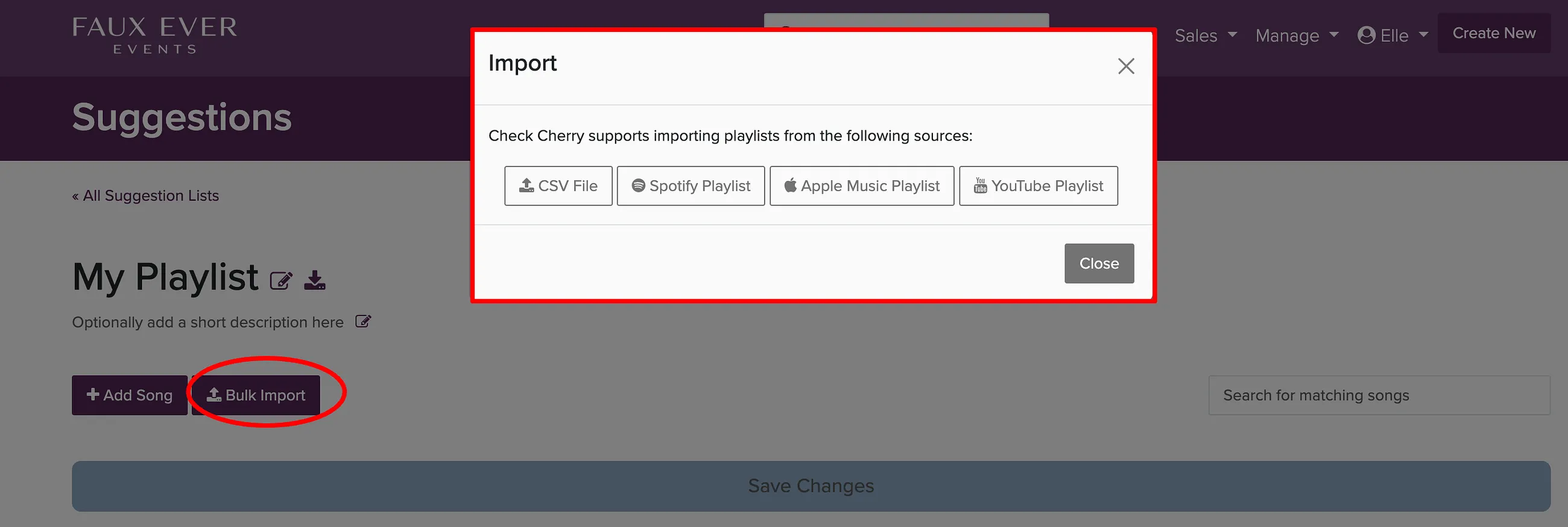
If you already have a playlist on Spotify, Apple Music, or YouTube Music, you can pull it straight into a song list by pasting the playlist URL. Check Cherry talks to each service in the background, reads the tracks, and shows you a preview before anything is saved. This is the fastest way to get a real list into the app.
Import from a CSV file
CSV upload is the catch-all for any source that is not directly supported, or for moving songs in bulk from a spreadsheet you already maintain. You can also use it to round-trip an existing list: download as CSV, edit in a spreadsheet, and re-upload.
Converting from an unsupported service
If your music lives somewhere we do not yet support directly (Tidal, Deezer, Amazon Music), or if you have a private or algorithmic Spotify playlist the API cannot reach, a third-party converter like Soundiiz can read the playlist and give you a CSV file you can upload here. Check Cherry has no integration with Soundiiz; it is one option among several and we do not endorse a specific tool, but it is the workflow most people use for sources outside the three we import directly.
Build a list from scratch
What goes on a song row
- Track name and artist (required).
- Album (optional but helpful for disambiguating covers and live versions).
- Preview URL from Spotify, Apple Music, YouTube, or SoundCloud. When this is set, clients can click play and hear a snippet without leaving the page.
- Notes for anything you want the client to know about the track.
Naming and organizing lists
List titles show up in two places: the admin dropdown when you attach a list to a field, and (on some field types) as a header above the suggestions clients see. Use names that read well in both contexts. Father-Daughter Dance Ideas is better than FD Suggestions 2024.
There is no folder structure for lists. Most operators end up with 5 to 15 lists organized by moment (ceremony, first dance, dinner, dancing) rather than by genre. Start small. You can always add more.