Your business address and your invoicing address might be different. Maybe you use a PO box for mail, or your legal entity name differs from your brand. You can override what appears on invoices without changing your main brand settings, and you can also change the client details that show on any individual invoice or proposal.
Change your business address on invoices
Manage → Business Settings
Go to Business Settings.
Scroll down to the Invoices section.
Check Override invoice and proposal details.
Enter the address and business information you want to appear on invoices.
Save your changes.
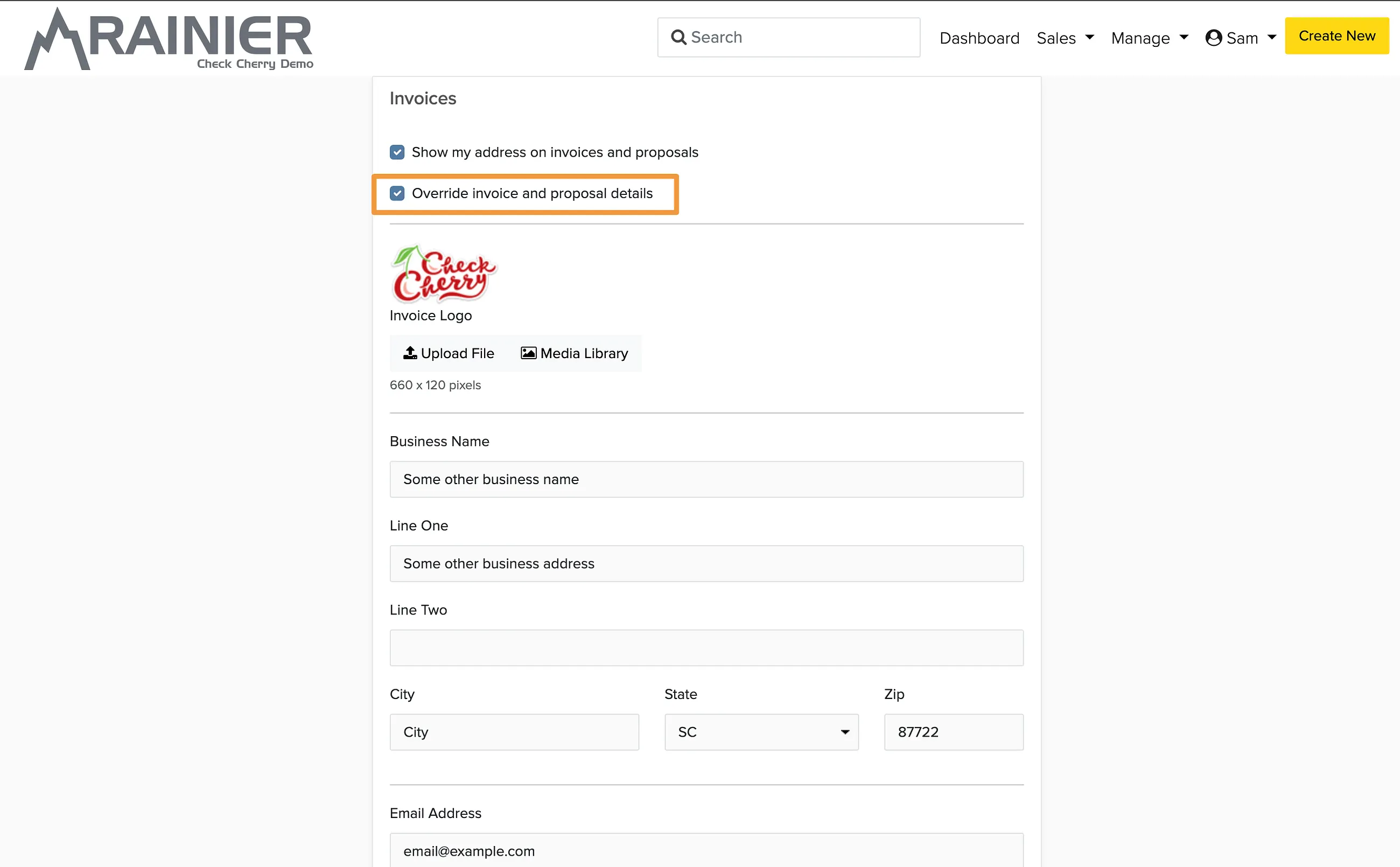
When you enable the override, the address in your override section will appear on all invoices and proposals, regardless of what you set as your main brand address.
Change the client details on an invoice or proposal
The client's name, business name, and address appear in the Invoice For area of an invoice or proposal. You can change what shows there right from the invoice.
Open the booking and go to the Invoice tab.
Click the Invoice For section.
To enter exactly what you want to appear, choose Override Default and type in the details, then save.
To show the client's saved account details instead, choose Use Default Settings.
Override Default changes only this booking's invoice and proposal. To correct the client's saved details everywhere they appear, edit their client account from the Clients panel on the booking.