A wedding weekend with a Friday rehearsal and a Saturday reception. A three day festival. A week long rental. Check Cherry handles all of these on a single booking by letting you add multiple packages to it, each with its own date and time.
Adding Multiple Packages to a Booking
This is the easiest way to cover multiple dates, and it is where most people should start. Each package carries its own date and time and becomes its own line item on the invoice, so the client sees one clean booking with all their services and you see the whole job in one place.
When you are creating a new proposal or booking, click Add Package to add the next one. On a proposal or booking that already exists, the button reads Add Another Package and sits below the packages already on it.
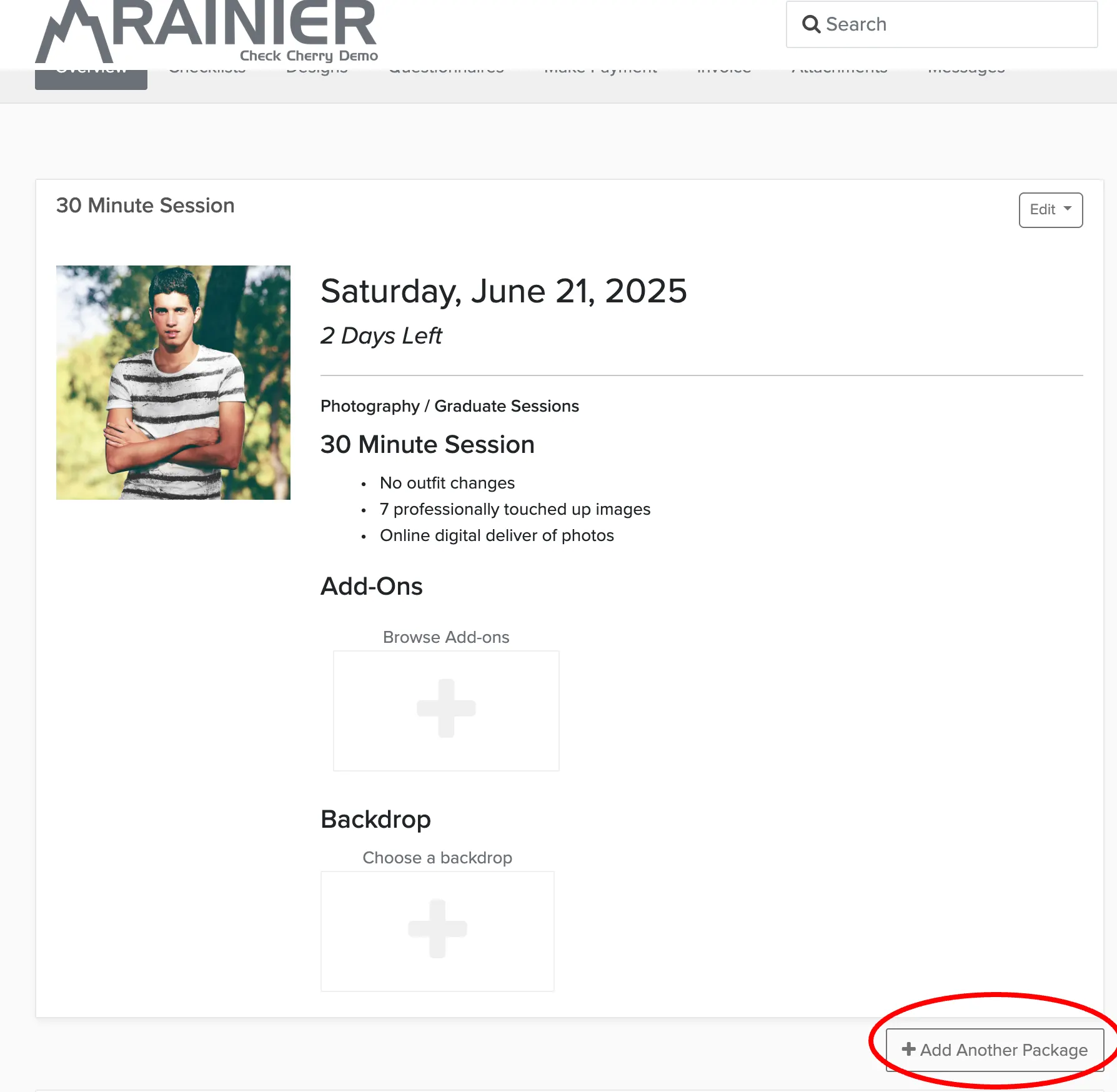
This works well when:
- A client needs the same service on two or more separate dates
- A wedding weekend has a rehearsal dinner on Friday and a reception on Saturday
- A multi-day corporate event needs different services each day
- Two packages start at different times on the same day, like ceremony and reception coverage
Letting Clients Add Multiple Packages Online
If you offer online booking, you can let clients do this for themselves during checkout. It is off by default.
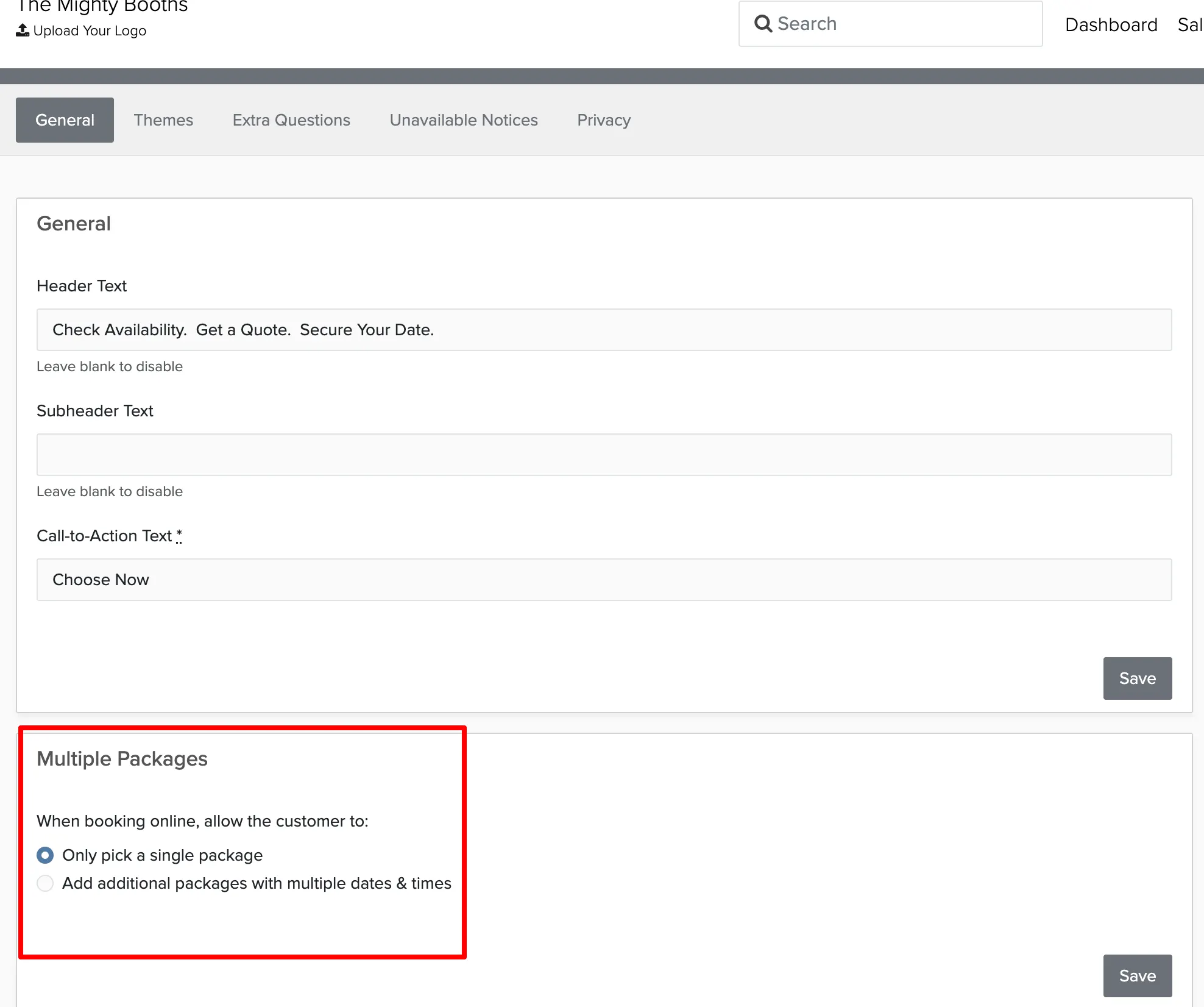
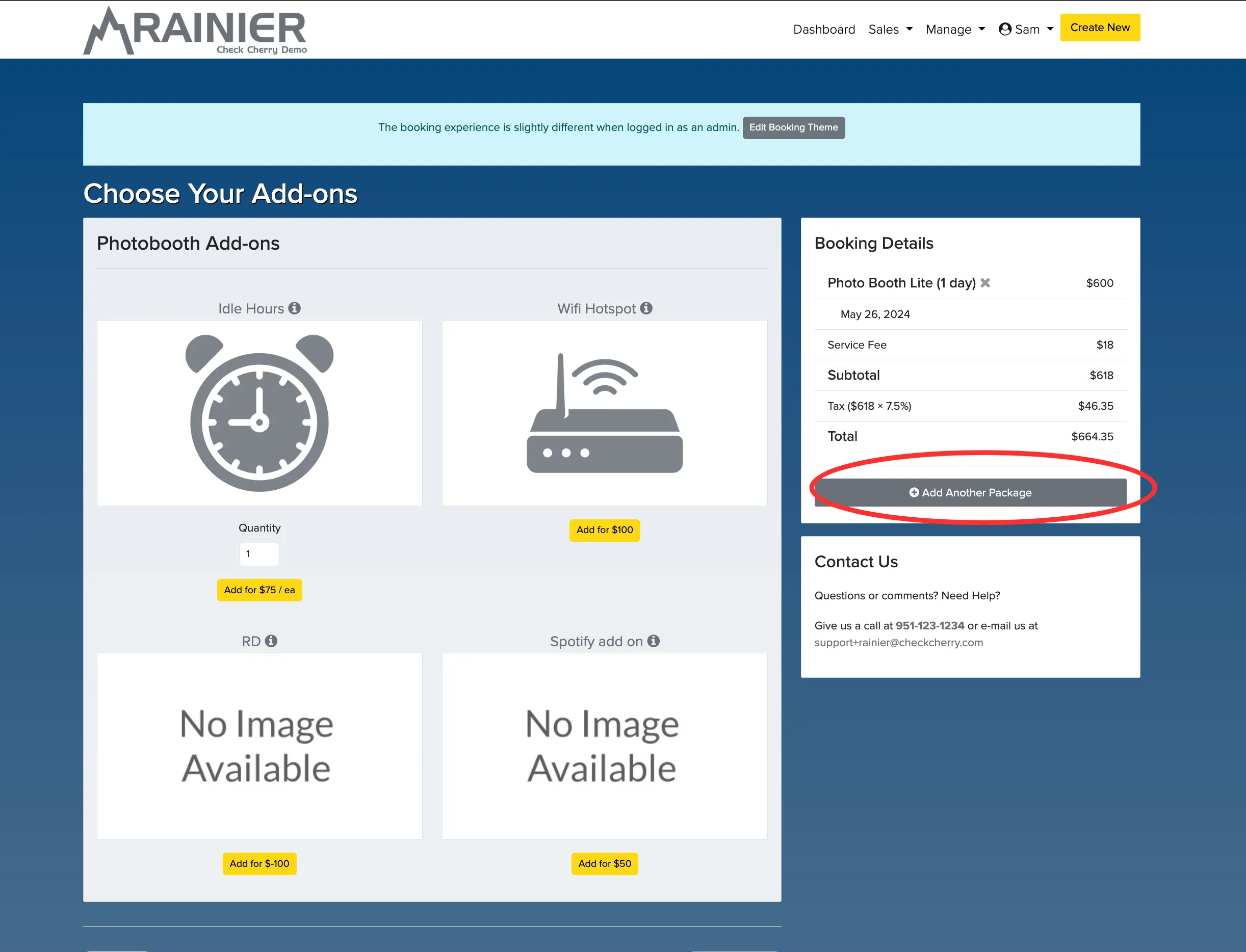
Once that is on, a client who has selected their first package sees an option to add another. A banner at the top of the screen reminds them they are adding to their current booking, and they can keep adding as many packages as they need.
Daily Rate Packages
Most packages are priced by the hour and cover a single date. Check Cherry also supports all day packages priced by the day. Set the package to Date Only and the client picks a date, or a range of dates, with no time selection. The booking blocks the whole day.
This is the better fit when you regularly rent for more than a couple of days and quoting it hour by hour makes no sense.
Once the package exists, there are two ways it gets used:
- When you build a proposal or booking with it, enter the number of days and Check Cherry prices it off your daily rate.
- If the package is public, clients can choose it during online booking and enter the number of days themselves.
Two Ways to Cover Multiple Days
Use one Date Only package for consecutive days. Best for continuous coverage like a 3 day festival or a weekend retreat. The client picks a start date and Check Cherry fills in the rest of the range. See how to create a multi-day package.
Use one package per date. Best when the dates are not consecutive, or the service changes from day to day. A rehearsal dinner on Friday and a reception on Saturday is a good example.
What Changes on a Date Only Booking
- No start or end time shows on the booking, invoice, or proposal.
- The whole day is blocked in availability checks. A multi day package blocks every day in the range.
- It syncs to Google Calendar as an all day event.
- Time tokens in automated messages come out blank. Date tokens still work.
- Days you have marked available for only certain hours still accept Date Only bookings. Only fully closed days block them.
- Staff arrival times work as usual. Set them per staff member.