Check Cherry is built for one-to-one client communication — things like booking confirmations, payment reminders, and follow-ups. It is not designed for bulk marketing emails, and sending mass emails through it is not supported. For promotions, newsletters, or announcements to a large list, use a dedicated service like Mailchimp.
Syncing with Mailchimp
If you use Mailchimp, you can connect your account directly from the Integrations page. Once connected, you can filter by date range and sync your client contacts over automatically.
Manage → Business Settings → Integrations
Go to Integrations.
Find the Mailchimp section and connect your account.
Choose a date range filter if needed, then sync your contacts.
The Mailchimp sync will not export email addresses that use @example.com.
Using Another Email Service
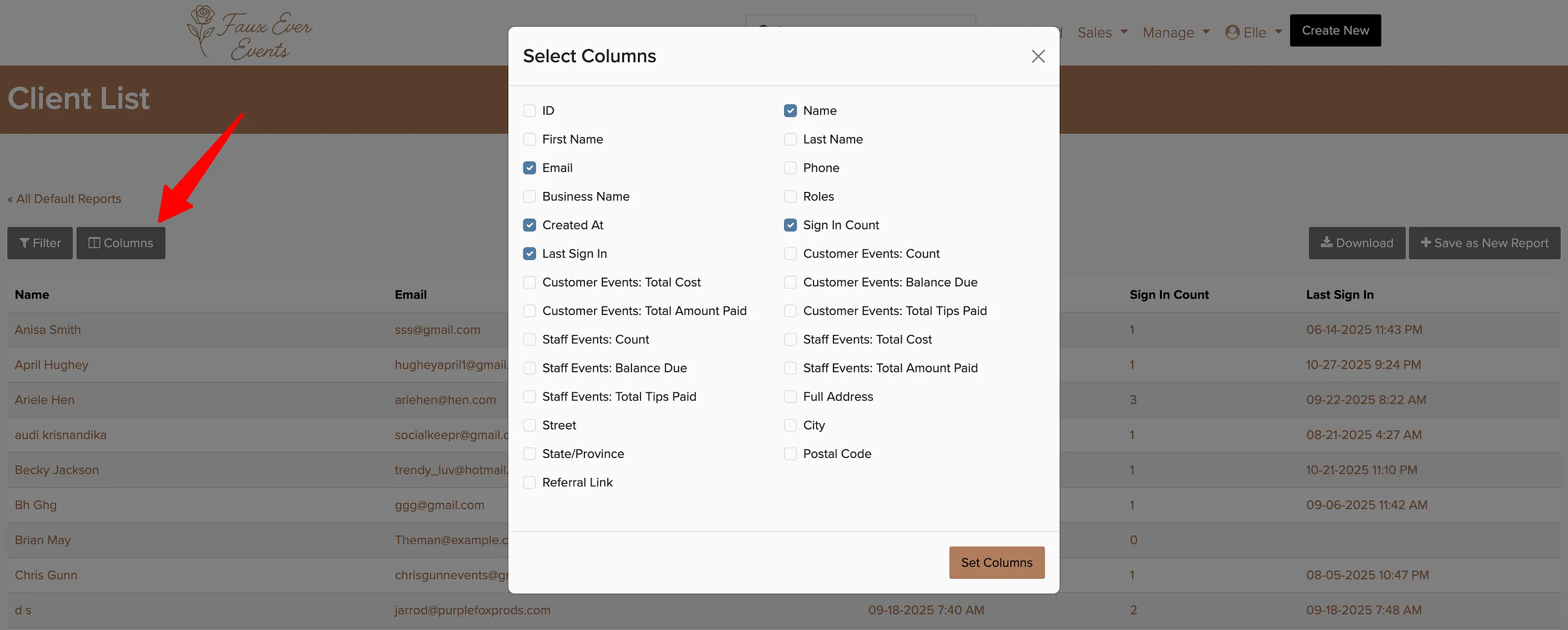
If you use a different email marketing service, you can export your client list as a CSV and import it manually into that platform.
Reporting → Client List
Go to the Client List report.
Apply any filters you need.
Click Export to download a CSV.