A prospect is on the fence between you and a competitor. They've read your pricing and availability, but they want to see if your style matches what they're imagining. A gallery lets them make that decision before they even request a proposal — photos of your past events are more persuasive than any description.
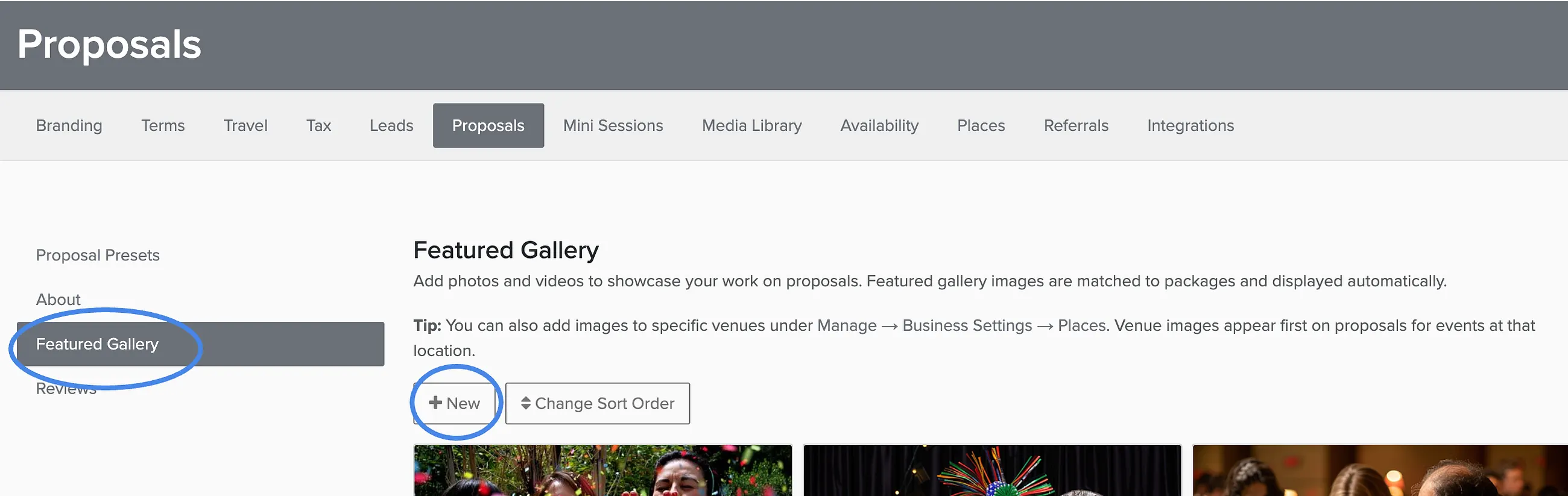
Manage → Business Settings → Proposals
Go to Proposal Presets.
Find the Gallery section.
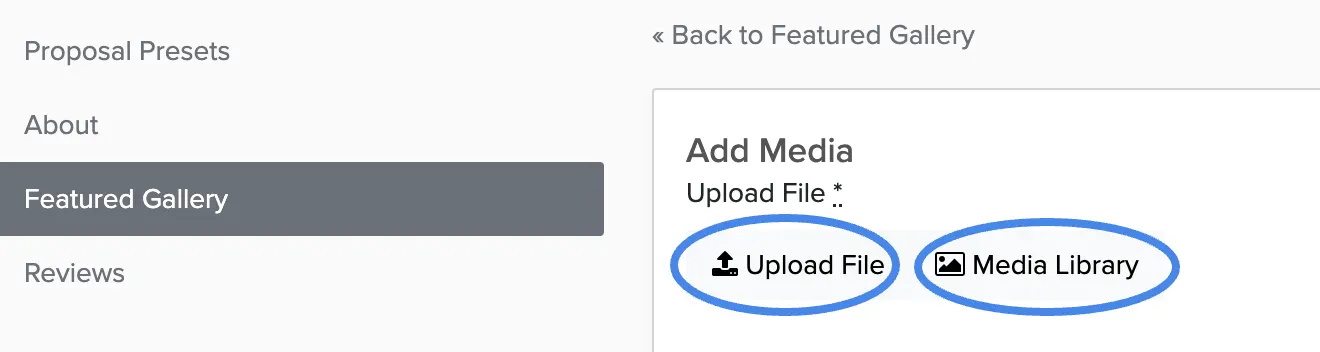
Click Add Image to upload new photos or select from your media library.
Arrange images by dragging them into your preferred order.
Click Save.
Gallery Best Practices
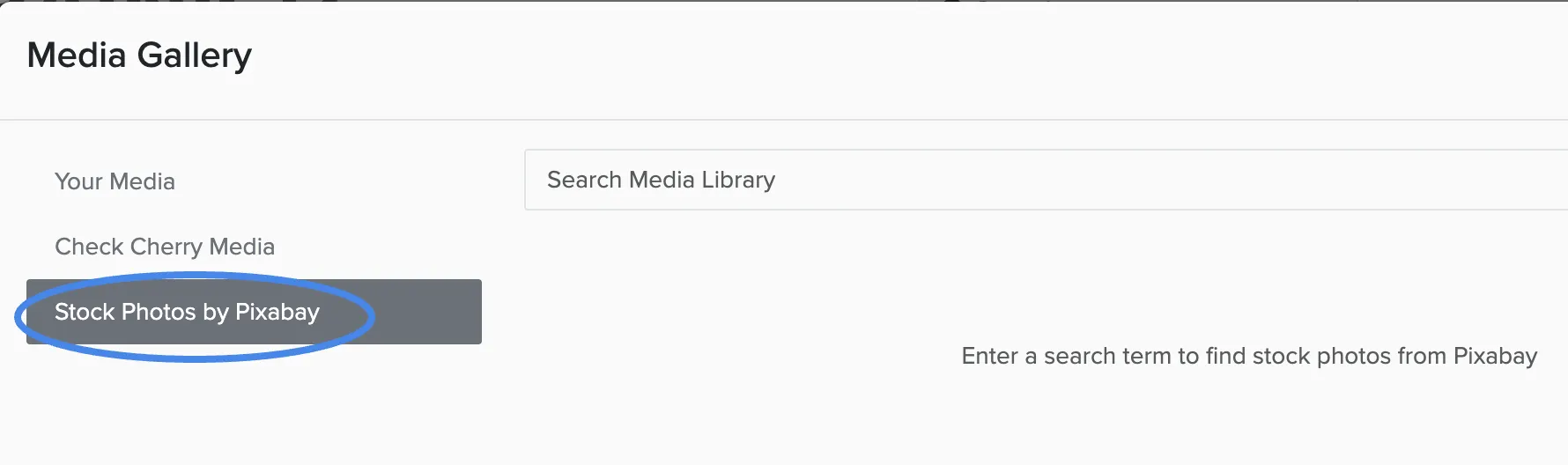
- Use photos from real events, not stock images — clients can tell the difference
- Include 8-12 photos that show variety in your work
- Lead with your strongest image — it's what clients see first
- Show different angles, setups, and lighting conditions
- Include photos of happy clients enjoying themselves
The gallery appears on all new proposals automatically. You can also add event-specific images when editing individual proposals.