Your proposal is often the first professional impression a client gets. The way it looks — cover image, layout, colors — sets the tone before they even read the pricing.
Why Proposal Design Matters
A polished proposal signals professionalism. Clients comparing quotes from multiple vendors will notice the one that looks like it came from an established business. The right theme can also highlight what makes your service special — whether that's elegance, fun, or simplicity.
Choosing a Theme
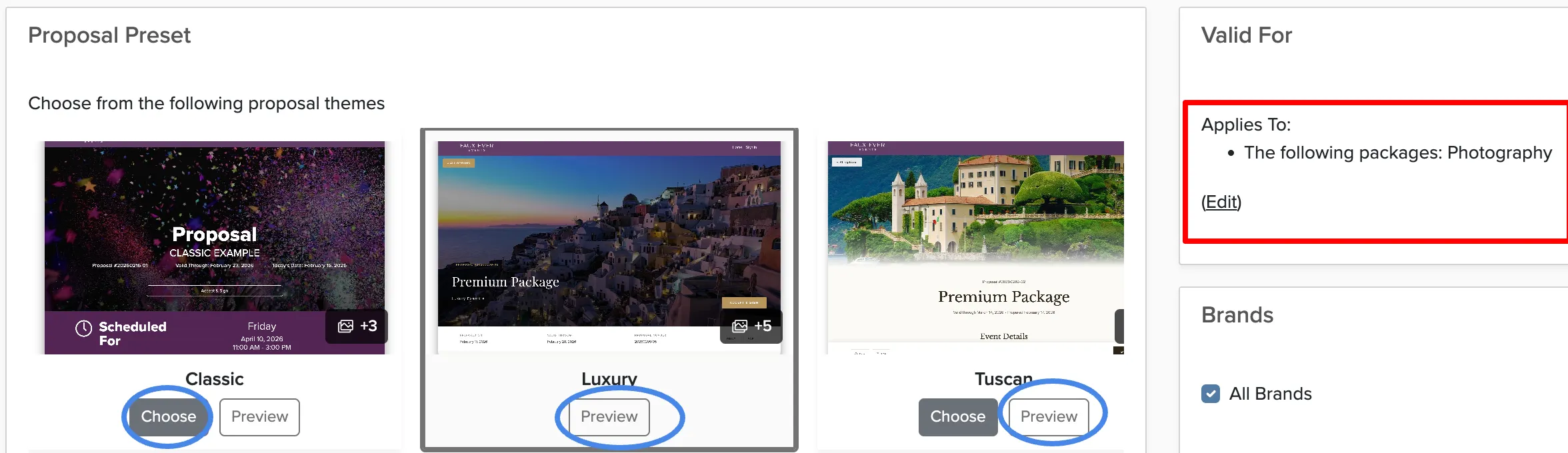
Check Cherry includes six proposal themes, each with a different feel:
- Classic — Clean and professional. A safe choice that works for any service.
- Luxury — Elegant with refined typography. Great for high-end events.
- Tuscan — Warm and inviting. Works well for rustic or outdoor events.
- Mist — Light and airy. A modern, minimal look.
- Vineyard — Rich and textured. Good for wine country or upscale settings.
- Midnight Pulse — Bold and dark. Stands out for entertainment and nightlife.
Setting Up Your Proposal Theme
Cover Photo Tips
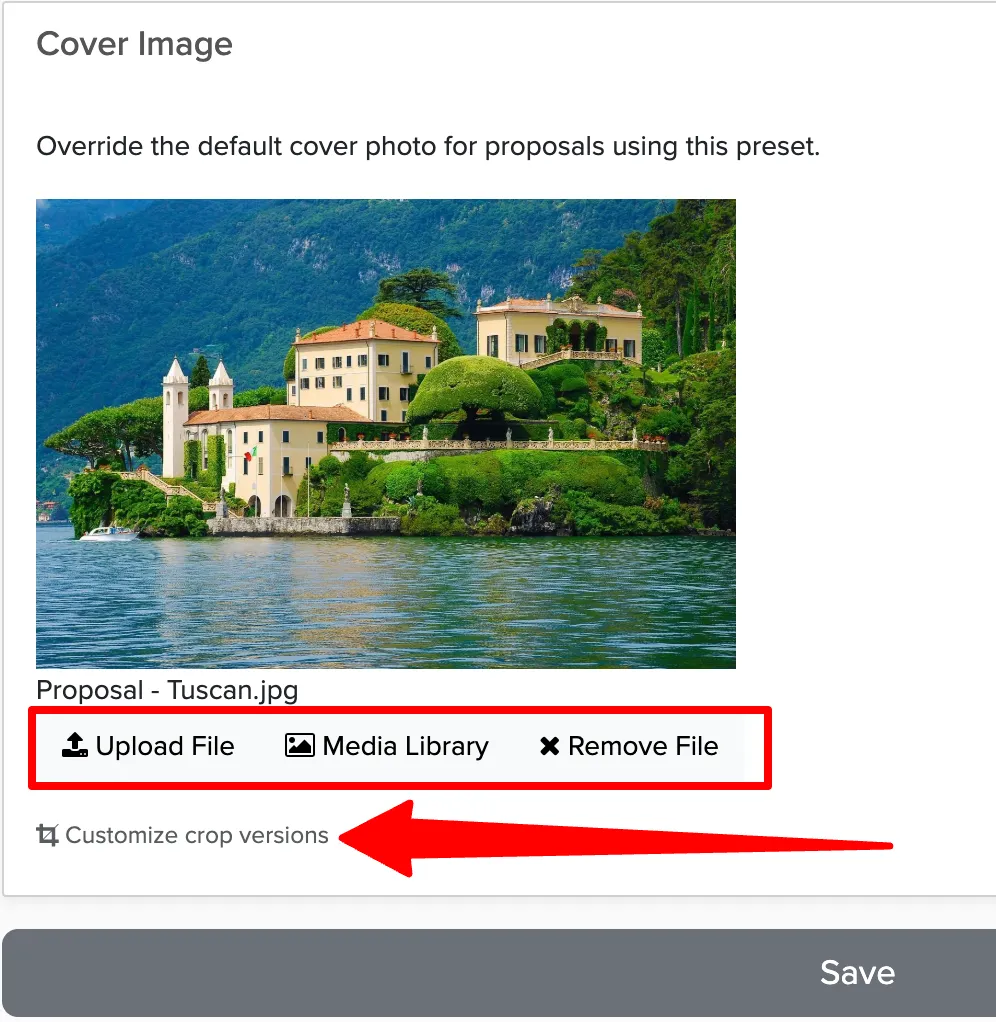
The cover photo is the first thing a client sees when they open your proposal. Choose an image that represents your work — a great event photo, your setup in action, or a professional brand image.
Using Different Themes for Different Services
If you offer multiple services (e.g. both photo booths and bartending), you can assign different themes to different packages. A fun, colorful theme for party services and a refined theme for corporate events — each client sees the design that fits their event.