Event types help you categorize bookings by occasion — wedding, corporate event, birthday party, etc. This makes it easier to filter reports and understand your business mix. You can collect event types during online booking or add them to existing bookings manually.
Enable Event Type Collection
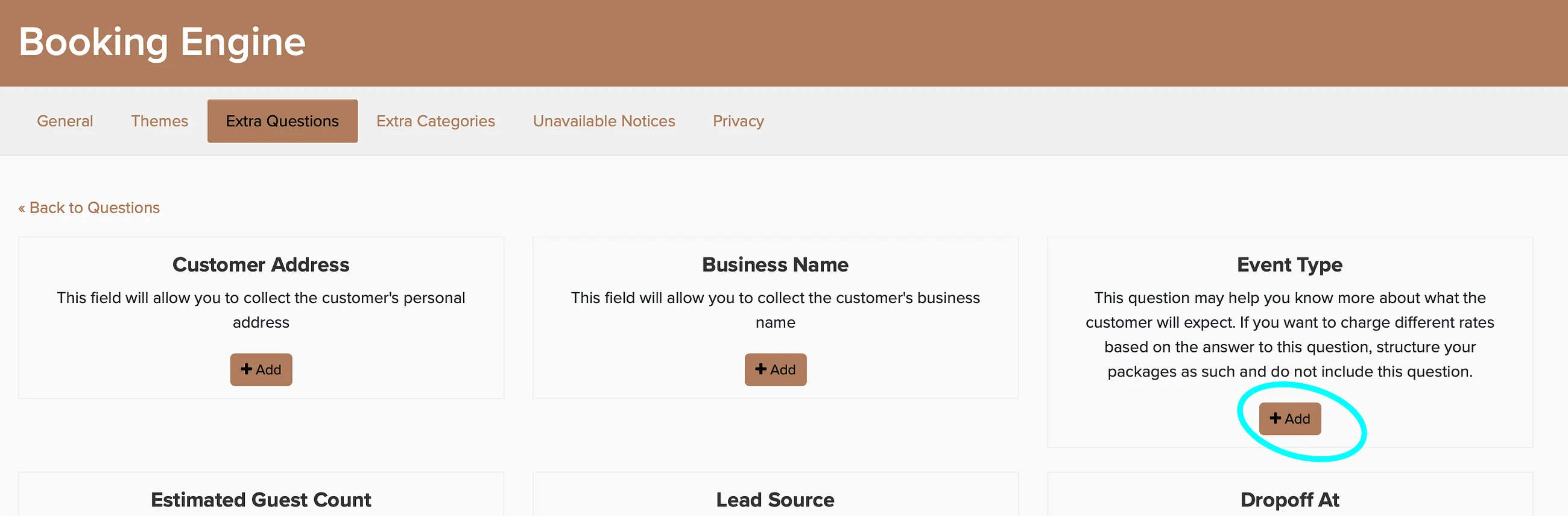
Select when to ask the question - during online booking or only on lead forms.

Once enabled, clients will select their event type during the online booking process. This question appears automatically with common event types like wedding, corporate, and birthday party.
Create Custom Event Types
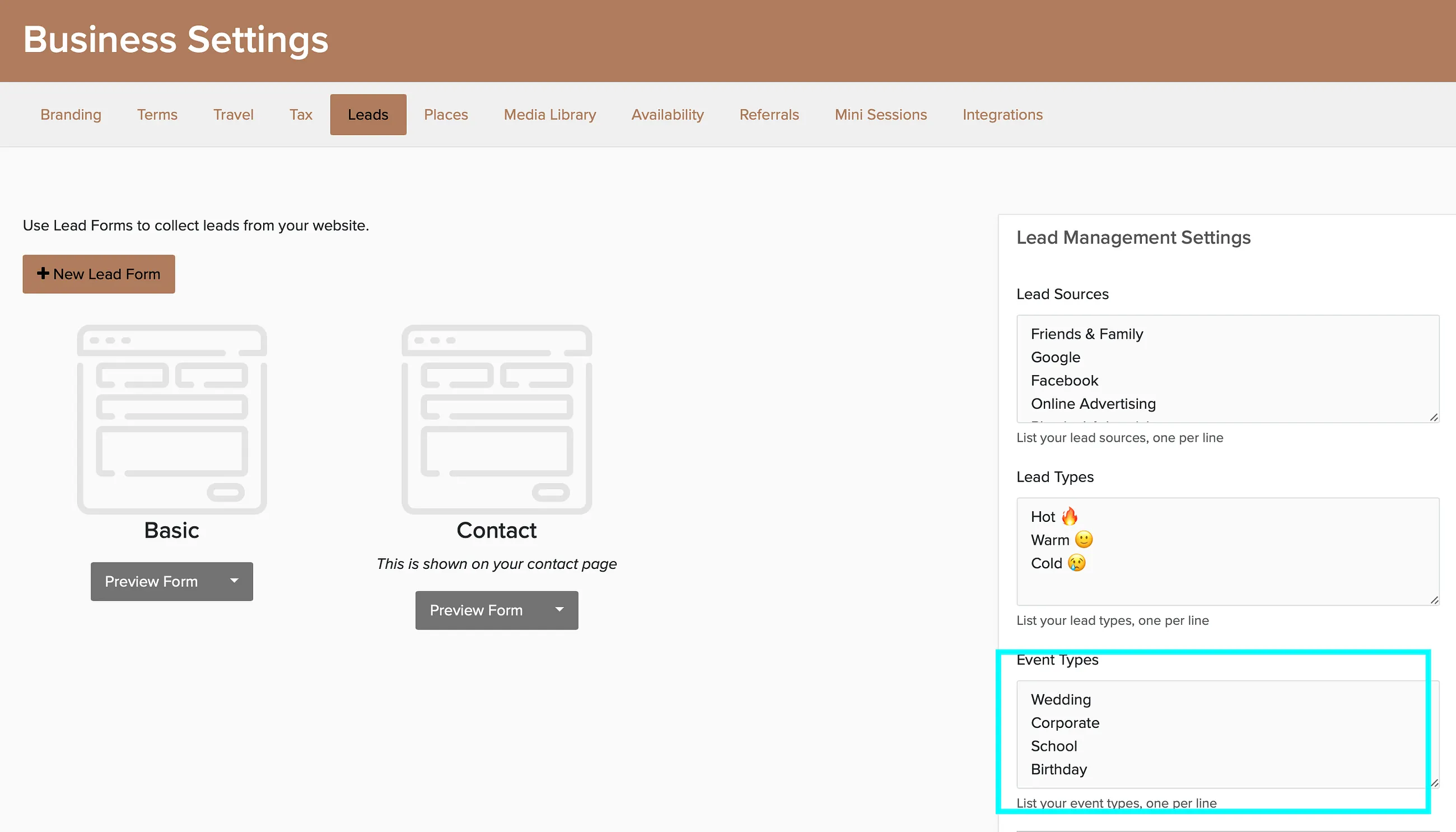
You can customize the event type options to match your business. Most photographers add options like "maternity," "senior portraits," or "family session." DJs might include "school dance" or "fundraiser."
View Event Type on Bookings
The event type appears on the booking overview page in the Additional Info section.