When you're running a mobile bar, a forgotten shaker or a missing lighter can throw off the whole night. Checklists in Check Cherry let you attach a repeatable set of tasks and packing items to every event — so your team shows up prepared every time, without relying on memory.
The examples below are a starting point for a mobile bartender setup. You can copy these into your own checklist templates and adjust them to match how your business actually operates.
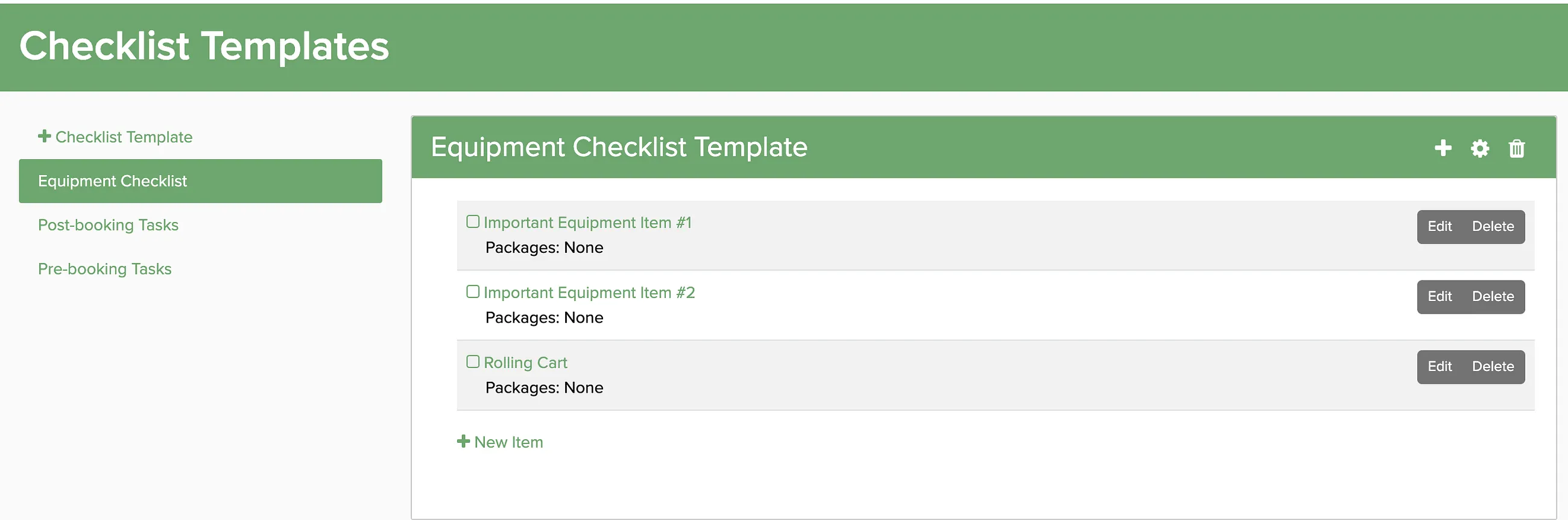
Setting Up Checklist Templates
Checklist templates are reusable lists that get attached to bookings automatically. You can create separate templates for different purposes — packing, pre-event tasks, post-event follow-up — and assign them to the right event types.
Suggested Checklists for Mobile Bartenders
Event Bar Kit
The core toolkit that needs to be in the truck for every event. Run through this before you leave the shop.
- Shakers
- Jiggers
- Strainers
- Bar mats
- Garnish tongs
- Ice scoop
- Wine key
- Tip jar
- Prep gloves
- Menus
- QR tip sign
Bar Equipment
Larger equipment and furniture items to load and confirm before departure.
- Bar furniture
- LED back bar and front bar
- Ice chest
- Foldable wagon
- iPad for digital menu
Mixers & Garnishes
Fresh items to pick up the day before the event.
- Lemons
- Limes
- Olives
- Oranges
- Cherries
- Pineapple
- Edible toppers
Emergency Backup Kit
The small stuff you don't think about until you need it. Keep this stocked and in the truck permanently.
- Band-aids
- Lighters
- Command strips
- Batteries
- Hand sanitizer
- Stain remover
- Sewing kit
- Bottled water for the team
Pre-Event Tasks
Administrative and logistics tasks to complete in the days leading up to an event.
- Finalize bar menu
- Confirm details with client
- Confirm with staff
- Purchase ice
- Load truck
Post-Event Tasks
Follow-up items after the event wraps. A quick thank-you and a review request go a long way — and they're easy to forget when you're tired after a long night.
- Send a thank-you message to the client
- Ask for a review