Looking for a message you sent last week? Or checking if a client ever received your proposal email? Message History shows every email and SMS sent from your account in one place.
Reporting → Message History
The Message History page shows all communications with your clients — both emails and SMS messages. You can search by recipient name or email address, filter by message type (email or SMS), and choose to see all messages, just ones you sent, or only client replies.
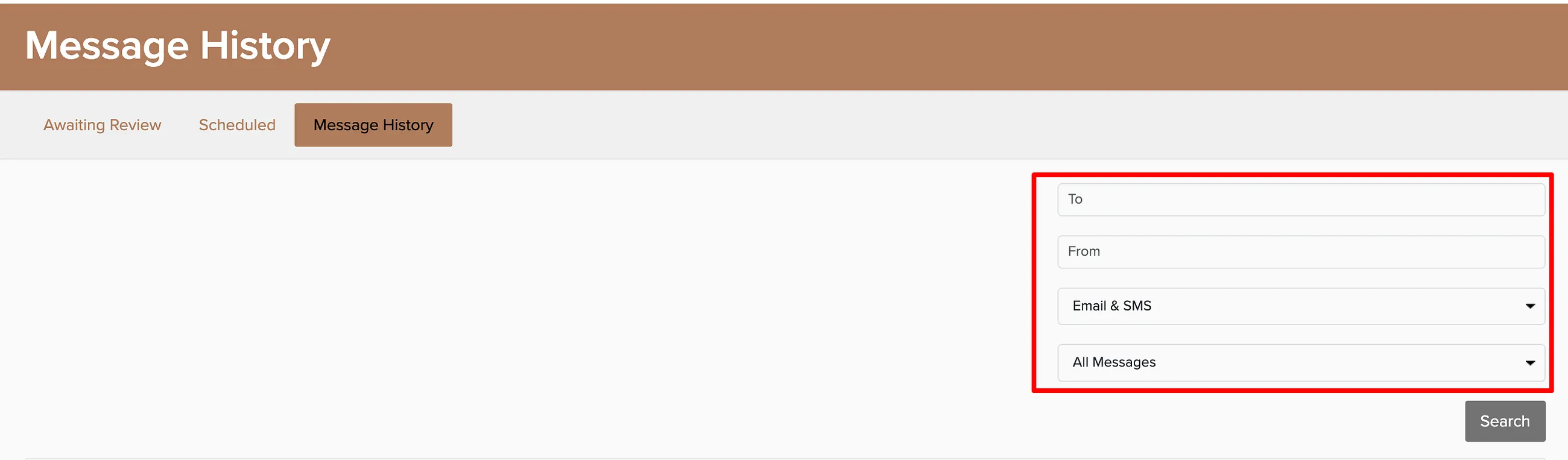
From the message list, you can reply directly to a client or click the linked lead, booking, or proposal to jump straight to that client's record. Individual booking messages are also available on the Messages tab of each booking.

Use Message History to track delivery status and see if clients opened your emails. This is especially helpful for following up on proposals that haven't been viewed yet.