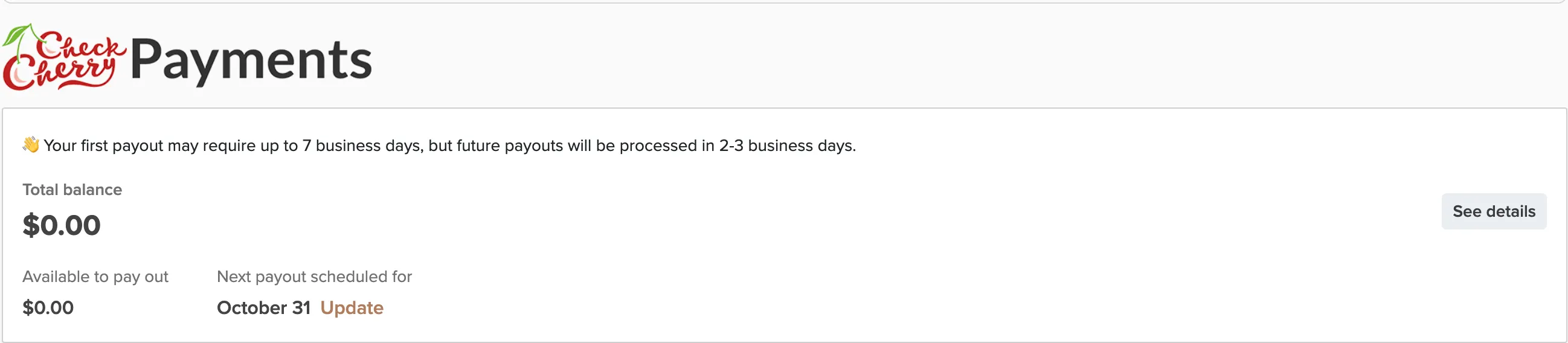
Switched banks or want payouts going to a different account? You can update your bank details directly from your payment settings.
Manage → Payment Settings
Click Update to open your Payments Dashboard.
In the Payments Dashboard, click Update next to your bank account.
You'll be prompted to sign in to your bank to authorize the account change.
Follow your bank's verification process to connect the new account.