A 3-day festival, a weekend-long wedding, or a week of corporate training sessions — some events need coverage across multiple days rather than just a few hours on one day.
Creating a Multi-Day Package
Manage → Packages
Click Add a Package.
Enter the package title and description.
Click the Pricing & Scheduling tab.
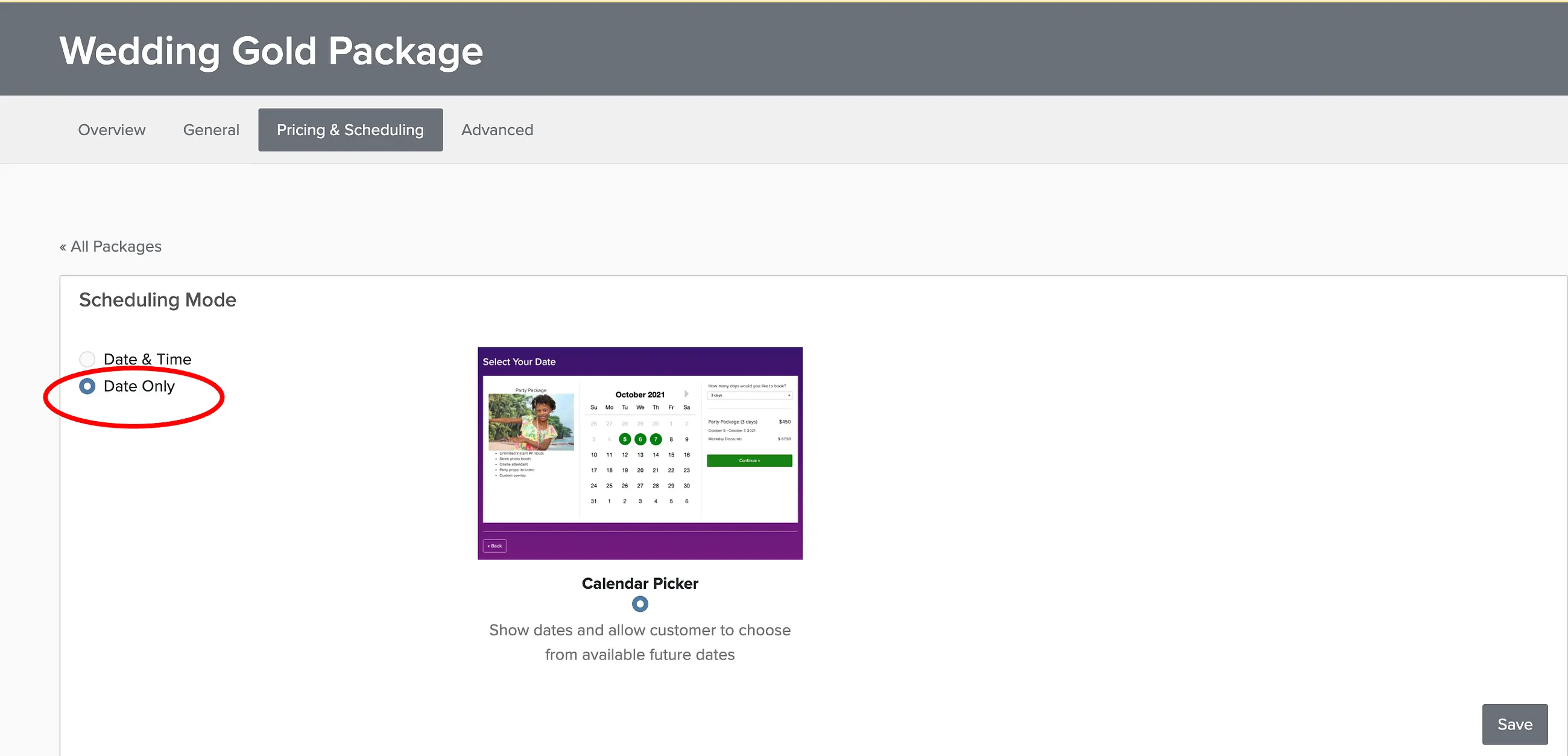
Set the scheduling format to Date Only and enter the number of days for the package duration.
Click Save.
Allowing Clients to Add Extra Days
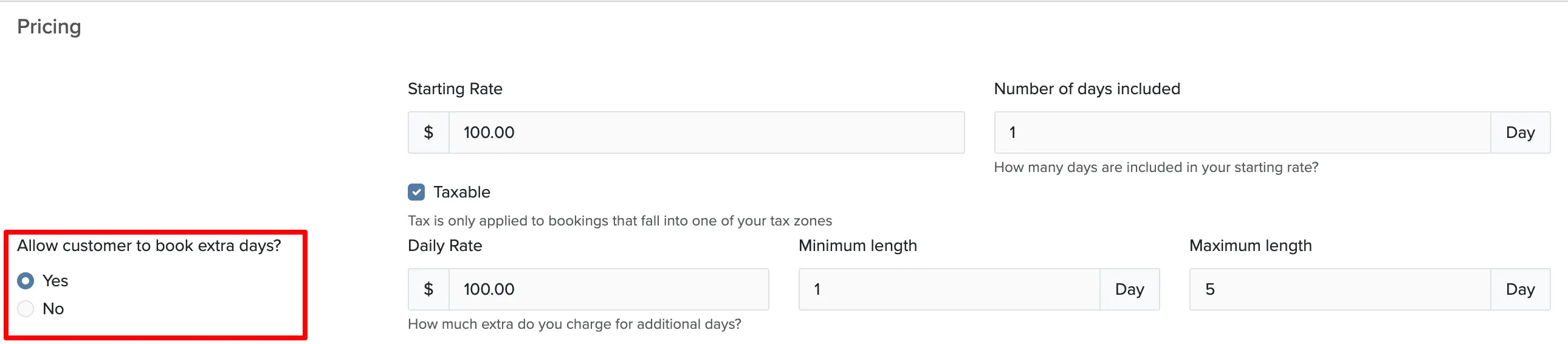
You can let clients purchase additional days beyond the base package. This works well for destination weddings or events where coverage might extend unexpectedly.
In the Pricing section of your package, set Allow client to add extra days to Yes:
For bookings with multiple separate services on different dates (like an engagement session plus wedding day), see multi-day bookings.