The client wants to meet before the event to walk through the venue or discuss details. You can add an appointment directly to their booking so everything stays connected.
Adding an Appointment to a Booking
Bookings → Select a booking → Manage Booking
Open the booking, proposal, or lead.
Click Manage Booking.
Click Create Appointment.
Set the date, time, and details.
Save. An email notification is sent to the client by default.
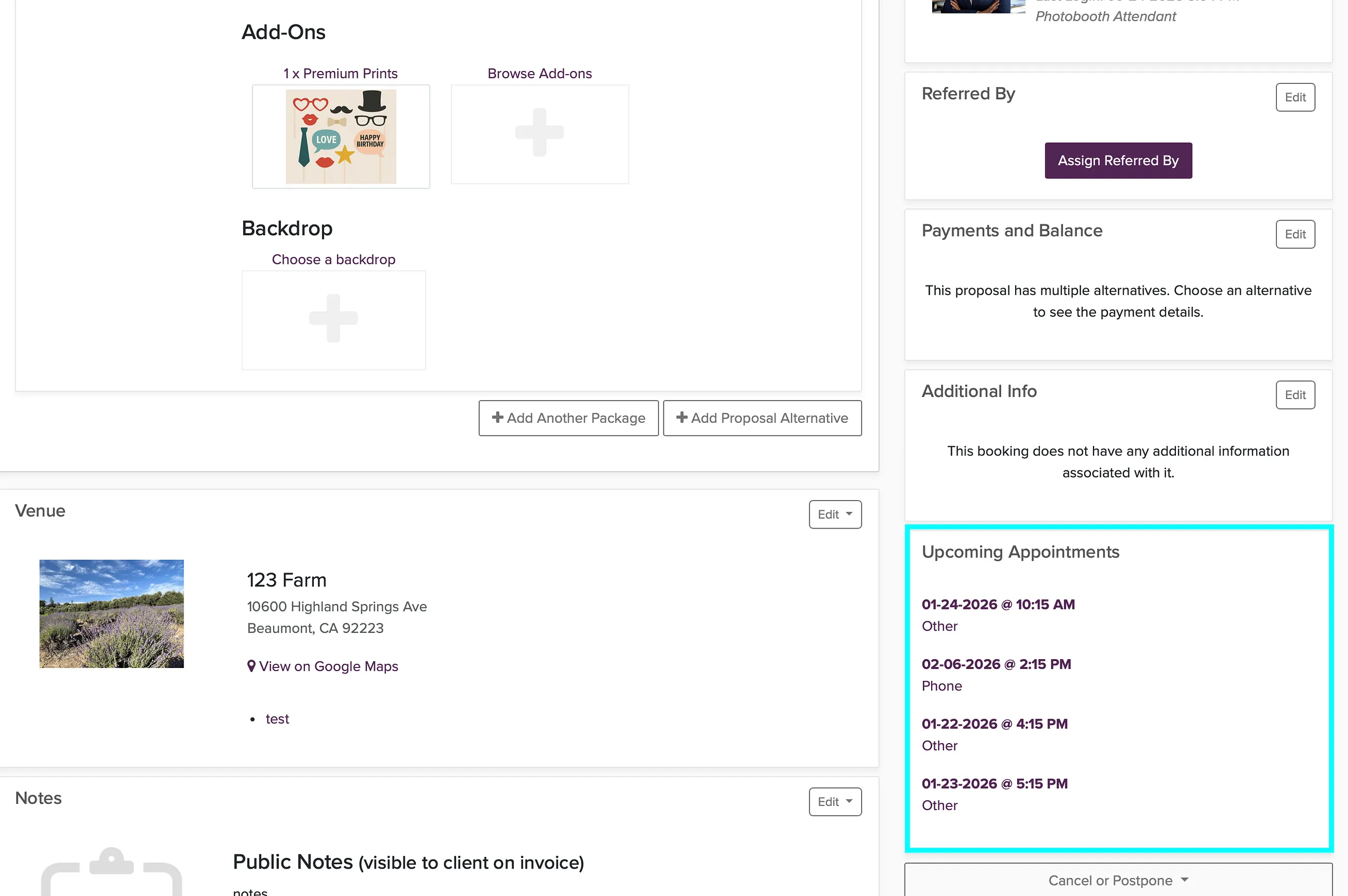
Uncheck the notification box if you do not want to email the client about the appointment.
Sending a Scheduling Link Instead
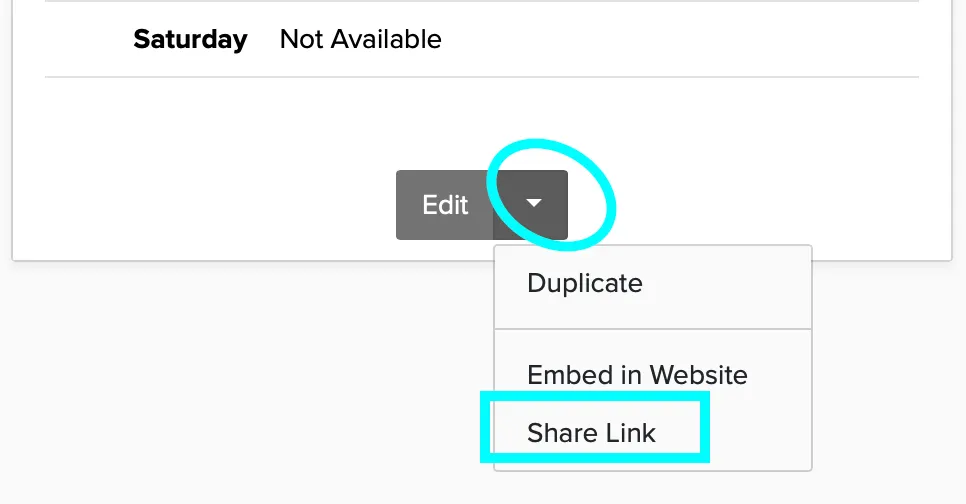
If you want the client to pick the time, send them your appointment scheduling link. They will choose from your available slots.
Get your link from your name (upper right) > Appointment Scheduling.
You can also convert an appointment to a booking if needed.