Some clients are exempt from sales tax such as nonprofits and government agencies. Mark them as tax exempt in their account so tax isn't applied to any of their bookings.
Setting Tax Exempt Status
Manage → User Accounts
Go to User Accounts and search for the client.
Click the down arrow next to the Show User button, then select Edit User.
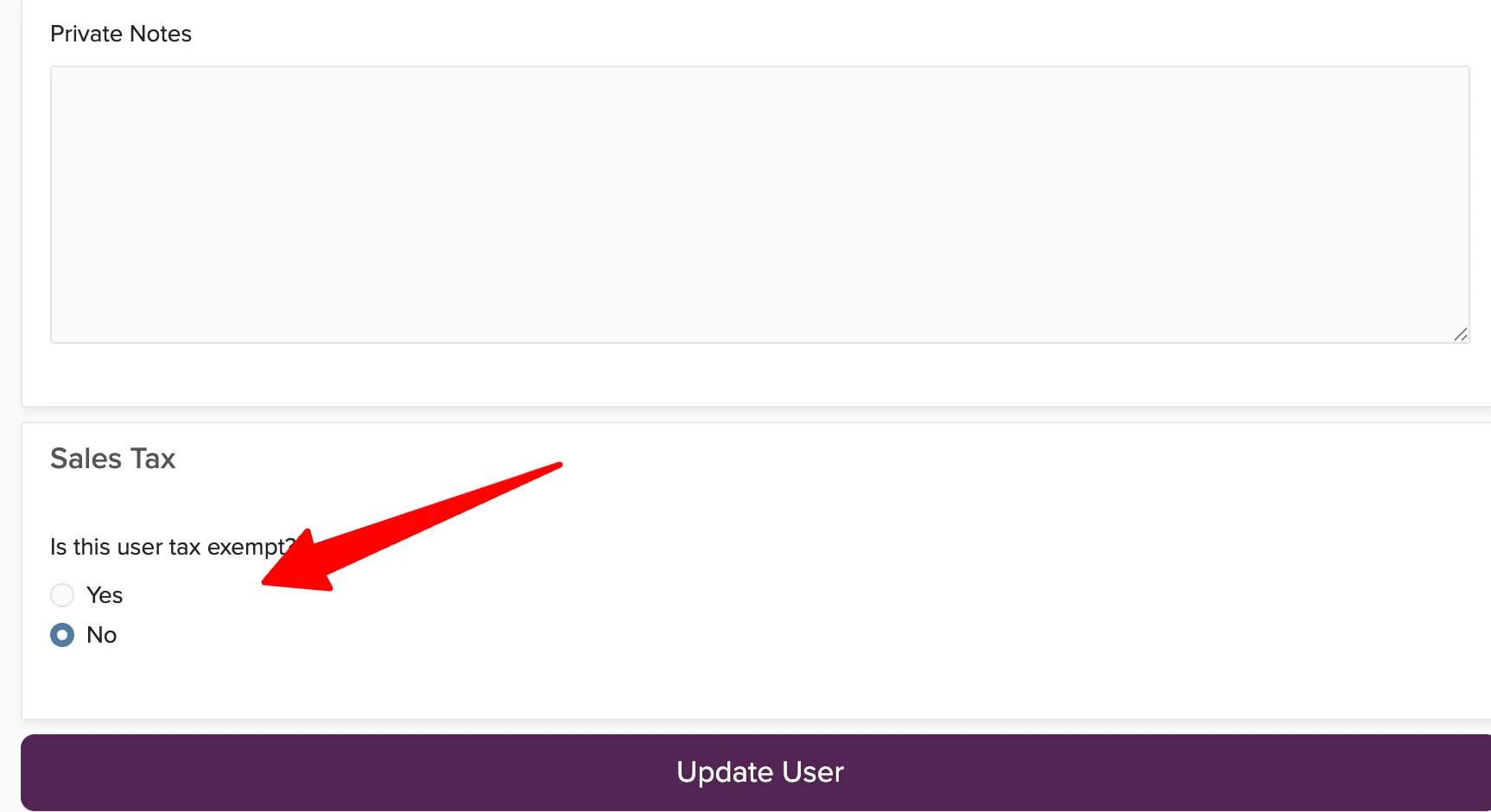
Scroll to the Sales Tax section at the bottom.
Set Is this user tax exempt? to Yes.
Enter the reason for the exemption (optional but recommended for your records).
Click Save.
If the client has existing proposals or bookings when you change their tax status, you may need to re-create them for the tax exemption to take effect. The change is not retroactive.
You can also exempt individual bookings from tax without changing the client's account status. See sales tax setup for details.