Knowing your profit per event means tracking what you spent, not just what you earned. You can attach expenses directly to bookings to see the full financial picture for each event.
Bookings → Select booking → Invoice
Open the booking you want to add expenses to.
Go to the Invoice tab.
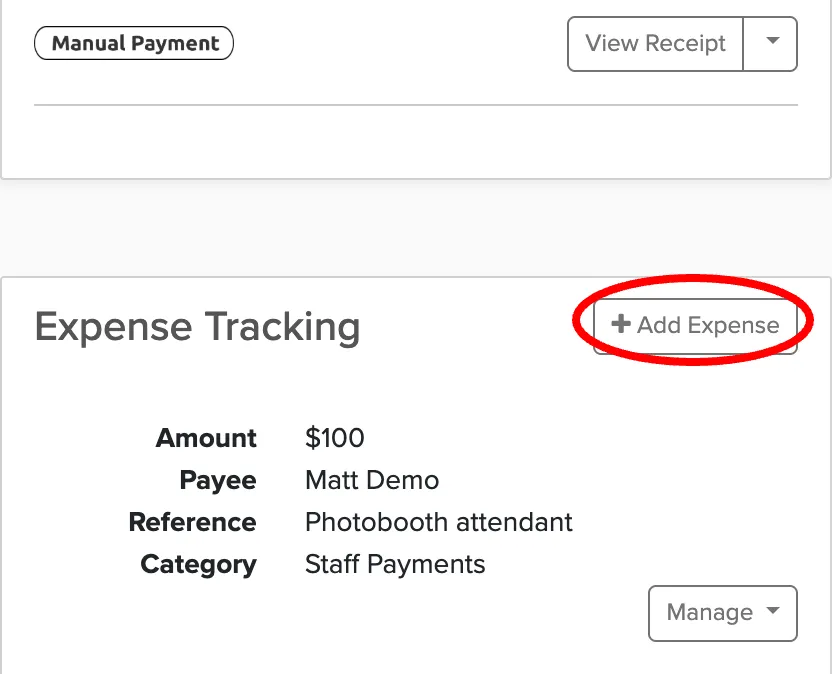
Click Add Expense.
Enter the expense details and save.
Common per-event expenses include supplies, subcontractor fees, and rental equipment. These expenses show up in your profit calculations and help you understand which events are actually profitable.
You can also track general business expenses (not tied to specific bookings) from the main Expenses section.