If you have existing expenses in a spreadsheet, you can import them into Check Cherry in bulk instead of entering them one at a time.
Importing Expenses
Sales → Expenses
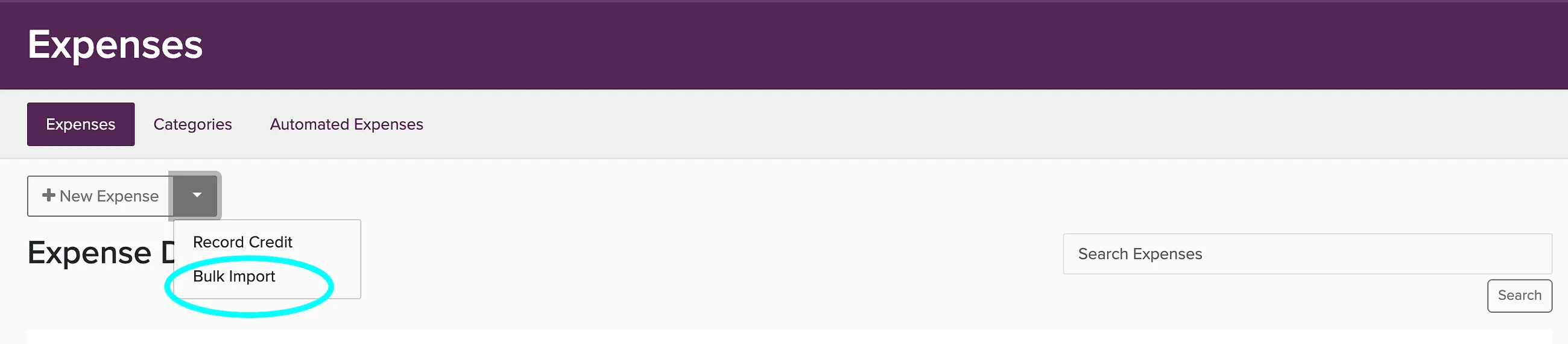
Go to Expenses.
Click the down arrow next to New Expense and choose Bulk Import.
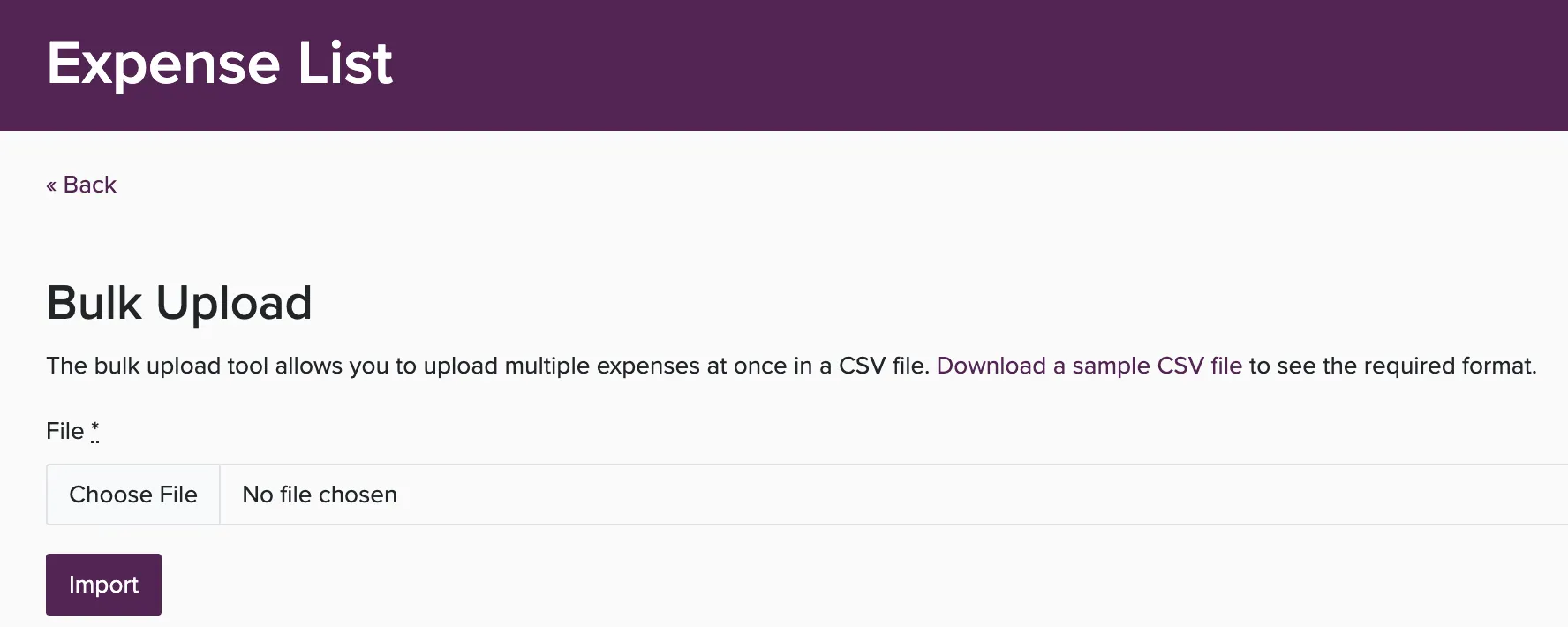
Upload your CSV file and map the columns to the correct fields.
Review and confirm the import.
Recurring Expenses
For expenses that repeat (like monthly subscriptions or insurance), set them up as recurring expenses so they are logged automatically.