Whether you're switching email marketing platforms or need to pull client data for another purpose, you can export all your client contact information as a CSV file.
How to Export Client Contacts
Sales → Reporting → Client List
Go to Client List.
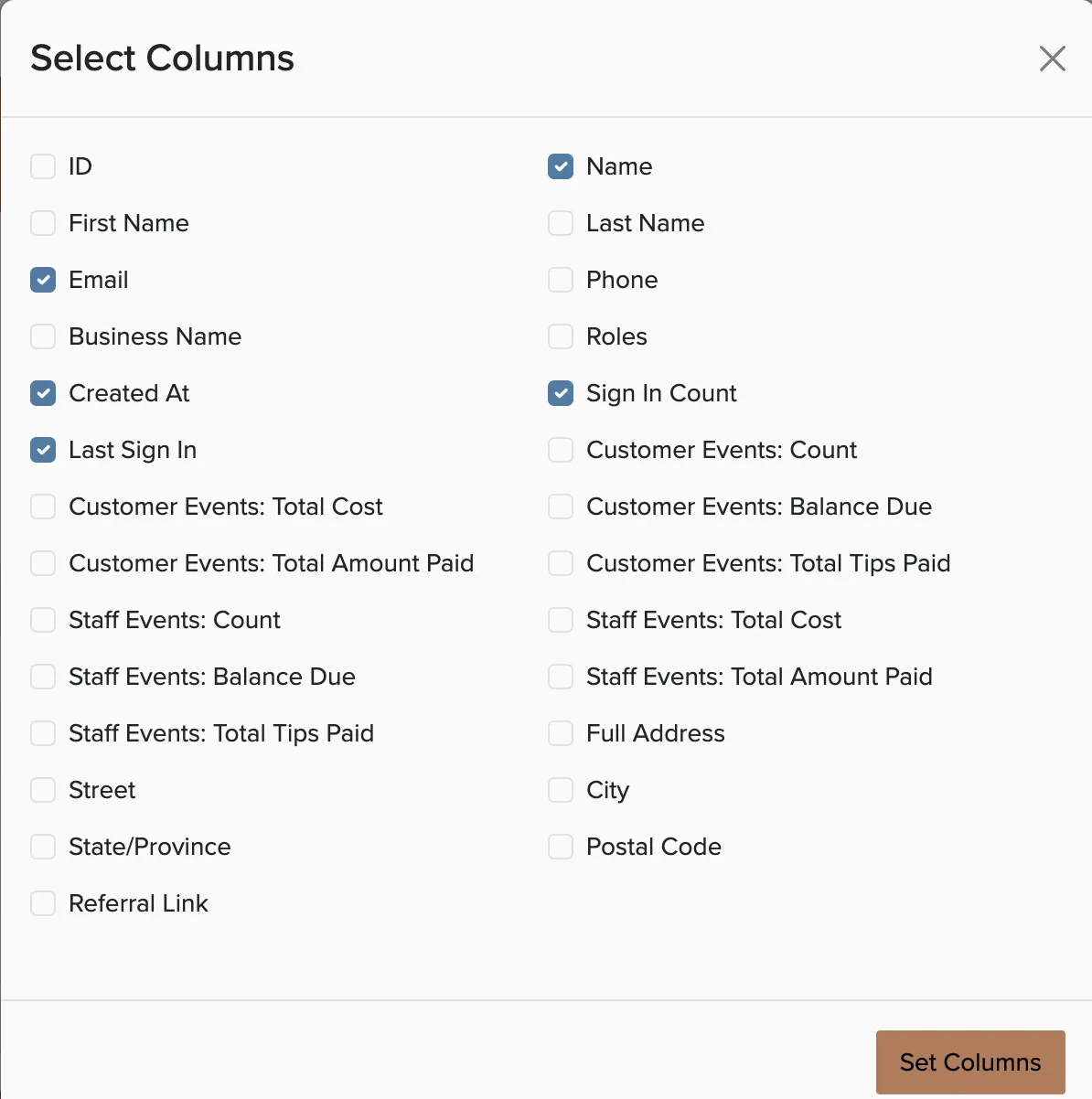
Click Columns to select what information to include.
Apply any filters if you only need specific clients.
Click Export to download the CSV file.

The CSV file can be opened in Excel, Google Sheets, or imported into most email marketing services like Mailchimp or Constant Contact.