Wondering how much your team earned in tips last month? The Tips report breaks it down by booking so you can see who tipped and how much.
Reporting → Tips
Go to Tips Report.
Set your date range to see tips from a specific period.
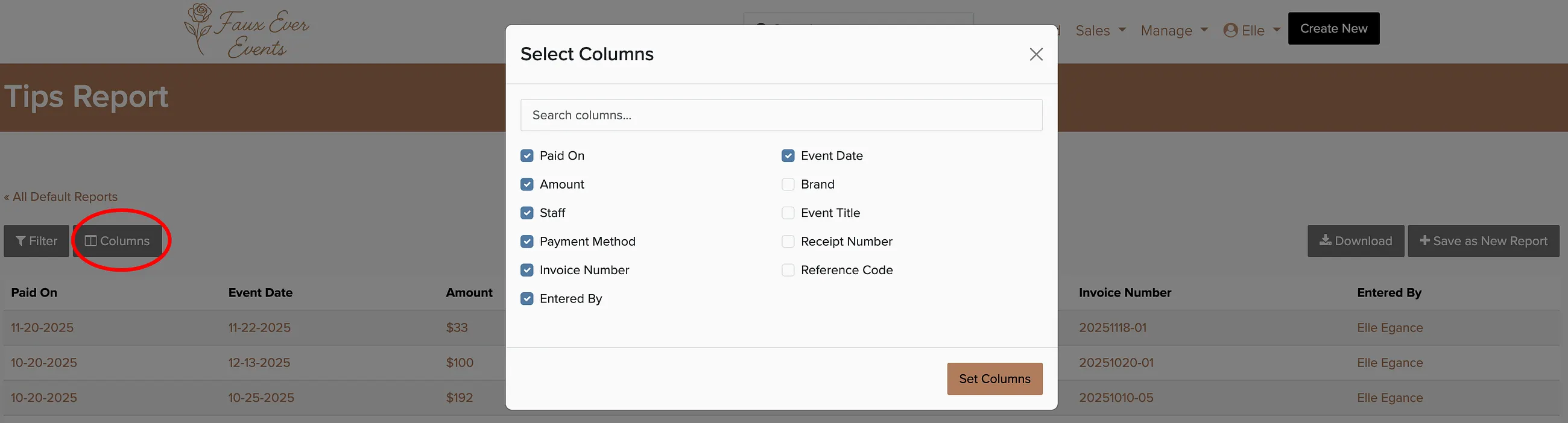
Use the Columns button to customize what data appears in the report.
You can save the report and have it automatically sent via email on a regular schedule — perfect for monthly team payouts.
