Your team just crushed a wedding and the client wants to leave a tip. The tipping feature makes it easy for clients to add a gratuity during checkout or after the event.
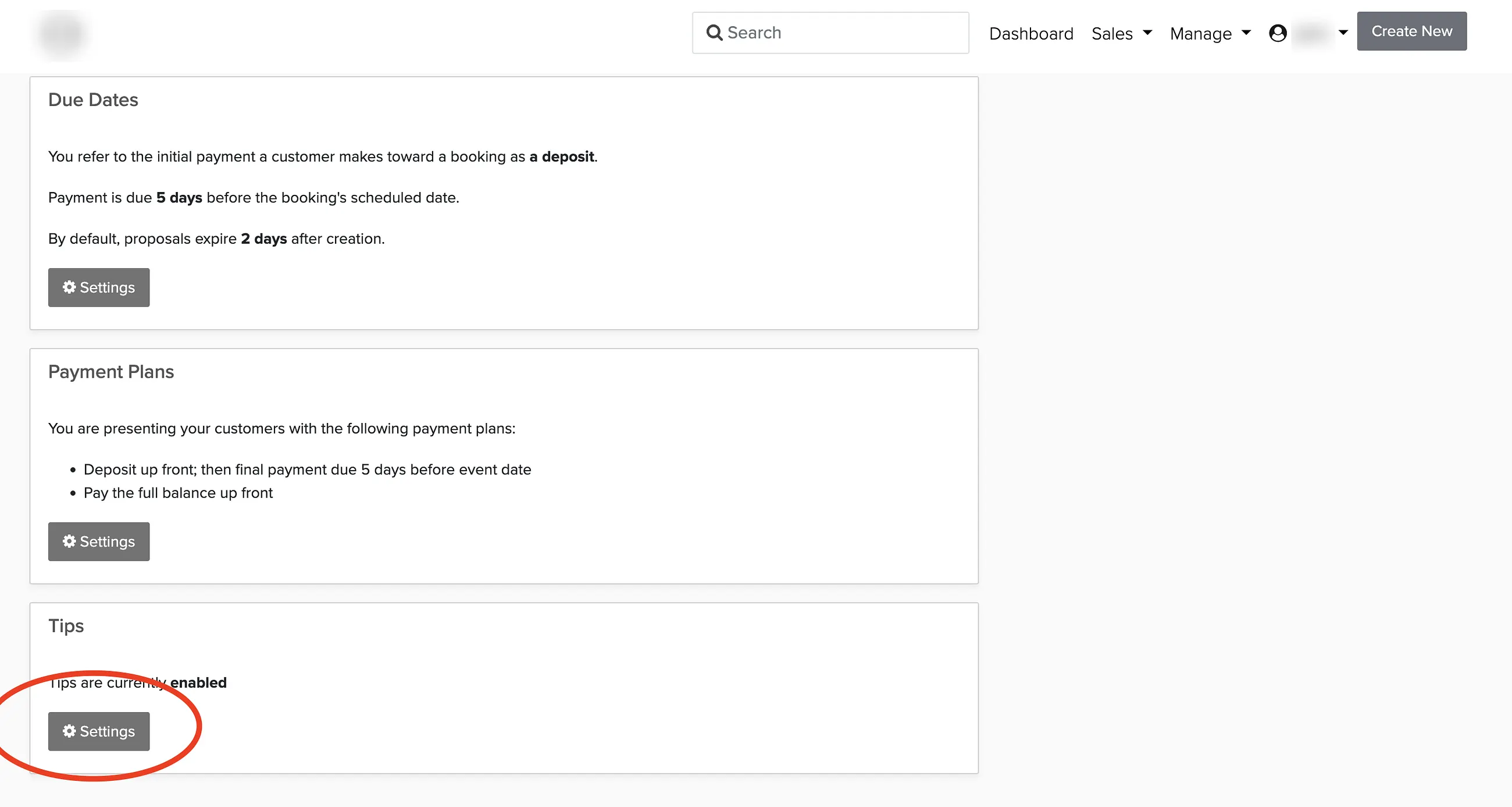
Enabling Tips
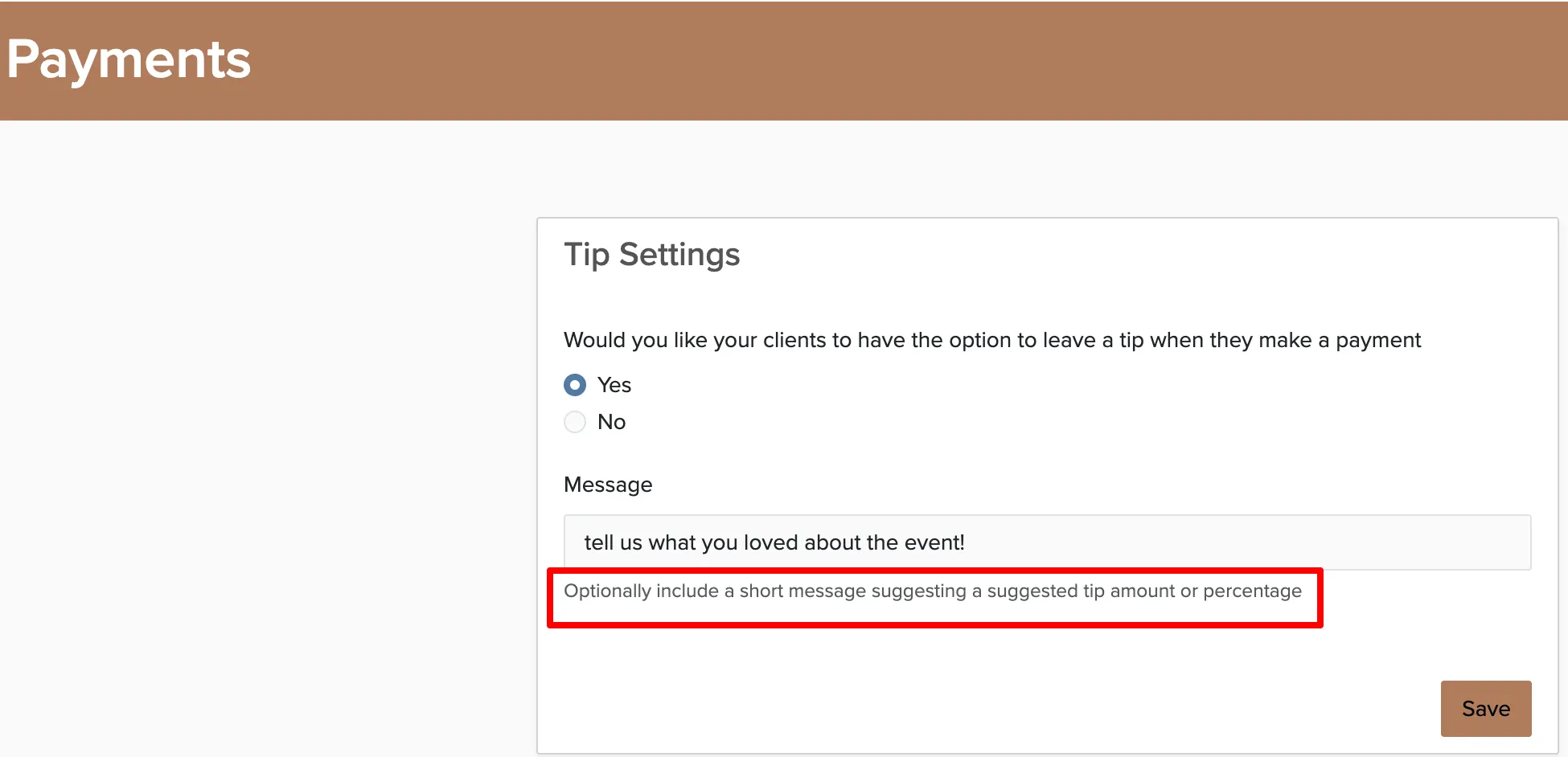
You can add a custom message that appears when clients make payments — something like "Tips are shared among our team and always appreciated!"
How Clients Add a Tip
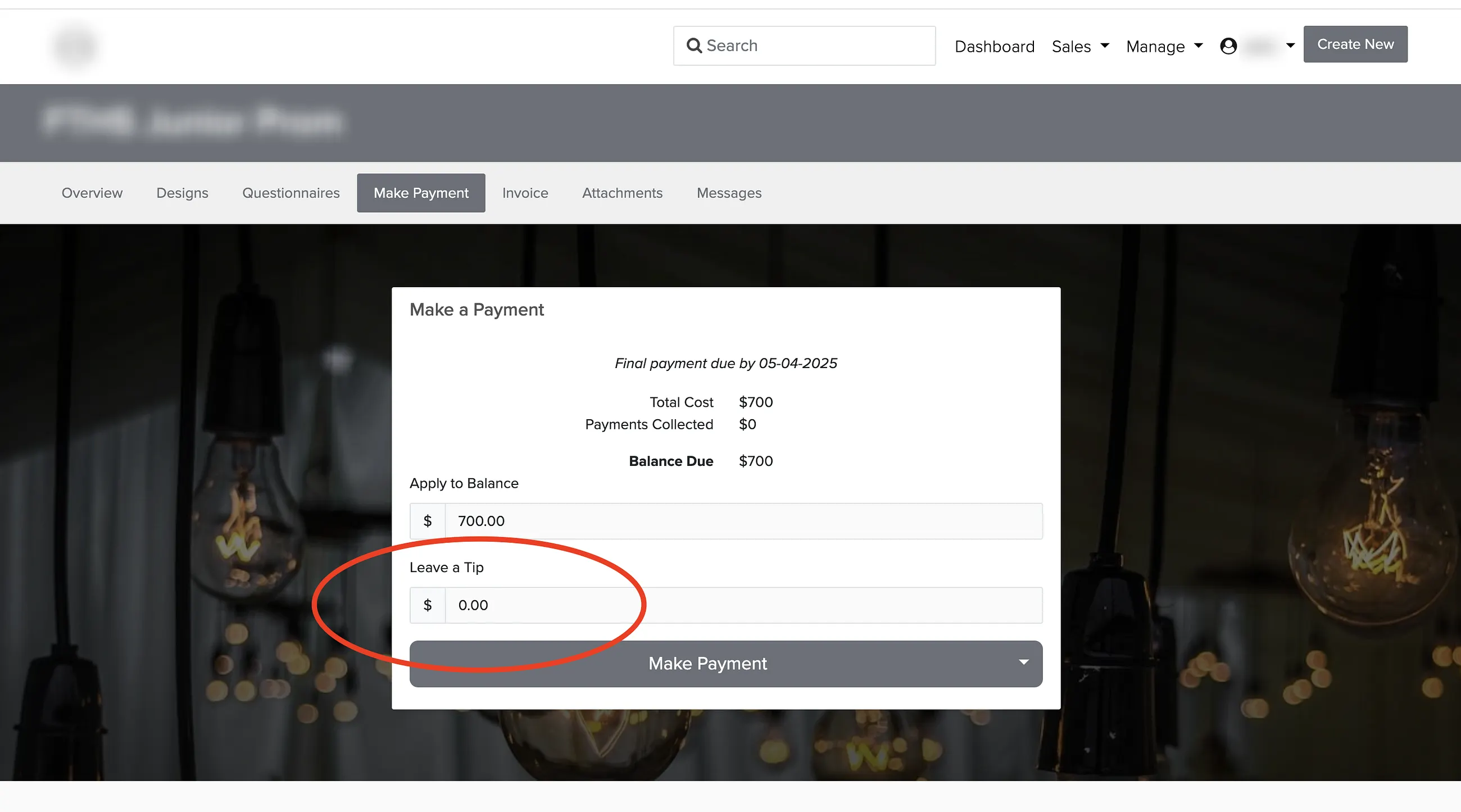
Once tips are enabled, a tip field appears on the payment page whenever a client clicks to make a payment. They can enter any amount they'd like.
Getting Notified About Tips
The easiest way to know when a tip is received is to set up an automated message:
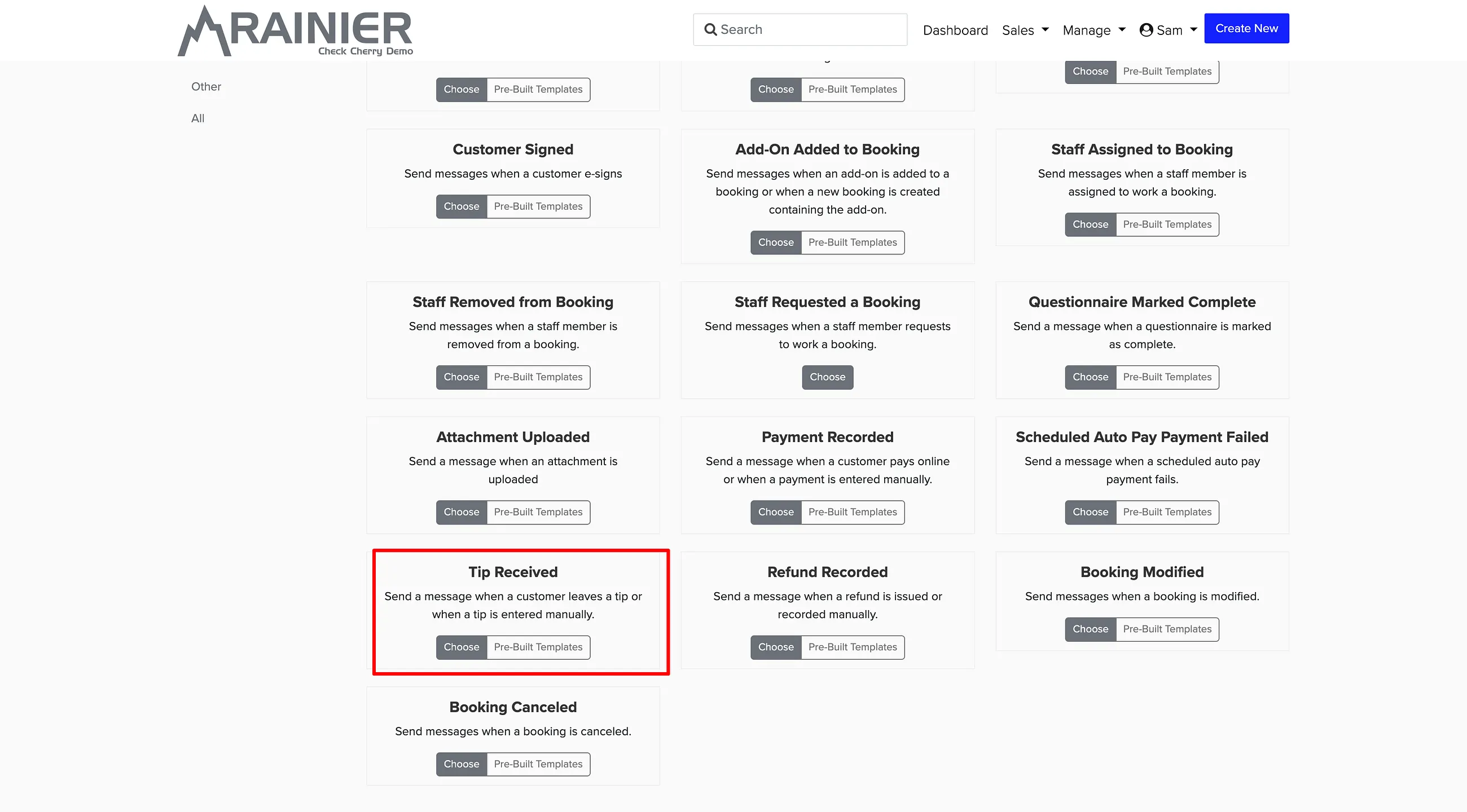
Finding Tips on a Booking
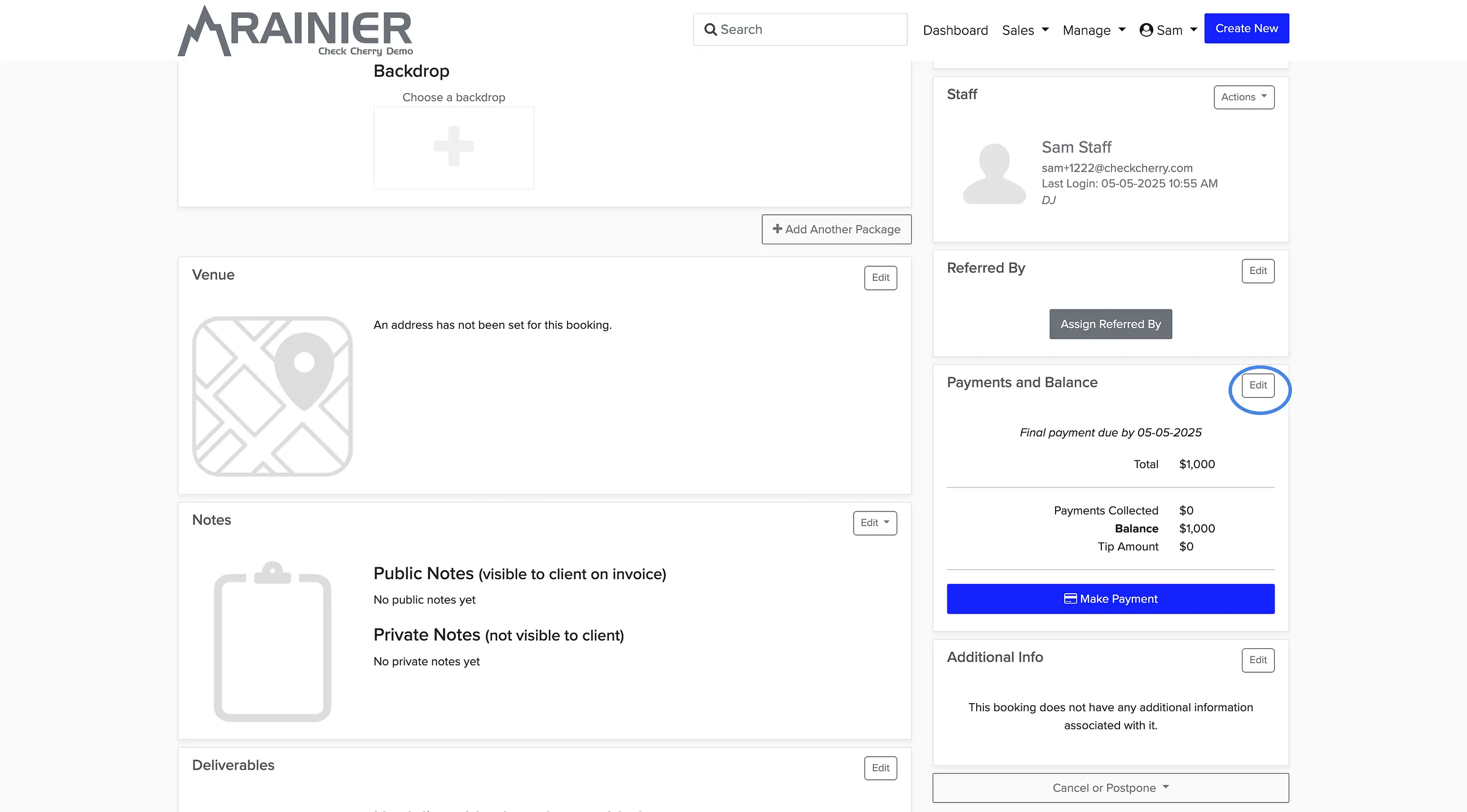
Tips appear as a separate line item in the Payment History. To see them, open the booking and click Edit on the Payments and Balance section:
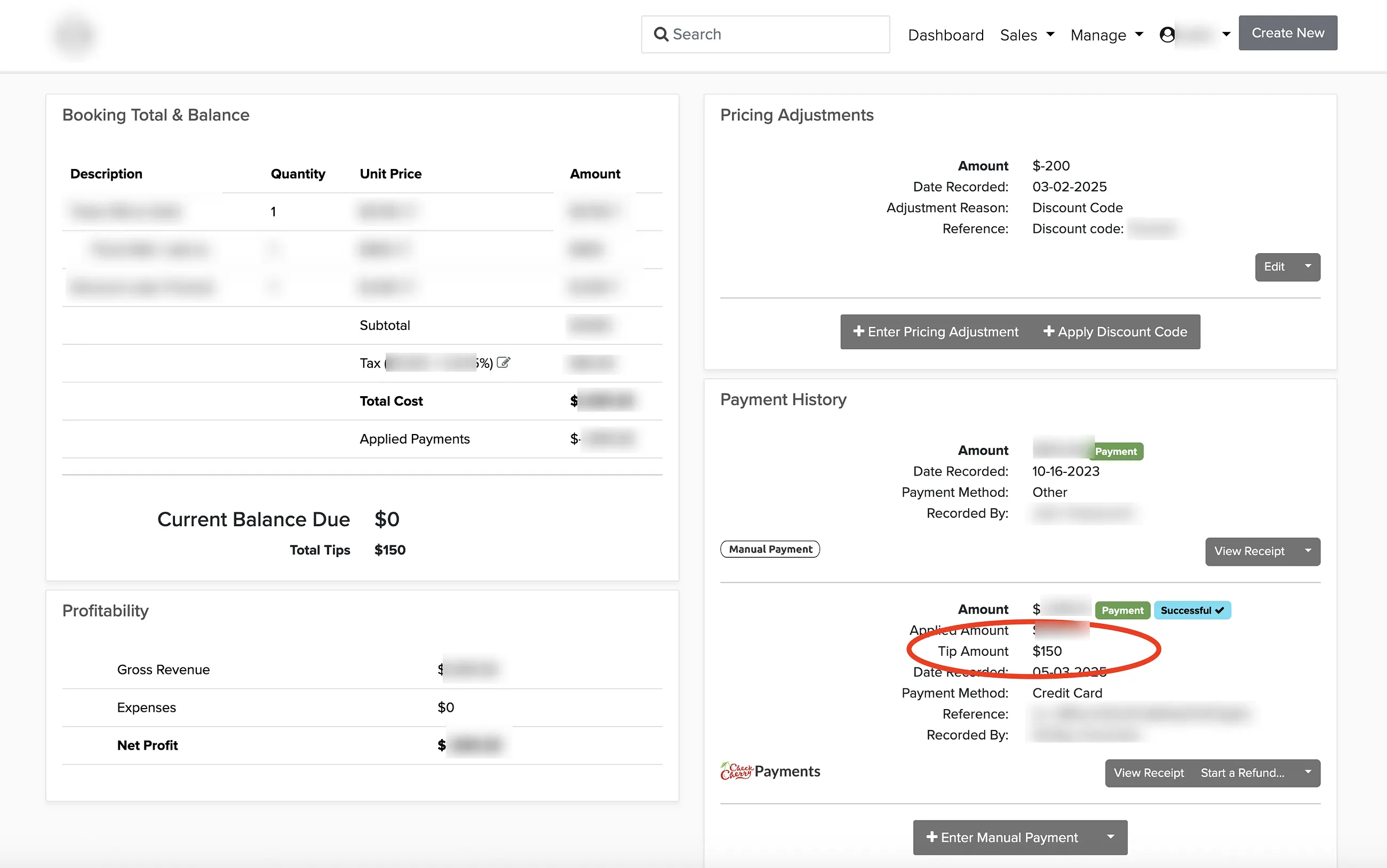
The Payment History on the right will show a separate line item for the tip if one was given:
Running a Tips Report
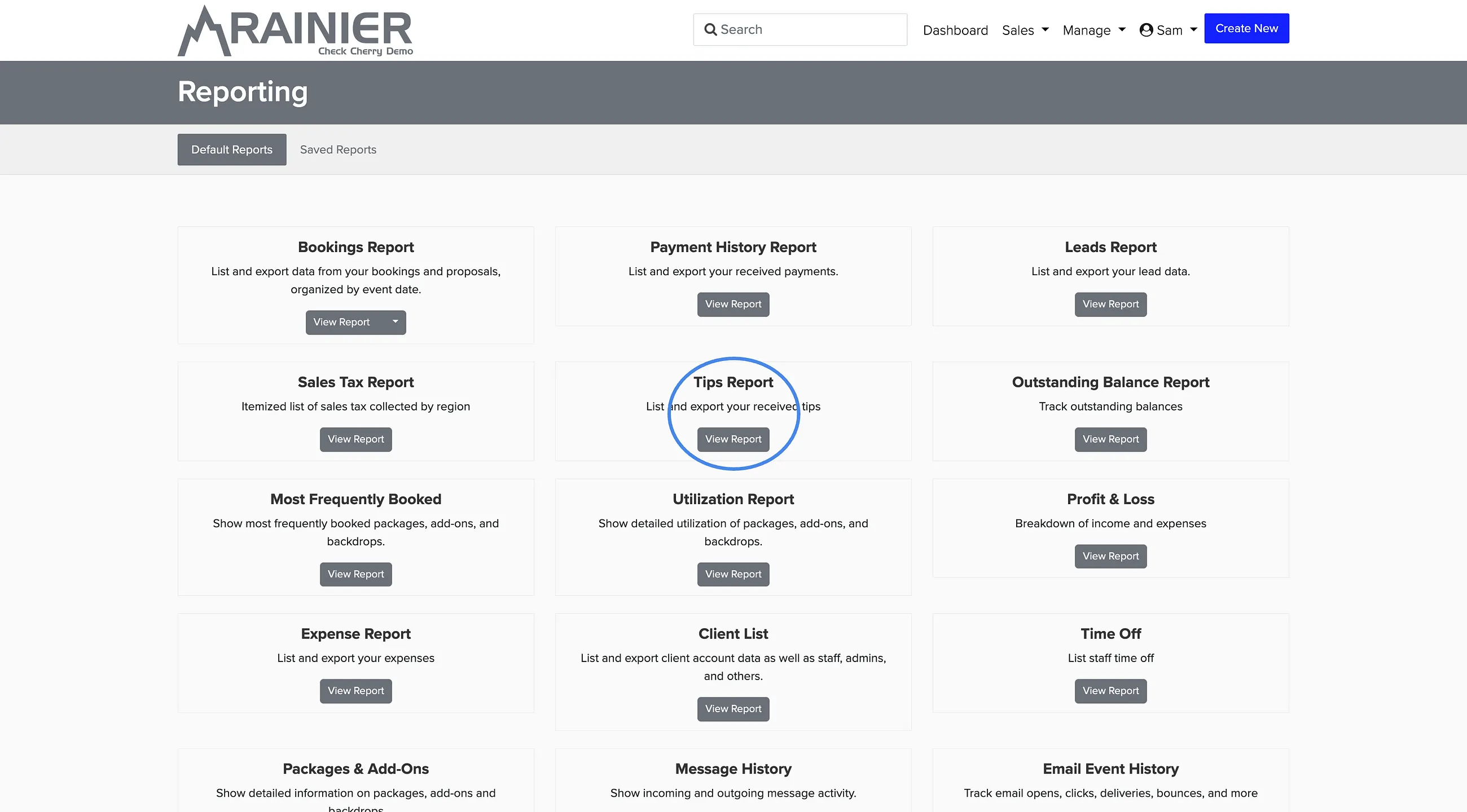
To see all tips received across your bookings, run the Tips report: