You already sell photo booth packages and clients pick a backdrop as part of booking. Now someone wants just the flower wall for a baby shower, no booth, no attendant. Check Cherry can book that, but there is one rule to know first: every booking needs a Package. Backdrops cannot be booked on their own. A backdrop-only rental is a package, usually under its own Service, that sells the backdrop.
The setup is one generic Backdrop Rental package that pulls from the same backdrop library as your booth packages. Clients pick the package, enter their date, and choose from the backdrops available that day. Availability is shared, so a backdrop can never be double-booked between a booth booking and a rental.
Setting up the rental package
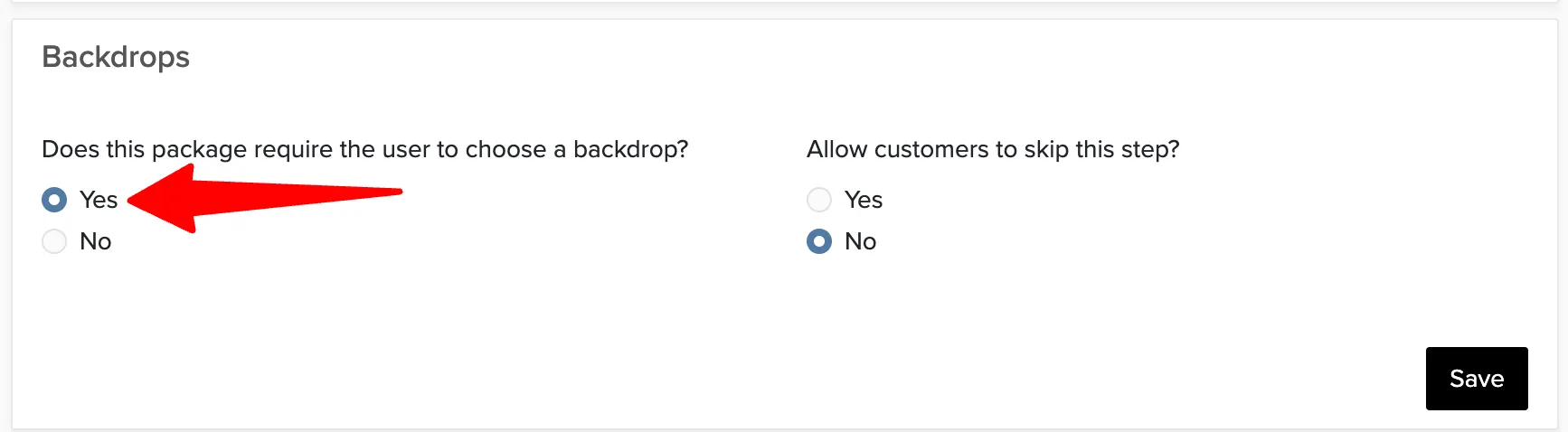
Create a Service called something like Backdrop Rental with a single package inside it, then turn on the backdrop step for that package. Clients choose the package, enter their date, and see the backdrops available on that date from the same library your photo booth packages use.
Pricing the rental
Your backdrops already have a price, and for most businesses that is the with-booth price, usually $0. Keep that. The Backdrop Rental package price is the standalone premium. Package price + backdrop price = what the client pays. The package price is set in the package's pricing settings (see adding packages). Each backdrop's price and its Include at no charge with certain packages setting are on the backdrop itself (see the Backdrop Manager).
That one rule covers the three situations we see most:
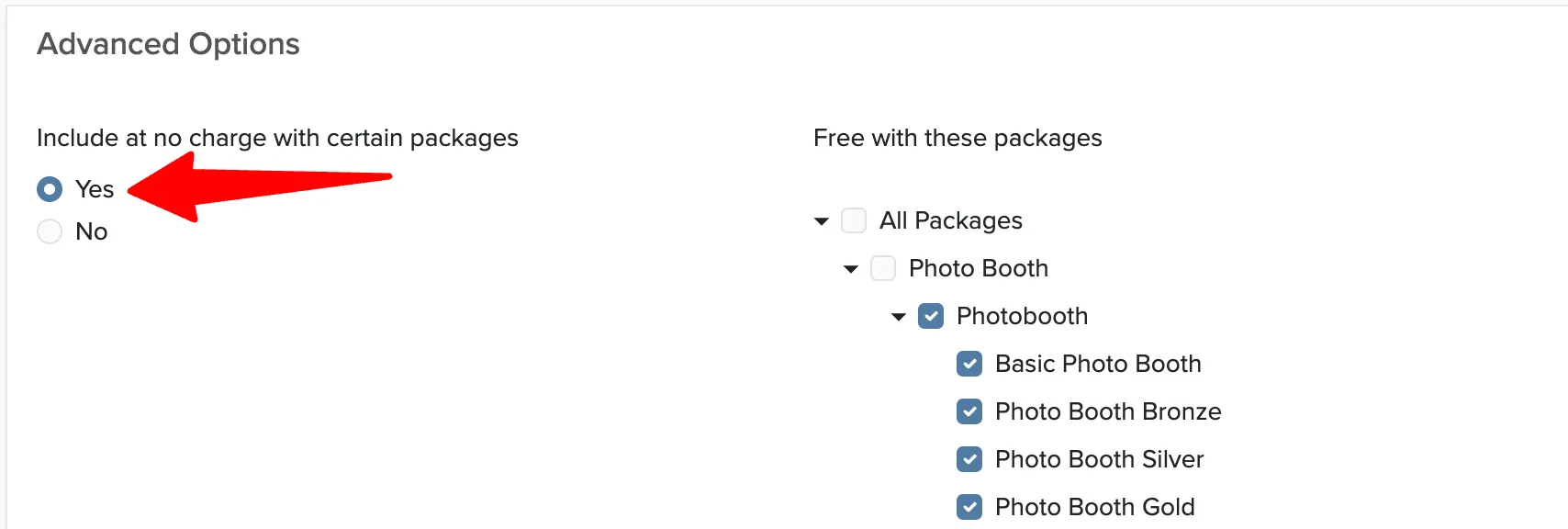
- Free with a photobooth, additional fee to book separately. Leave the backdrop price at $0 and put the full rental price on the Backdrop Rental package. If a backdrop is normally an extra fee even with a booth, keep its price and turn on Include at no charge with certain packages with your booth packages selected. Either way, photobooth clients get it free and backdrop only rental clients pay the package price.
- Smaller upcharge with a booth. Say the floral wall is $399 on its own but $349 when added to a booth. Set the backdrop price to $349 and the backdrop only rental package to $399. Booth clients see +$349, rental clients pay $399. No include-at-no-charge setting needed.
- Tiers. Cloth at one price, floral or premium at another. Either price the package at the base tier and put the difference on each premium backdrop's Price (or the category's Default Price in Backdrops), or create one rental package per tier, such as Standard Backdrop Rental and Floral Backdrop Rental, and on each backdrop use Include at no charge with certain packages with Free with these packages pointing at its tier package. The client picks the tier, then picks from the backdrops that belong to it.
Backdrop categories map naturally to tiers, so if you have not organized your backdrops yet, see organizing backdrops into categories first.
Contract, deposit, and lead time
A rental usually needs terms a photo booth booking does not: pickup and return times, who sets it up, what happens if it comes back damaged. Add these as optional terms assigned to the rental package so they only appear on rental contracts. See custom contract terms for specific packages.
The deposit and payment schedule are set per package, so a rental can take full payment up front while your booth packages keep a deposit and balance. If a backdrop has to ship to you before the event, turn on Does this backdrop require lead time? on the backdrop or its category and enter the number of days. Clients will not be able to book it inside that window.
Putting it on your website
Every Service and package has its own booking link (see getting a link to a service), so you can put a Rent a Backdrop button on your site that drops the client straight into online booking. If you want them to browse the catalog first, embed the backdrop gallery widget and link to booking from there. See embedding a backdrop gallery on your website.