Extra Categories let you offer additional selections during the booking process — things like optional color or size choices, or customization options. Unlike add-ons (which are complete services with their own pricing), extras are individual items within categories that clients can select to personalize their booking.
Creating Extra Categories
Depending on your account type, you can create 2 to 6 categories of extras. Once created, these categories will appear under your Manage menu, below the Backdrops section.
Enabling Extras on Packages
Creating extra categories is just the first step. To offer them to clients, you need to enable each category on the packages where it should appear.
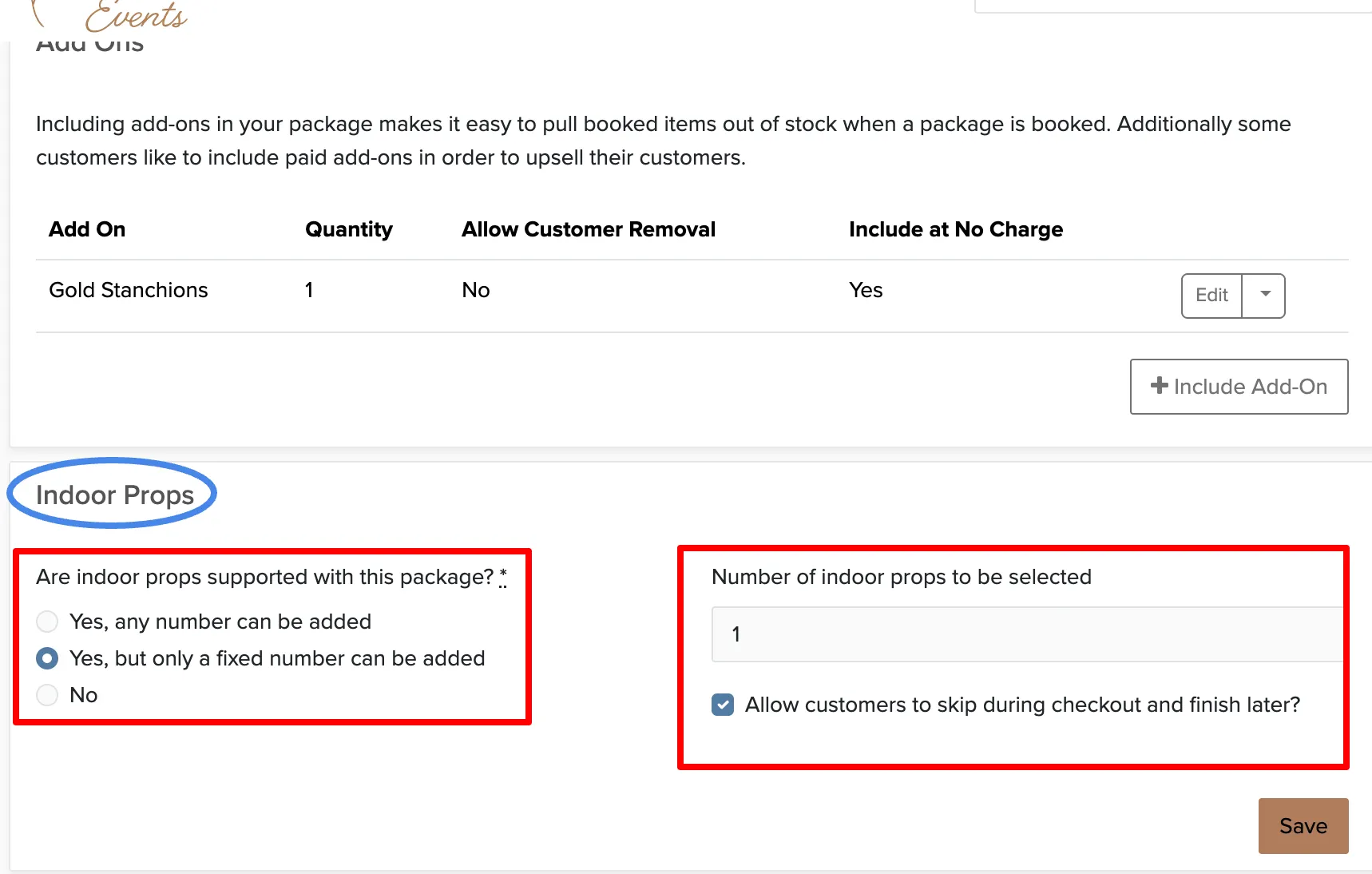
Each Category Has Its Own Settings
In a package's Advanced tab, each extra category appears as its own section. You can enable any combination of categories and customize the settings for each one independently.
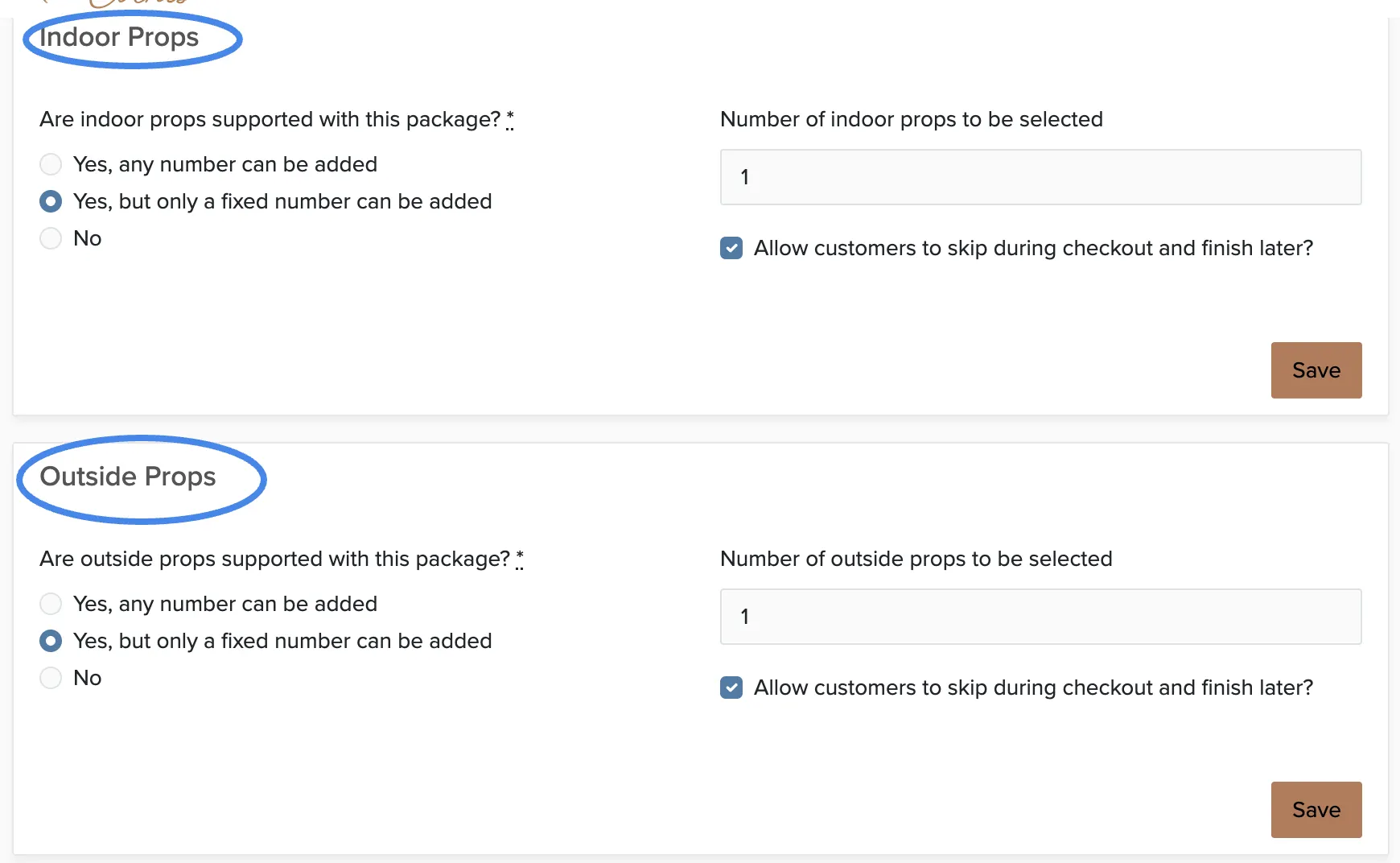
Including items at no charge
Each category on a package can include a set number of items in the package price. If a package comes with one signature cocktail, one performer, or one prop set, enter 1 and price the items normally. Clients pick the first one for free and pay the item price for each one after that. This setting is available on packages only, and it can be overridden on an individual booking under Settings.
Adding Extras to Add-Ons
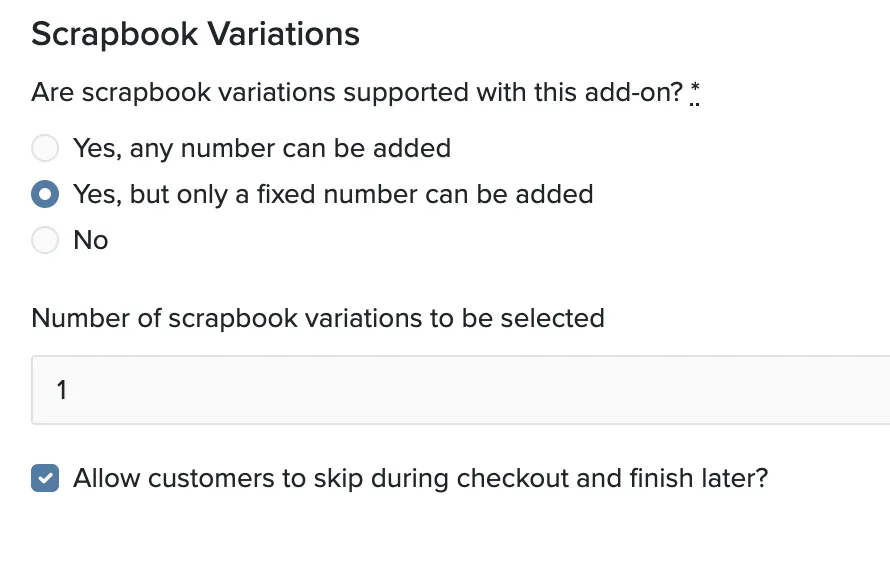
Extra categories can also be enabled on add-ons, not just packages. This lets you offer additional customization options for specific services.
What Clients See During Booking
When clients book online, they'll see available extra items after selecting their package and add-ons. Each category appears as its own section, and they can select items based on the limits you've set.
