If you collect sales tax, you need to know how much you've collected and for which regions. The Sales Tax report gives you an itemized breakdown by tax zone and date range.
Reporting → Sales Tax
Go to Sales Tax Report.
Select the Sales Tax report.
Click Customize to set your date range and other criteria.
Click Run Report to generate the breakdown.
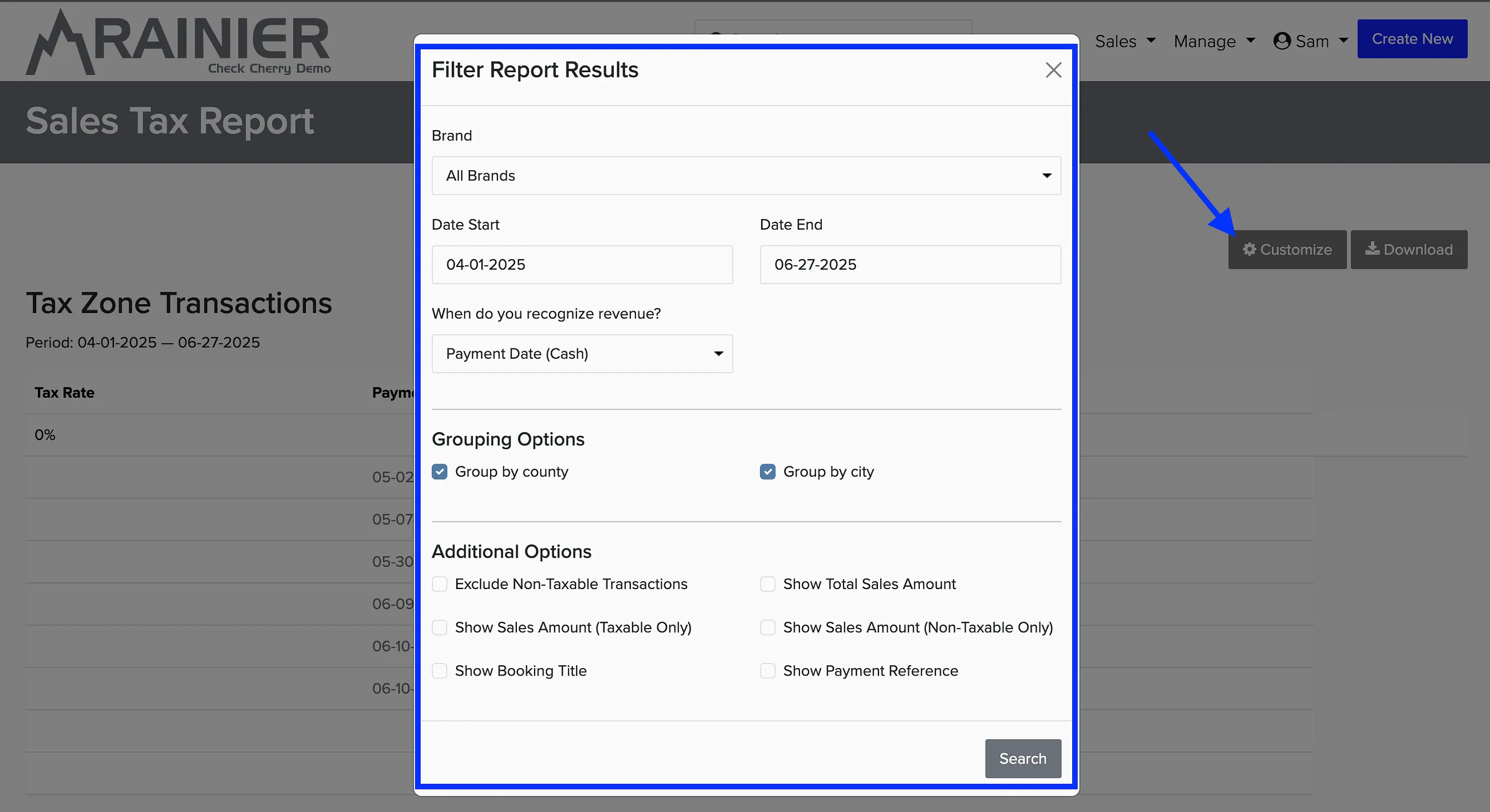
After you run the report, you can download it as a CSV file to import into a spreadsheet for your tax filing.
For setting up sales tax collection, see sales tax setup.