As an admin, you can sync your company-wide sales calendar with Google Calendar or any calendar app that supports ICS subscriptions. This is different from personal staff sync — the company calendar shows all bookings across your entire account.
Google Calendar Sync
Choosing what to send to Google
In the Sync to Google Calendar section, choose what Check Cherry sends to your Google Calendar. Confirmed Bookings and Appointments sync by default. Click More sync options to also send Proposals, Leads, Blockout Dates, or Staff Time Off.
Each type has its own dropdown — set it to sync all of that type, or leave it on Do not sync — then save.
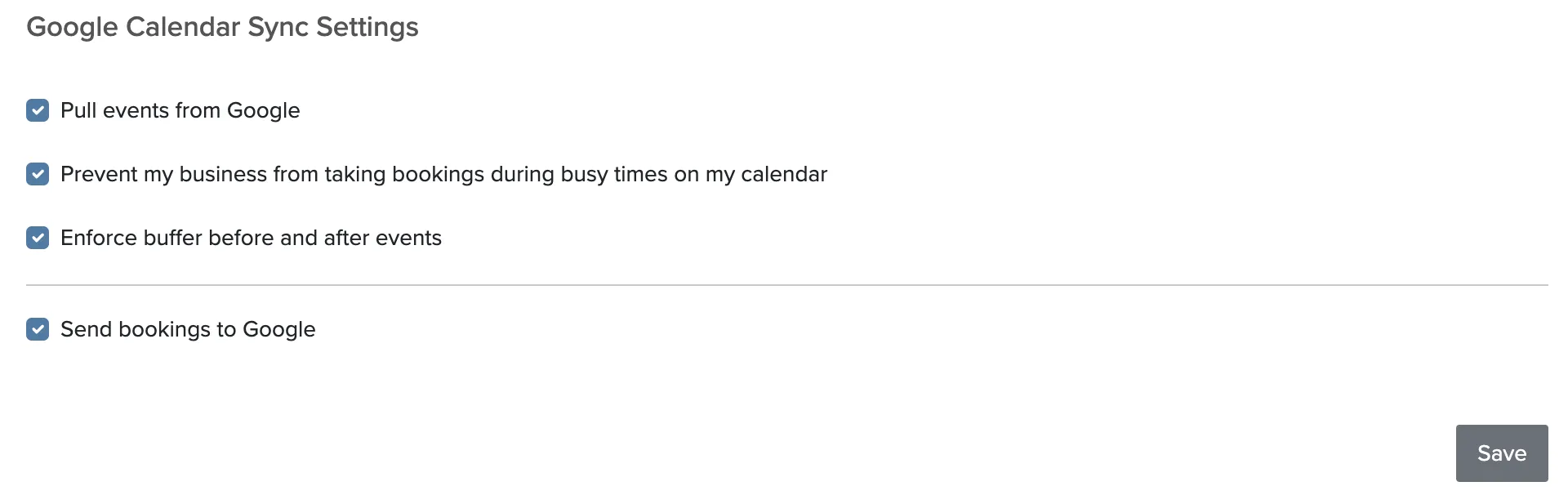
Blocking availability from Google
You can pull events from your primary Google calendar to block off availability. When enabled, any event on your Google Calendar will prevent bookings for your entire account during that time.
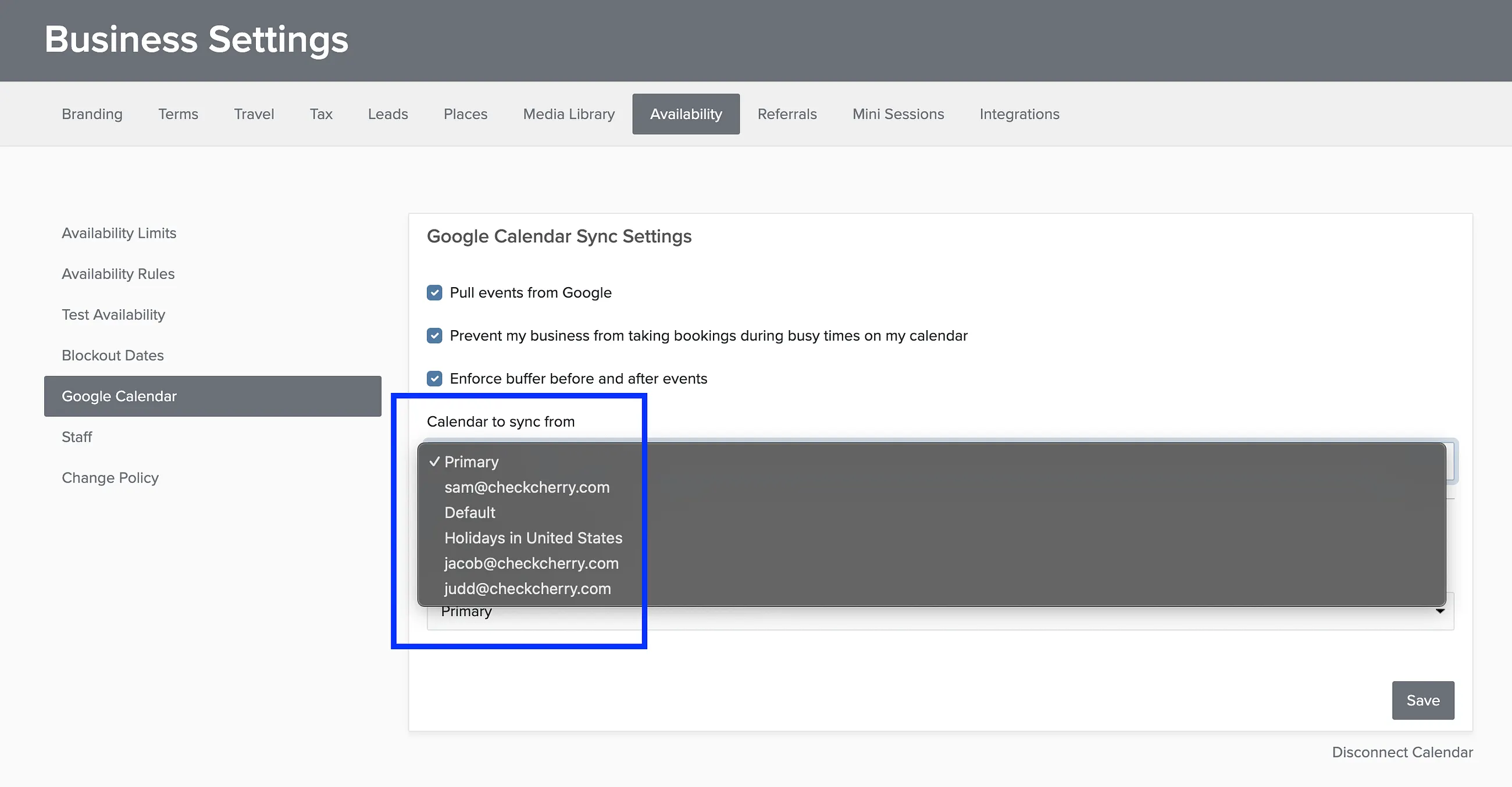
Connecting other Google calendars
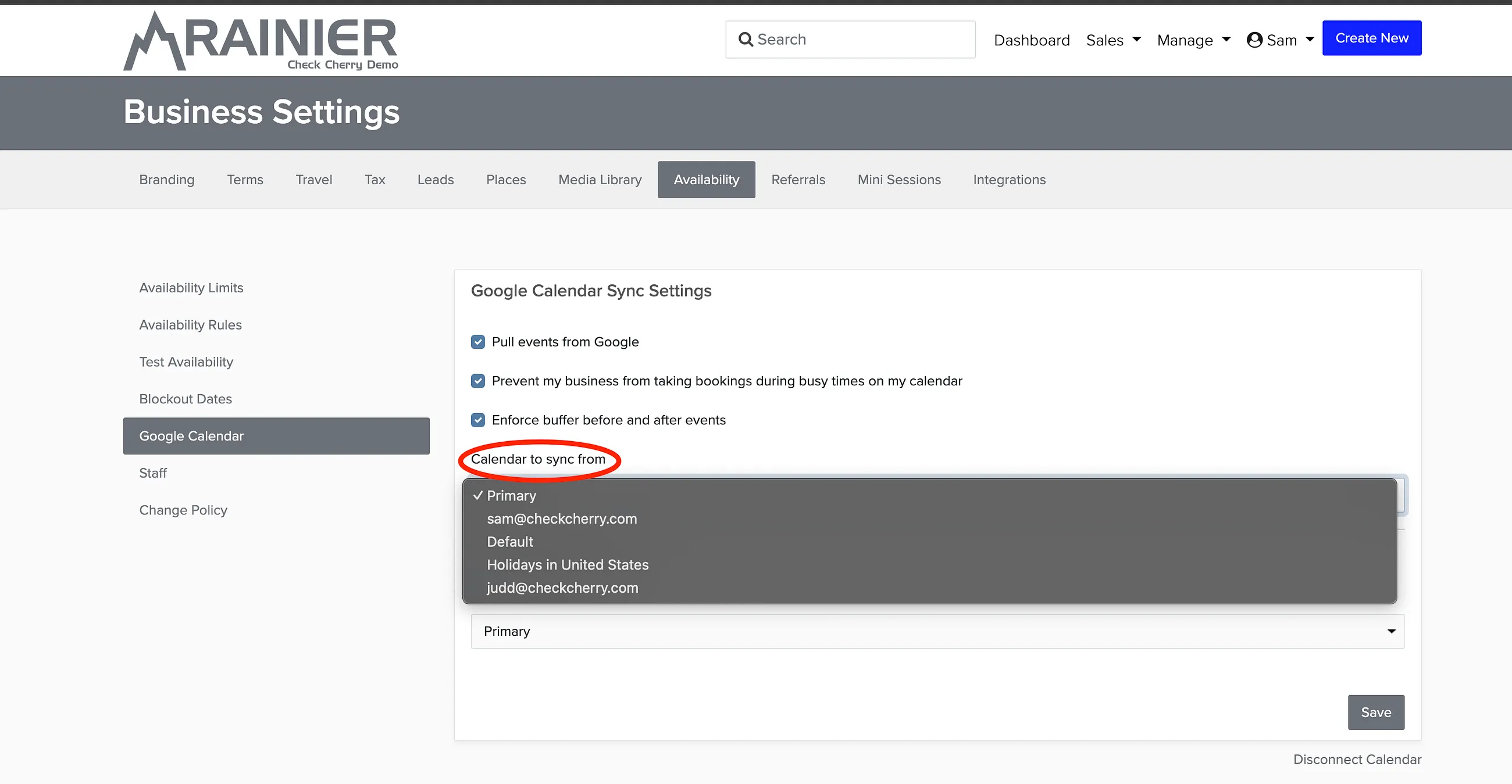
You can connect any one calendar from your Google account. When signing in, click the dropdown to choose which calendar to use.
Apple Calendar, Outlook, and Other Apps
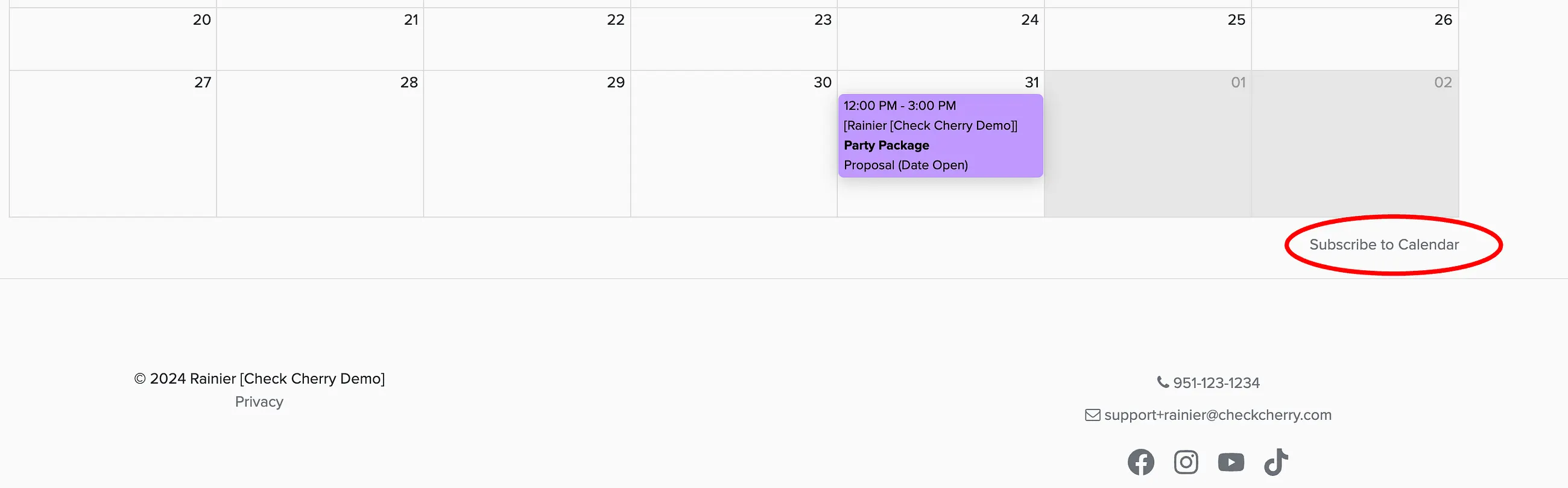
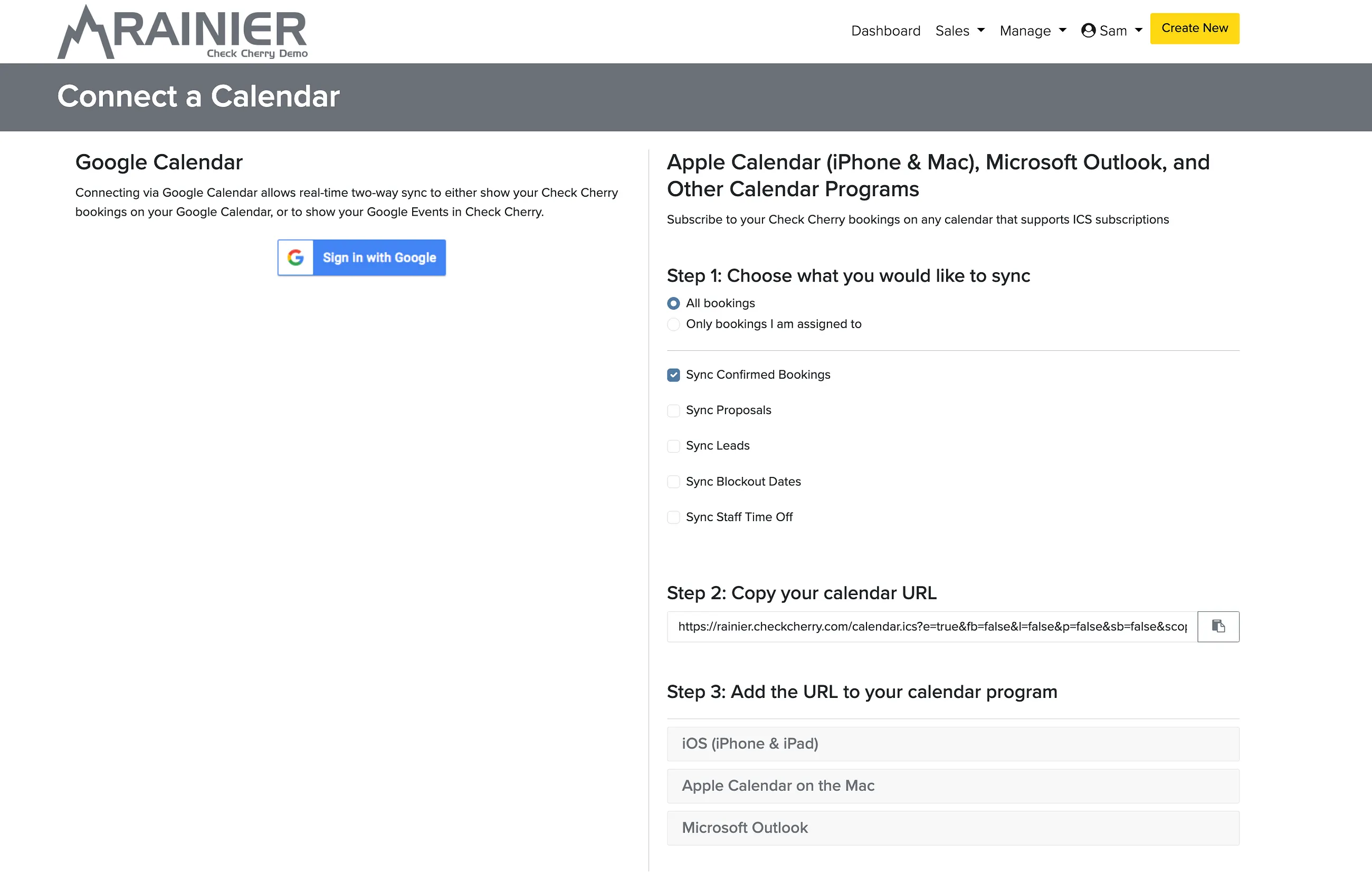
For non-Google calendars, use an ICS subscription. The subscription URL is shown on the right side of the Subscribe to Calendar section. Copy the URL and add it as a subscribed calendar in your app.
ICS subscriptions can include bookings, proposals, leads, blockout dates, and staff time off.
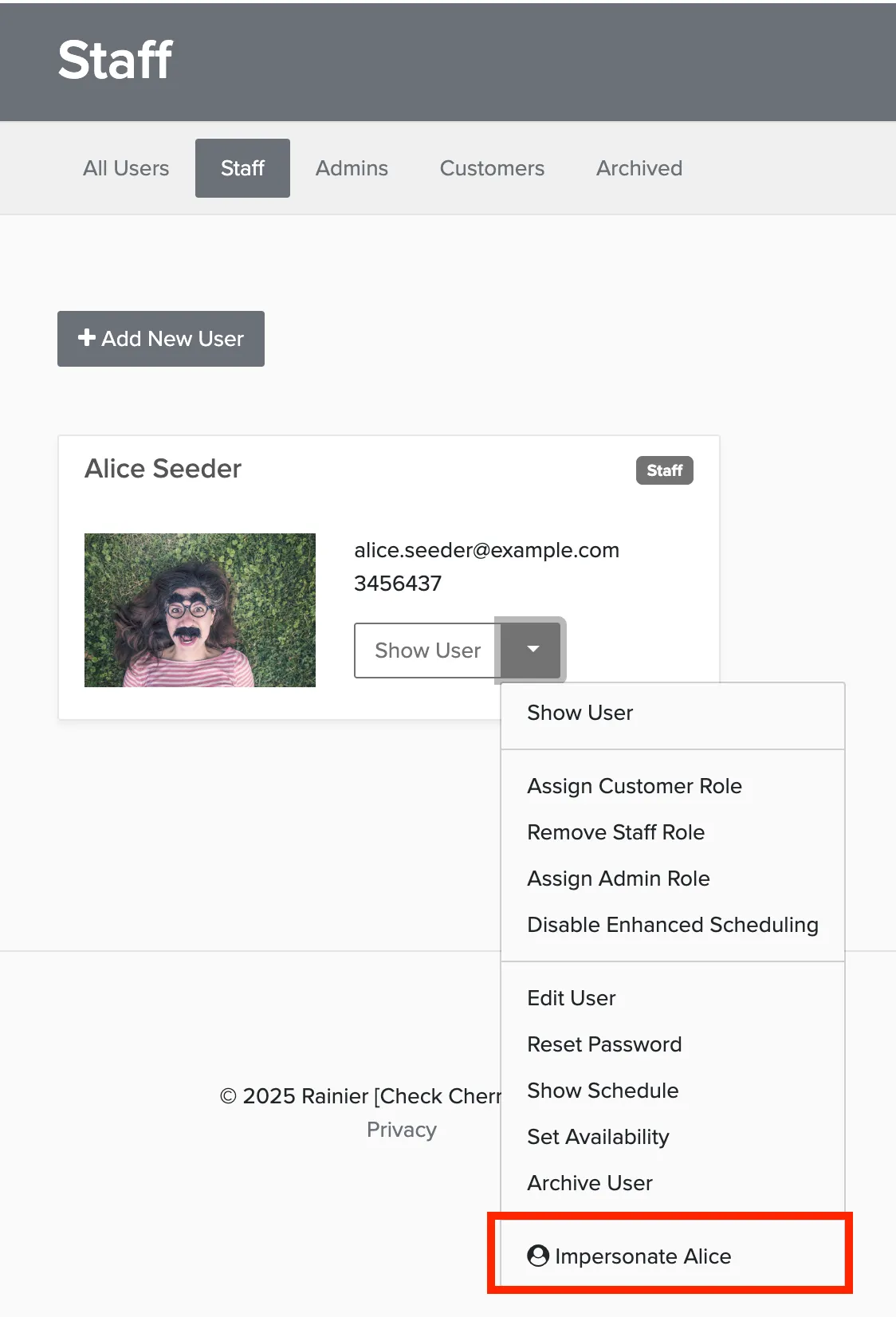
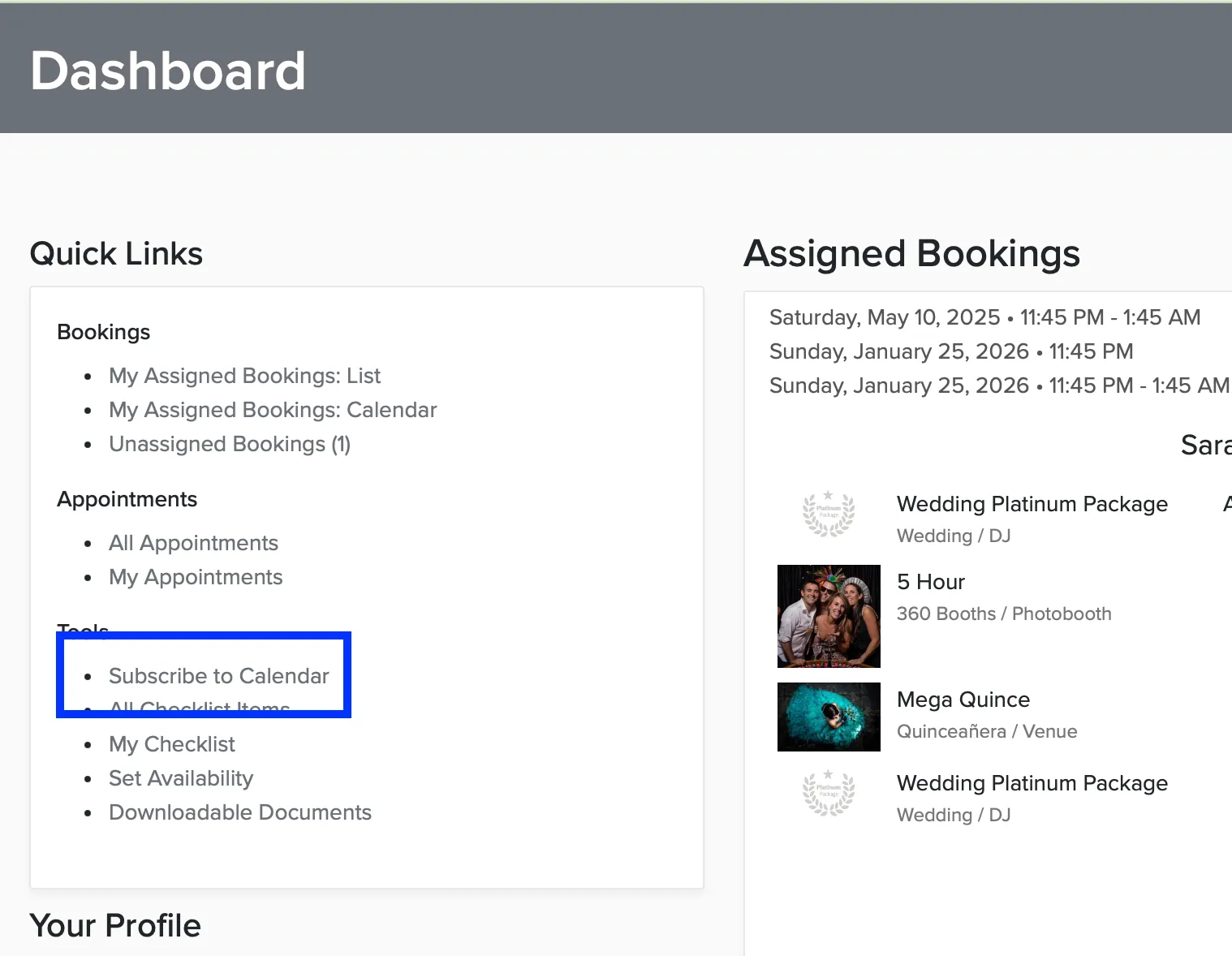
Syncing a Staff Member's Calendar
Staff don't need to log in to set up their calendar sync. As an admin, you can get their subscription link for them.